




Steele1925
Members
-
Joined
-
Last visited
Everything posted by Steele1925
-
I only notice this with some specific NPC's. Such as, the clerks at the gas stations. They will not remain in the back of the car, they just get out and leave lol. Some of the prostitutes do this too.
-
-
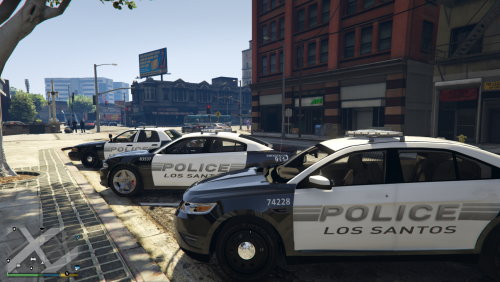 These are fantastic!!!!! Think one might be made for this model? Either way 10/10 for the pack!
- 3 comments
- 4 reviews
-
I had this issue once before. It was actually due to a Ped Skin Texture believe it or not. All I had to do was reverify the integrity of game cache for GTA V through Steam. *Disclaimer: Doing this will revert all visual mods, vehicles, pedestrians, sounds, and textures back to the vanilla GTA V. You'll need to reinstall any of those mods if you wish, but first make sure the game works without them. This will NOT mess with LSPDFR, or any Plugins/Scripts. No need to reinstall those. This will take up to 30 minutes, but generally only takes about 10 minutes. Hope this helps.
-
-
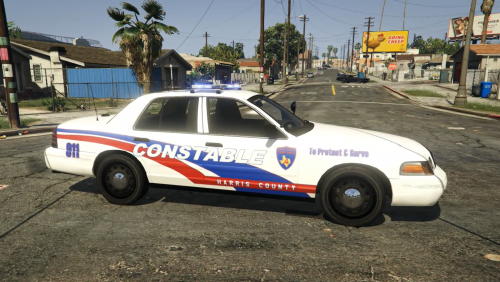 LOVE IT!!! Any chance of a Conroe, Texas CVPI, and perhaps a Tahoe version as well? Those are the two most common models here in Conroe. I'm really loving all of these Texas skins!!! Keep it up buddy
- 2 comments
- 2 reviews
-
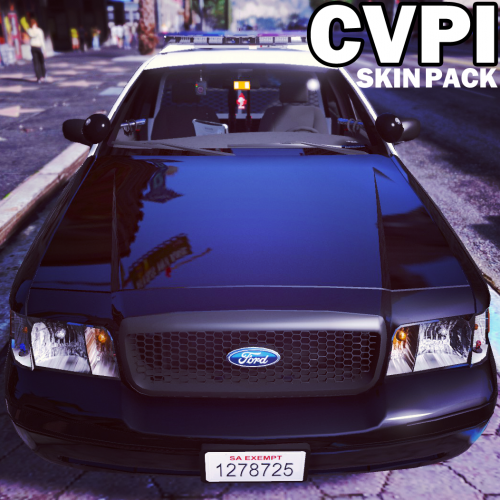 Now THIS is what I call a pack. Talk about variety!!! High quality, and plenty to choose from. 5/5, I would recommend these any day!
- 64 comments
- 18 reviews
-
-

- 1
-
-
Quick question... Any chance you might make the blue "Paleto Bay" skin just for Blaine County? What I mean is, would you mind changing the "Paleto Bay" on the skin to "Blaine County"? I love the skin, but can't bring myself to patrol the rest of Blaine County with it lol. Either way, great skins overall man, I really look forward to seeing more from you because WOW!!!
- 64 comments
- 18 reviews
-
-
- 1
-
-
I'd love to have the Watchdogs "911" operator chime in for calls on LSPDFR, rather than the Dispatcher's usual "We have a (callout here) on, uhhhhhhhhhhhhhhhhhhhhhh (location here)." Cool mod, thanks for sharing the video.
-
I too had this issue after installing some ped skins (real gangs)... I'm not sure how exactly some skins did this, but for one reason or another I had to get rid of them. I verified integrity of game cache through Steam, and this fixed my issue. This is also what Rockstar has said to do for this issue. However, you say this did nothing for you... Strange. I'll try to dig around a little further. Let me know if you get it working.
-
Sorry buddy. I did some digging around, yet was unable to find anything. I suppose you can try to make this a request here in the forums. Someone just might pick it up for you
-
If you have Steam version of GTA V. Open Steam, go to Game Library, right click GTA V, click on Properties, then Local Files, then Verify Integrity of Game Cache. This will replace all files back to vanilla, and will redownload any missing files. This will NOT mess with your LSPDFR files, or any scripts. Only files found in OpenIV (Audio/Visual), so any car mods will be replaced by the original models.
-
Well here's what I do when this happens (I'm on RPH 0.29) 1'st. Remove all plugins/scripts (except LMS.dll) 2'nd. See if LSPDFR works. If not, 3'rd. (If you have Steam version) Go to Steam library, right click on GTA V, go to Properties, then Local Files, then Verify Integrity of Game Cache. (will take up to 30 minutes, but usually about 10) This will reinstall any missing files. If you have any vehicle or audio mods, it will replace those with the original files. This will NOT remove LSPDFR, so no need to reinstall this. 4'th. Try again. If not, 5'th. Downgrade to RPH 0.29 If not, 6'th. Make sure it's not GTA that's messing up. If it is GTA, 7'th. Attempt to contact Rockstar Support, or post a new Topic here (in the GTA V section) and we'll try again.
-
-
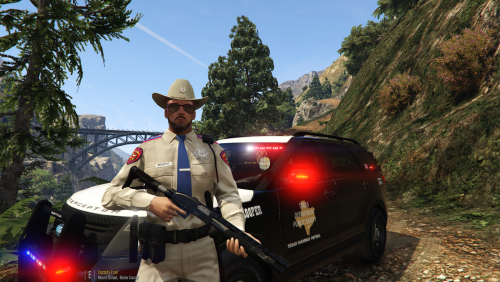 Scratch the Tahoe, I found a Texture for it. But I really like your skins bud, keep up the good work
- 18 comments
- 3 reviews
-
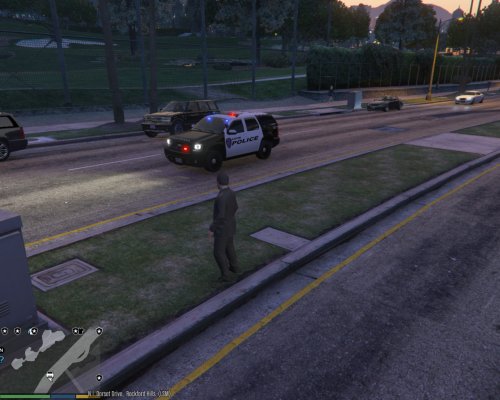
Well, my only gripe is the lightbar on the CVPI (refer to picture). But quick question, would you mind doing one for the Tahoe?
- 18 comments
- 3 reviews
-
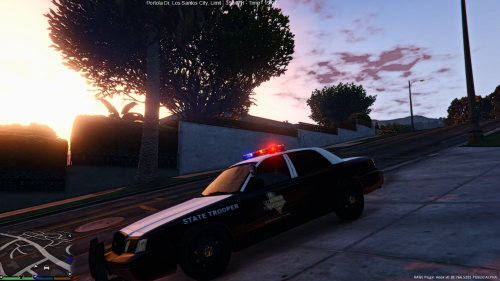 Great skin.
 -
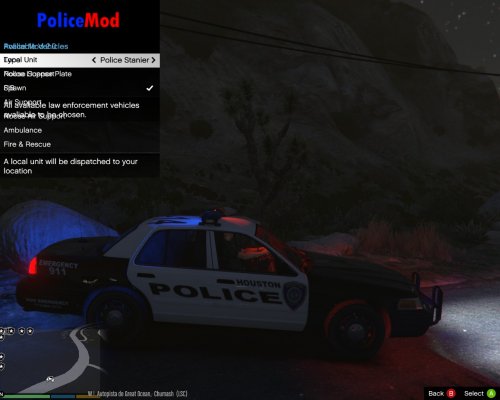
 Had to give this a 4/5, only because the front has "Houston" overlapping itself on the hood. Other than that, great skin!
 -
Ah, right you are. Thanks bud
-
If you're okay with using a modded vehicle, then you can download this CVPI http://www.lcpdfr.com/files/file/9073-unmarked-cvpi-pack/ . Make sure to choose Version 1.0, not 3.0 when you download it. V1 is all Blue, V2 and V3 are Red/Blue. EDIT: Also, if you can find a skin you like that fits this model, then put it on!!! This model supports Texture (Skin) modding. I have a Houston skin on it right now. Well, I found a Massachusetts State Police skin, that's acutally made specifically for this model if you'd like http://www.lcpdfr.com/files/file/9355-massachusetts-state-police-cvpi-skin/
-
Ooh... Sounds interesting. Also, do you mean first state as in the time period? Or do you mean as in Alphabetical order? Nevermind, let's keep it a mystery
-
 Beautiful model as always! Maybe with GTA 6 (or whatever they call it) we'll get lucky and have it based in the U.K.! You know how the GTA S.A. and GTA IV maps were two states melded together? (S.A. was California and Nevada / IV was New York and New Jersey) Well I'd love to see the next GTA map as Ireland and the U.K. That would be some great scenery, and it'd be fun to travel between the two areas, in the same way the Read Dead Redemption had the U.S. and Mexico. Just my thoughts, again, FANTASTIC model!!!
- 12 comments
- 6 reviews
-
-
- 1
-
-
After downloading their cars, your skins are also a must have
-
 Good skin, I grew up in Houston (back when the police vehicles used Blue/White instead of Black/White). I used the skin from Police.ytd on this vehicle (CVPI3) http://www.lcpdfr.com/files/file/9073-unmarked-cvpi-pack/ .
 -
Here's a couple of videos that will definitely help https://www.youtube.com/watch?v=B-u9nf8_oNk (Jeff Favignano) Installing LCPDFR and Car Mods (if you want them) https://www.youtube.com/watch?v=w5AABwnHFYE (cupowar) Installing many other mods (only if you want them). Be weary though, as installing mods other than LCPDFR could cause issues.


