


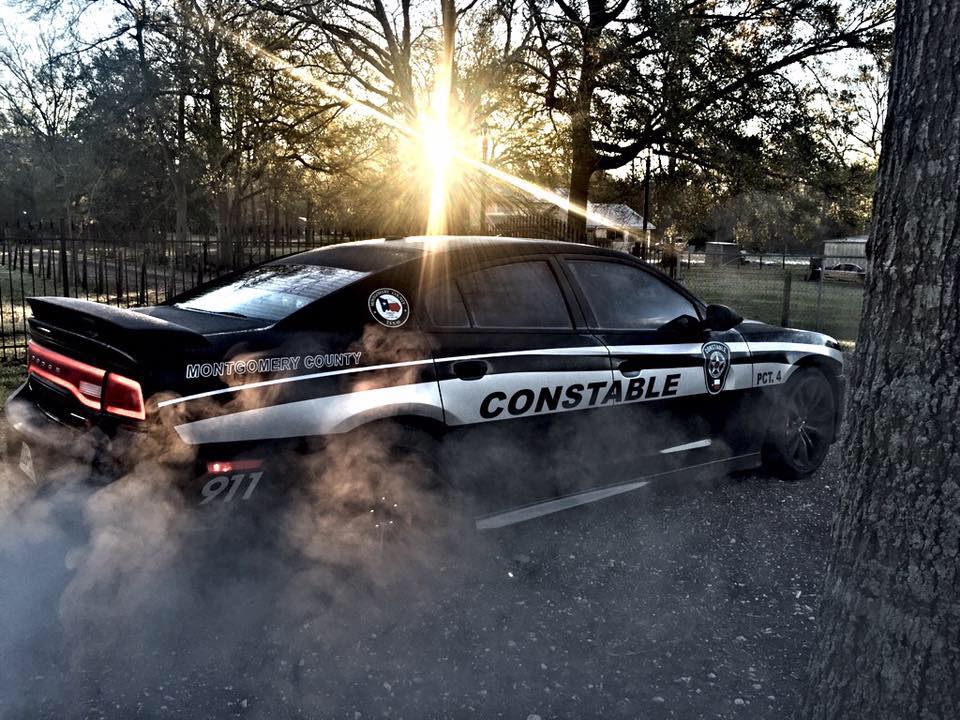

Steele1925
Members
-
Joined
-
Last visited
Everything posted by Steele1925
-
I do as Lundy suggests, however I just go to GTA V/lspdfr/backup and use Notepad++ to edit the values. I currently have all of my city backup replaced with sheriff as the vehicle and s_m_y_sheriff_01 as the ped, because I'm using a sheriff pack. I also replaced all of my State units to only use police4 instead of the bike. The reason I only edit the backup, is because these units don't ever really spawn like they did in GTA IV. They normally only appear when I call for backup. The only exception is 3 units parked on the road in Blaine County, and 2 units that spawn within a block of the Downtown Police Station. Other than that, it's only your backup units and you. It's all entirely up to you
-
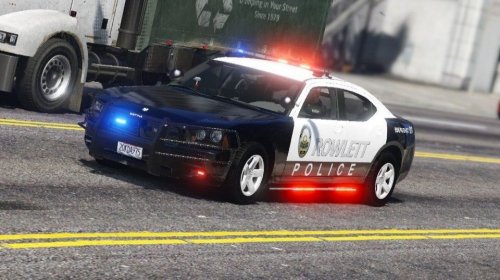 I noticed the writing on the Trunk of the CVPI is White on a Black background, though it should be Black on a White background, as seen in the image. Anywho, great textures!!!
- 3 comments
- 2 reviews
-
Hey just wondering if anyone had the time to update a skin to fit on Bugs' CVPI... Been looking around, and haven't found that anyone's done it or even suggested it yet. Thank you in advance Added both Image, and a .zip crown_sign_1.zip
-
Anything from Albo1125 is a fantastic start http://www.lcpdfr.com/profile/223301-albo1125/?do=content&type=downloads_file&change_section=1
-
.thumb.jpg.a4a34b706ab065eb1cdc7c8e75034ea3.jpg) Here we go again. Another bunch of entitled kids complaining over the hard work this man puts into EVERYTHING he releases. Honestly, if you think you could've done better, then please, show us. Great model as always Bugs, don't let the few knuckleheads get to you buddy
Here we go again. Another bunch of entitled kids complaining over the hard work this man puts into EVERYTHING he releases. Honestly, if you think you could've done better, then please, show us. Great model as always Bugs, don't let the few knuckleheads get to you buddy- 30 comments
- 28 reviews
-
-

- 5
-
-
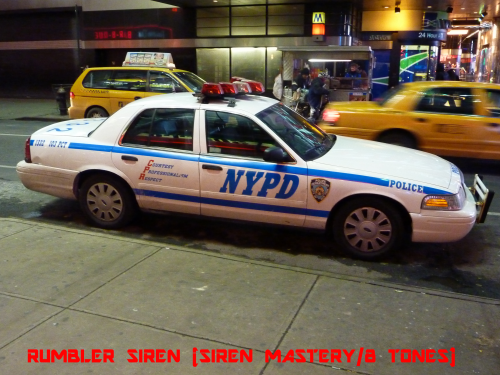 EDIT: I found the issue. Your VehicleSirenSetup.xml stars with SirenControl and ends with /SirenControl. But it's supposed to read SirenMastery instead. Renamed this, and it now works like a charm. Please update this whenever possible
- 28 comments
- 5 reviews
-
Hmm... Followed all steps above, along with directions... However, I only get the siren mod I installed previously. (Audio)
- 28 comments
- 5 reviews
-
Once more, can't thank you enough! I noticed you even fixed the spacing error on the Conroe Skin. Nice touch!
-
Wow, that was fast ha ha. Thanks buddyEDIT: Scratch that, Justice890 has decided to help. Thanks all!
 Might I ask why a large majority of people are downvoting Reviews of this mod? Prepare to downvote another soon. I'm not normally "that guy", but nobody made you download this mod. It's called "Nice Callouts". What'd you expect? Personally, I'm happy to finally have some more callouts that involve what Officers are actually dealing with, a majority of their time. Every call isn't a bank robbery or pursuit. Just some food for thought folks, if you knew you didn't like these types of callouts, why hate on the man?
- 28 comments
- 12 reviews
-
-
- 6
-
Ah, you're looking for the key to keep the lights on, but turn off the siren? When you turn your siren on with "E", or whatever you have assigned to it... Press "J" to turn off the siren, but keep the lights on. Press "J" again to turn your siren back on. Hope this helps, and happy gaming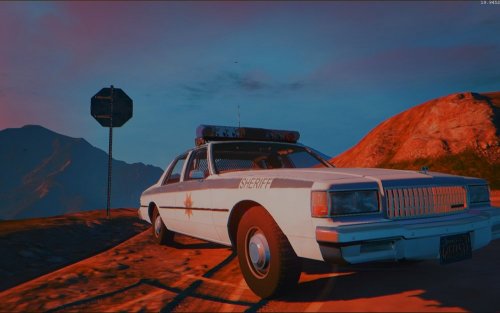 The first, and only ENB I've downloaded for GTA V. No other ENB has captured my attention, but this one sure did. I'm glad I downloaded it, and I'd be more than happy to recommend this to anyone else. 5/5
- 16 comments
- 3 reviews
I'm slightly confused with the installation... Where do the following files/folders go? *SweetFX (Folder) / Sweet.fx (file) / ReShade.fx / dgi.dll These are not in the "Place in Directory" folder, so I'm not entirely sure where they go. Sorry for the Noob question- 16 comments
- 3 reviews
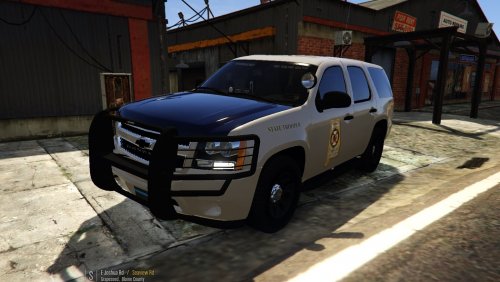 Easily ties with your Slicktop Vic (Sandy Shores). Fantastic model, lighting options (always appreciated), great lighting pattern, and several Vehicle Component options. 5/5 from me Gump, great work buddy
- 74 comments
- 23 reviews
TheSandwichStealer was arrested on multiple petty theft charges and is awaiting trial. My hillThe new Xbox sounds very promisingSo I was able to revert my Social Club to the old version after the update, but I cannot for the life of me figure out how to update my Social Club to the latest version. Rockstar's website only links me to the old version. Because of this, my game will no longer start. Any advice? EDIT: Well like a fool I didn't simply remember the basics. Verifying the Game Cache via Steam fixed the issue. However, I now have a crash upon startup (just after it RPH loads the plugins at the loading screen). I am NOT requesting support for LSPDFR here, I'll check the forums elsewhere for that. I hope this helps anyone who had the same issue.Yeah I had the same issue. From your Desktop go to Start, Search, type in regedit. From here, you'll choose HKEY_LOCAL_MACHINE / SOFTWARE / WOW6432NODE / rockstargames . Right Click on Rockstar Games Social Club folder, and select "Delete". Now, you don't need to uninstall anything, just install Social Club launcher of your choice. Hope this helps buddy.jpg.b0267535e266a9c2be00bc30759fee08.jpg) After reading what's here, I think I have a better understanding of why some Mod Creators don't release their material. I mean.. Some folks are just so damn rude (excuse my language) unappreciative, and immature. You did great Prophet
After reading what's here, I think I have a better understanding of why some Mod Creators don't release their material. I mean.. Some folks are just so damn rude (excuse my language) unappreciative, and immature. You did great Prophet Hey Albo just letting you know I sometimes get a random crash after issuing a Court Summons. I am using the faster court date option. It's a pretty rare crash, but I figured I'd leave this here. RagePluginHook.log
- 203 comments
- 29 reviews
-
-
- 1
-

.thumb.jpg.a4a34b706ab065eb1cdc7c8e75034ea3.jpg)

.jpg.b0267535e266a9c2be00bc30759fee08.jpg)
