Steele1925
Members
-
Joined
-
Last visited
Everything posted by Steele1925
-
-
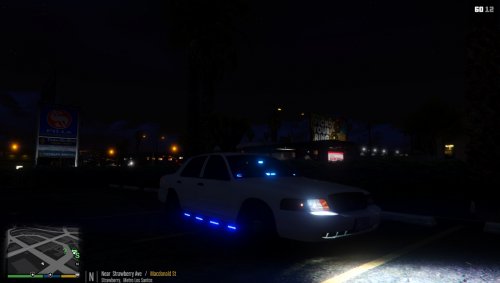 While I love the idea of this vehicle... It simply falls short of what I personally was expecting. Perhaps that's an issue of mine, but the fact that there's not any proper, or even believable, lighting pattern on this vehicle... Makes it unusable for me. Other than that, great job! I appreciate someone finally adding Side Runners (which are working flawlessly I might add). However, the non existent pattern for both the front and rear lighting, leaves the majority of the lights collectively blinking all together, rather than flashing as one would expect. Also, the lights on the interior of the vehicle are clearly a different shade all together (with or without an ENB), which again makes it unusable for me personally. Perhaps this is not the fault of the Author, but rather the limitations that we're currently stuck with when it comes to modding GTA V. I don't know, and he (Gump) still did a better job than I ever could. I applaud you for your efforts, but each of these two things knocks off a star for me, so I must painfully say, 3/5
- 40 comments
- 14 reviews
-
-

- 8
-
-
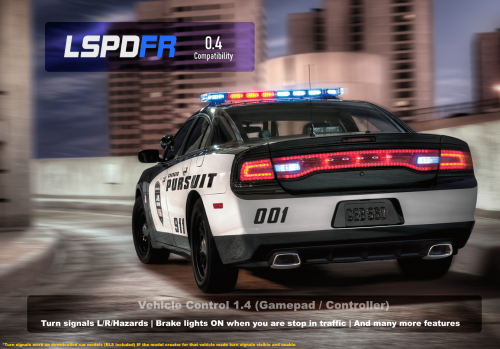 I was worried this wouldn't work properly or would be quirky or feel out of place at first. Then I tried it, and WOW I was wrong. This works so well, I'm shocked it wasn't part of the game itself. 5/5 for the smoothness, and natural feeling of the mod.
- 26 comments
- 12 reviews
-
-
- 1
-
-
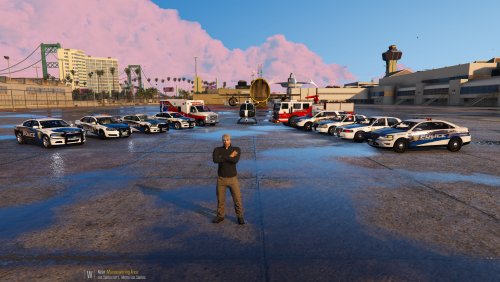 My new favorite Skin pack. Great quality, realistic and believable, and a wide variety to choose from (fits on many vehicles). Absolutely 5/5 any day.
- 29 comments
- 18 reviews
-
-
- 1
-
-
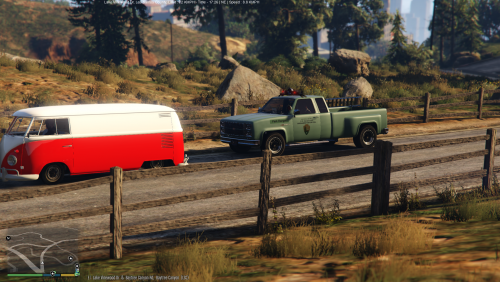 Wow this looks great!!!
 -
Please add Albo to the dev team
-
The situation is being handled by Jeff as we speak ;)
-
-
Oh okay, I get what you guys are saying.. Well then I'm with you.
-
I'm confused. Most of this already happens for me. I never know what to expect during traffic stops. I've had several suspects immediately open fire on me either once I got out, or once I approached the window. I've had them run from me at several different points in my stops. Sometimes before or after an ID check. So...... Yeah. Maybe a pursuit % chance would help. One in which we could turn from... Let's say 0 (for no pursuits ever) to 5 (for a pursuit every time). Something like that to personalize the experience.
-
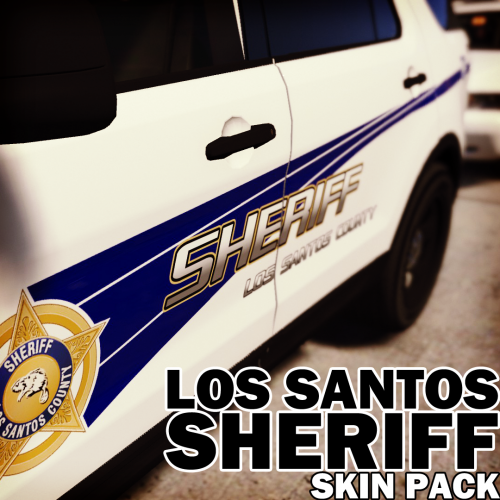 Just as with the other packs, these skins are both high quality and believable. Every time one is released I say "No way this one can be topped". Then, another pack is released, and here I am again, in shock, and awe. 5/5, great work!!!
- 15 comments
- 5 reviews
-
-
- 1
-
-
-
-
 Quick question here... Would it be possible for me to add 2 liveries to this vehicle? At the moment, I can't seem to find a way, as there's only 1 place to put a skin. Just curious, sometimes I like to switch between unmarked and marked.
- 208 comments
- 59 reviews
-
-
Bugs says to download it to a mods folder. The instructions are on the same page as the vehicle under "Installation".
-
Here's the model. Now, make sure you follow his directions exactly, or the model won't work as intended. EDIT: Also, make sure your PostFX and Shader Quality are turned up to Very High or above in your game's graphics options.
-
Closest I could find was x64a / Data... It's carvariations.ymt , though I'm not sure if this will help any.
-
Are you asking the location of the sheriff files in OpenIV? Or are you asking where to find a sheriff skin mod? Sheriff files are located in OpenIV under update / x64 / dlcpacks / patchday3ng / dlc.rpf / x64 / levels / gta5 / vehicles.rpf
-
-
-
If you mean in "Open IV", the Police Stainer is called "police" and is located in x64e / levels / gta 5/ vehicles.rpf
-
I only notice this with some specific NPC's. Such as, the clerks at the gas stations. They will not remain in the back of the car, they just get out and leave lol. Some of the prostitutes do this too.
-
-
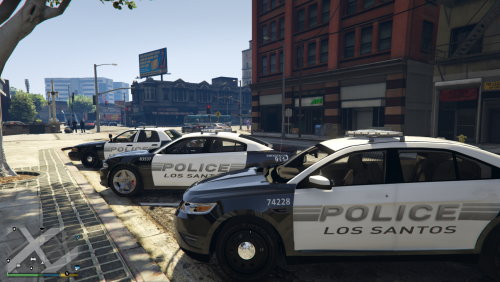 These are fantastic!!!!! Think one might be made for this model? Either way 10/10 for the pack!
- 3 comments
- 4 reviews