
Cj24
Members
-
Joined
-
Last visited
Everything posted by Cj24
-
From the album: Cj24's pics
-
The wheel does not support L2s, as I mentioned before you need to add them for example to the chassis_L2. It's also not a good idea to add L2s for every single part, as they should be very low poly. It's a lot easier to use only one single mesh. You could for example just take the chassis_L2 of some default car or other unlocked CVPIs.
-
Look at this thread, it explains LODs: http://forum.zmodeler2.com/viewtopic.php?f=11&t=5577. The chassis_L2 is a low poly version of the whole model, including the wheels, just take a look at a default model. If you don't have a proper L2 model, the game loads the L1 without wheels. That looks bad and can cause performance problems.
-
You need a chassis_L2.
-
From the album: Cj24's pics
-
Simply impossible, since all models are different. You need different templates. Everybody has his own preference when it comes to models. Some care about poly count, some about quality. You're hardly able to combine both.
-
Removing LODs as a measure against GADs sounds like a bad idea if 99% of all modders can't do it properly either. L1s are NOT copies of L0s, that ruins the whole purpose of LODs. Read this thread, it explains why you need LODs: http://forum.zmodeler2.com/viewtopic.php?f=11&t=5577 Issues with bouncing models are often caused by incorrect wft or chassis dummies. It also happens if you export a model using a different name as your .wft dummy has, a very common mistake for beginners. Incorrect or missing LODs won't cause it. It's also possible that the unlocked model is buggy itself, fixing it would probably take more time then.
-
-
-
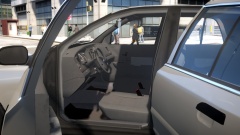 There are some, I'm adding one made by Grimm currently.
 -
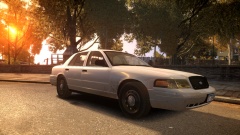
From the album: Cj24's pics
Full album: http://imgur.com/a/mycDn -
From the album: Cj24's pics
Full album: http://imgur.com/a/mycDn -
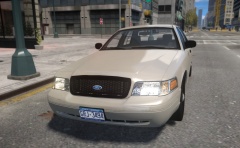
From the album: Cj24's pics
I'm finally happy with the brightness of the corner lights, not too bright at day but clearly visible at night. If there's enough interest, I'll release the update. Even though the whole interior now has HQ parts, the file size is still below 1 MB. More images: Spoiler -
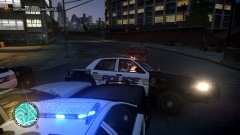
From the album: Cj24's pics
I believe LCPD misunderstood the concept of agressive tactics in a pursuit. And yes, they actually did manage to flip my car. -
-
I have no clue what caused them. In 1.0d, I haven't had a single one though, with older versions I couldn't play for more than 15 minutes usually. It's the typical issue with GTA IV errors, no matter whether it's SMPA60, SMPA30, RESC10 or RC20 - There're possible presumptions but nobody knows the actual cause. It seems like I'm lucky with my current installation as it works quite well.
-
I also got SMPA60 errors without using any car mods, LCPDFR itself definitly can cause them. I played 1.0d about 4 hours now, with and without ELS, and I didn't have one single crash (sessions mostly around 50-60 minutes). In older versions, I had lots of SMPA60 errors in the normal IV, these don't seem to happen anymore. In EFLC I still get texture loss, though.
-
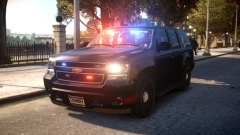
From the album: Cj24's pics
-
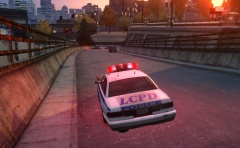 Different shaders for paint1 and paint2 materials. Looks normal on fully mapped vehicles. I wanted to see how long I can last without crash, and so far it works fine with and without ELS.
 -
-
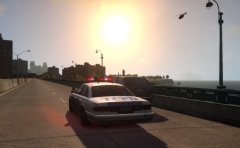
From the album: Cj24's pics
I'm finally able to play LCPDFR for hours without crashing or texture loss. -
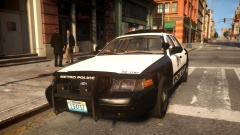
From the album: Cj24's pics
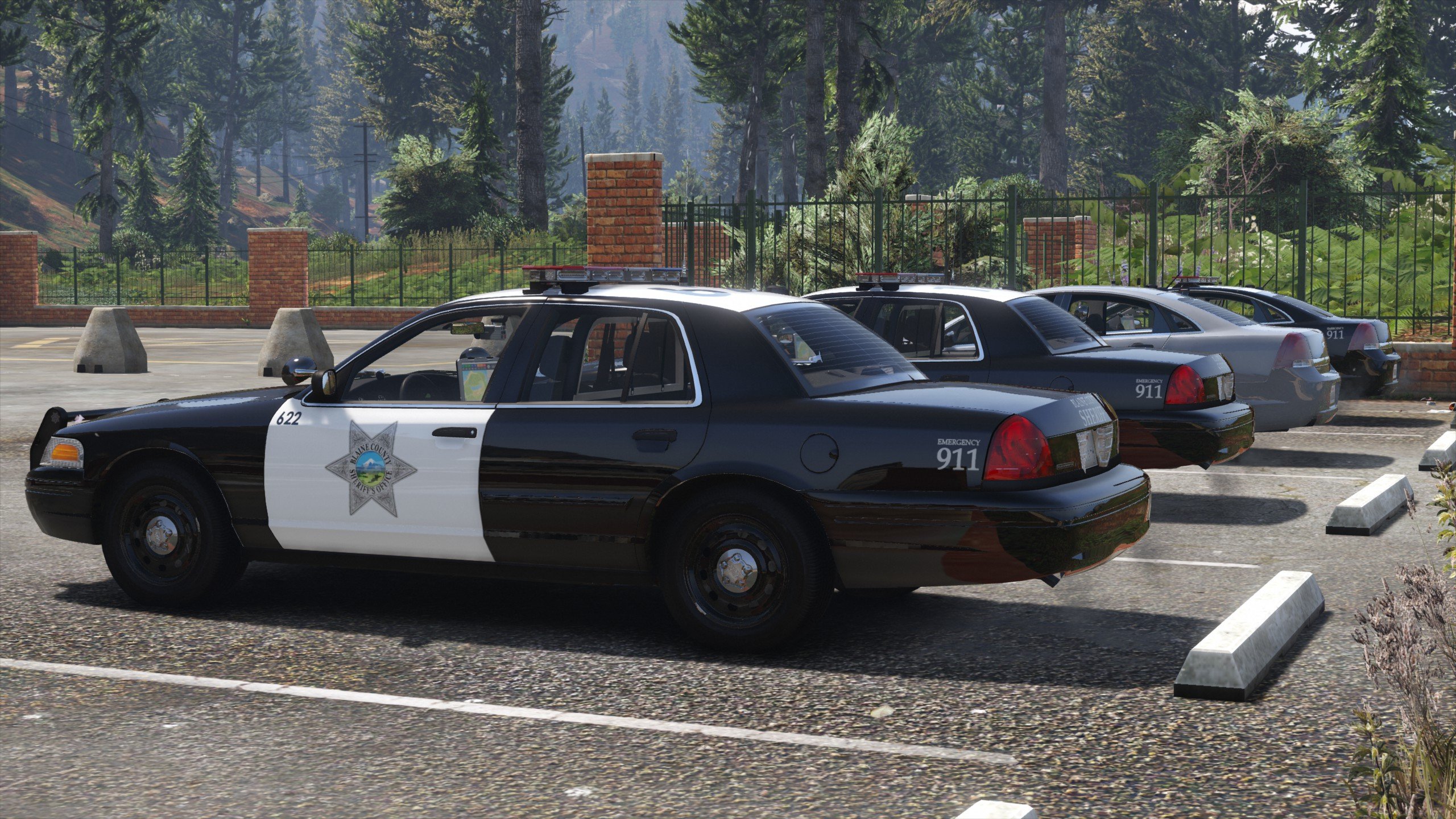
Updated CVPI model: New interior, grill, dirtmap and headlights. -
From the album: Cj24's pics
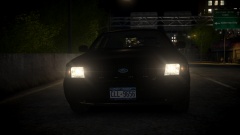
Decided to continue to work on the Crown Vic conversion. So far new dirtmap, new headlights, and improved interior. -
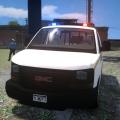
An unlocked 2003+ GMC Savana with inmate transport equipment. Additional Notes The model is unlocked. Editing it is allowed but fair Credits are expected. The vehicle generic textures are required, they can be found inside vehshare.wtd in GTAIVpcmodelscdimagesvehicles.img. Files included - pstockade.wtd - pstockade.wft - Textures - Templates - Readme - Pictures Terms of use You may modify this modification and redisitribute your edited work provided that correct credits are given. You may not use any of the work included in this archive for your own financial gain or redistribute so-called "unlocked" versions of this modification unless you provide a link to the original download.
- 12 comments
- 8 reviews
-
 For those who downloaded V1.0, please download the file again. There were (probably obvious) issues with missing textures, this has been fixed in V1.1.
- 9 comments
- 6 reviews
-
-

- 3
-