




Illusionyary
Members
-
Joined
-
Last visited
Everything posted by Illusionyary
-
Buy the game. Piracy is not supported on LCPDFR.com. If you feel this topic has been closed in error, please report this post.
-
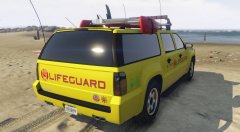
From the album: GTA V Illusions
-
By using this trainer: http://gtaforums.com/topic/796908-ivrel-simple-trainer-for-gtav/ As far as I can tell though, you can't actually colour the rims, so you're stuck with the default alloys.
-
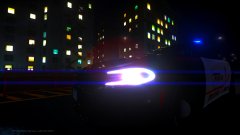 Highbeams of death.
 -
This isn't an "issue" per say, it's a feature of the car. All the lights are meant to turn on as this is accurate to the vehicle's real life counterpart. To change it to use all three light stages though, all you have to do is change LstgActivationType from "jump" to "default".
-
I'm almost positive that it's a Federal Signal siren. Either the Touchmaster or the Omega.
-
...or you can enable mobile radio with the trainer.
-
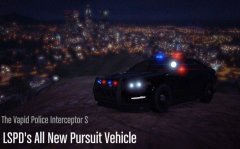 Does the "S" stand for Stealth? lol.
 -
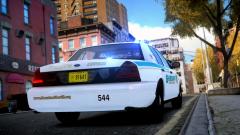 You're welcome. It's not often I make textures, so I'm glad you like it. :D Yeah it's a great little pack. Simplistic but practical.
 -
Men of War Assault Squad 2 is fun, especially when you get the Veteran Tiger tank or the Matilda. Other than that, I used to be quite big on the Command and Conquer series.
-
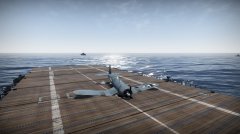 Oh yes, me neither. The Matilda will be really interesting to see, among with the Churchills.
 -
Probably, yeah. :P Until then we have World of Warships though (when it finally comes out of closed beta).
-
Not yet. It's planned, but Britain and Japan don't even have their own tank lines yet, so development on naval warfare won't commence until those are complete.
-
Open up the trainer.ini file, hit Ctrl+F and type "livery", change "VehicleLivery=1" to "VehicleLivery=0".
-
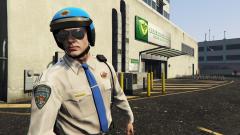 Looks like a recycled star from Grand Theft Auto: San Andreas multiplayer.
 -
Oh, you used the 2048 version? That'd explain the jagged lines, lol. You won't even notice them in-game though. I use CS6 myself, so I'm not sure my PSDs would work on your version.
-
A quick tip, instead of directly ripping the text/decals and then removing the white background, keep it (the background) and work around it. Otherwise you'll end up with jagged lines around everything. Your fonts are a tad off also, I used Helvetica Bold for the numbers and Helvetia Black for everything else (excluding the license plate) as it was the closest match to the real world counterpart. Not bad though, what software do you use? I'm still willing to throw the PSD out there if anyone uses Photoshop.
-
Use OpenIV instead. Also, if you're having trouble typing in English, we have a German forum. :)
-
The CVPI is apart of this pack: http://www.gta4-mods.com/vehicles/liberty-city-police-department-pack---charger-f18746 I made the texture for it, though.
-
I can send you the PSD file if you use Photoshop, if you like.
-
You could always take elements from my texture and port them over to the Tahoe template. If you use the 4096x4096 version you won't have any quality issues when resizing.
-
This would require editing the models directly, which is not possible just yet. I highly doubt that Sam and LMS are going to directly add computer models to every police vehicle in the game anyway, though.
-
Screenshots from Grand Theft Auto IV.
-
Manatee County Sheriff
-
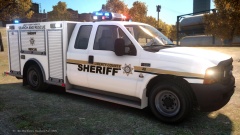 Sheriff's Search and Rescue
-
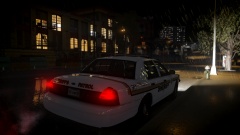 Storms
-
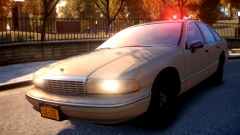 Outlook Park
-
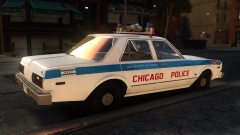 Chicago Police
-
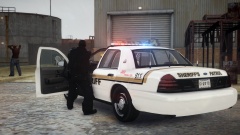 Don't move!
-
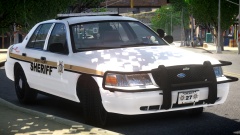 Sheriff's Patrol
-
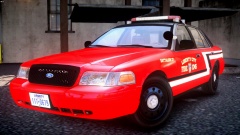 Battalion 27
-
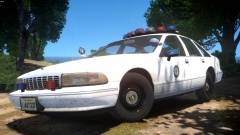 CA State Parks Police
-
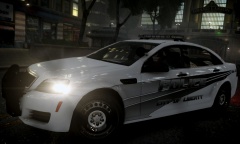 Grand Easton
-
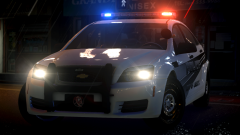 Nisex
Nisex
-
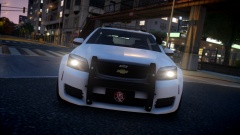 City of Liberty Police Caprice
-
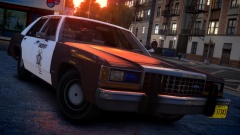 Update!
-
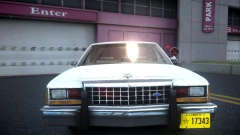 Ford LTD
-
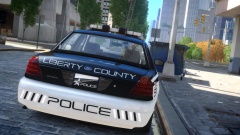 Liberty County Police Traffic Unit
-
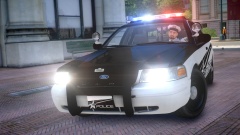 *insert clever title here*
-
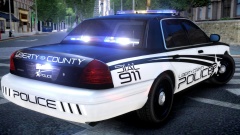 Ford Crown...
-
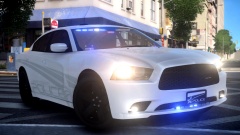 Stealth
-
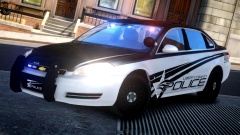 Impala
-
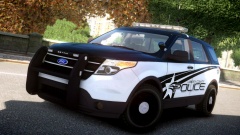 Someone say Explorer?
-
-
From the album: Illusions
-
I made the CVPI skin, though I probably won't do the Tahoe, sorry. SUV skins are not my forte. 4096x4096 (double resolution): http://www.mediafire.com/view/wwo734bqe84z94a/Manatee County Sheriff CVPI.png 2048x2048 (standard resolution): http://www.mediafire.com/view/s44234f9sgv9tzd/Manatee County Sheriff CVPI 2048.png Images:


