




Will
Management Team
-
Joined
-
Last visited
Everything posted by Will
-
I moved this to the Suggestions section as it seems more appropriate here. It would probably be better to scroll though this section and see if you can fulfill any of the existing suggestions or requests.
-
This topic has been moved to the appropriate forum. Please post in the correct location in the future.
-
 Please, that's like comparing apples to oranges. Wait...
 -
Just not launching RPH and running GTA V will load the vanilla game. I've been playing Online that way forever and haven't had any issues. If you have dinput8.dll then you should remove that as well. If you do install other mods (like cars/weapons/etc.), install them to the mods folder OpenIV offers and just removing dinput8.dll will make the game load the original files.
-
Related topics merged.
-
We also have a filter in our downloads portal to show only ELS or non-ELS vehicles.
-
Considering you are already on a i7 4770, I'd say the GPU would be a more beneficial upgrade.
-
This topic has been moved to the appropriate forum. Please post in the correct location in the future.
-
Your topic has been moved to GTA V Support, this is not LSPDFR related. Please post in the correct location in the future.
-
Do you have ELS installed? It sounds like you are just using the LSPDFR function to disable/enable the siren, which also uses J.
-
Our download system does an automatic analysis of all files that are uploaded. If for whatever reason that analysis fails, the file will need to be manually approved by a moderator. The review and analysis is basically just a virus check. I'll look at your files right now.
-
This topic has been moved to the appropriate forum. Please post in the correct location in the future.
-
ELS is a completely separate modification from LSPDFR. The LSPDFR Support section is for support for LSPDFR or its plugins; this section is meant for all other GTA V related support requests. ELS is a standalone asi mod, not a LSPDFR plugin, therefore this is the correct section.
-
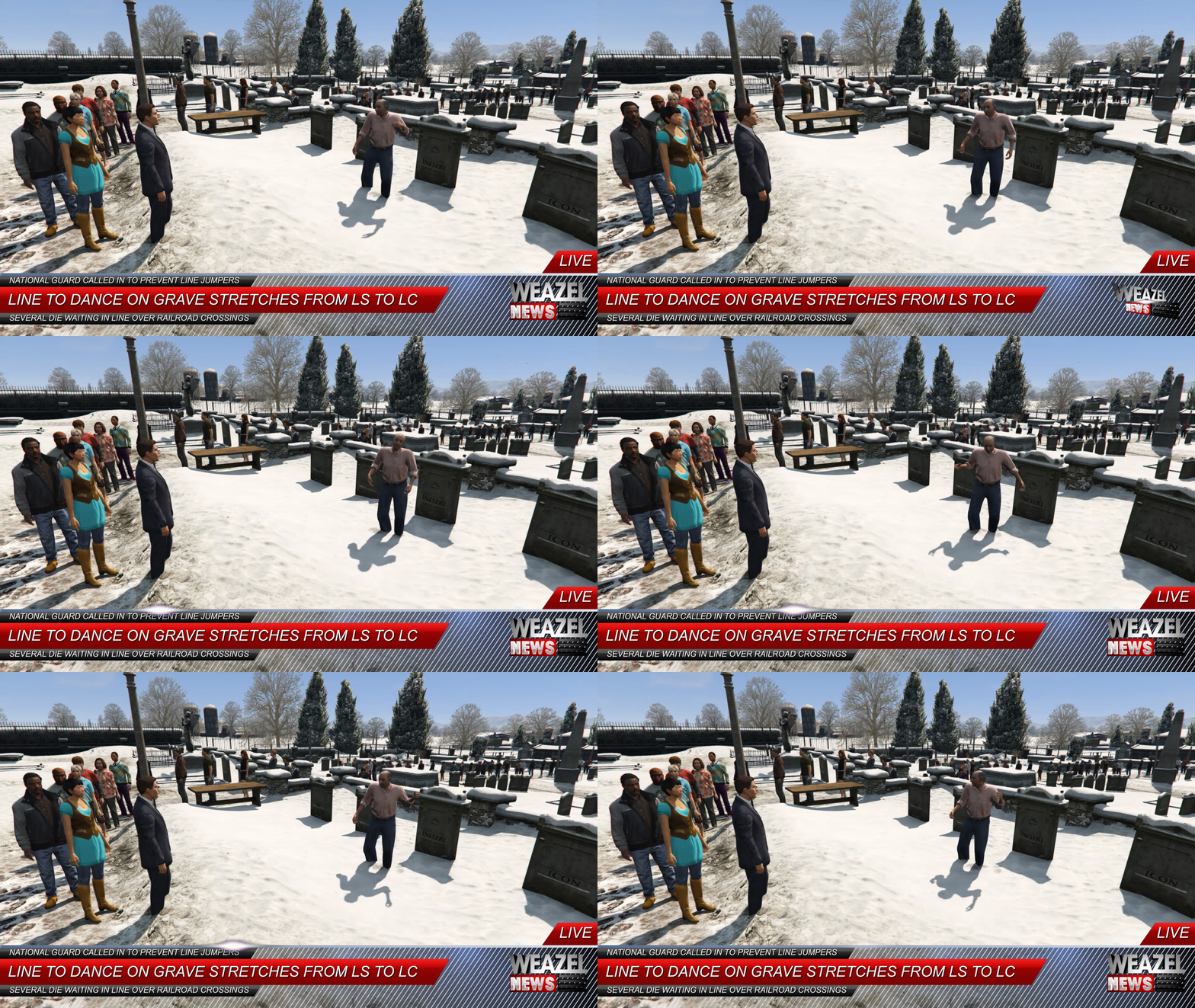 It's missing the fire.
 -
This topic has been moved to the appropriate forum. Please post in the correct location in the future.
-
This topic has been moved to the appropriate forum. Please post in the correct location in the future.
-
You should only get that message once after installing RPH, I think. I know I always run it as admin and generally only see it once.
-
 This comment section has been completely cleaned up. For all those involved, please report it when you see arguments brewing and do not post anything. It only makes things worse.
 -
As OpenIV no longer has this message after updating, I don't think this topic has much use anymore.
-
Let's keep the discussion to the main topic :) If you feel this topic has been closed in error, please report this post.
-
https://motherboard.vice.com/en_us/article/ywz87k/rockstar-games-talks-publisher-into-leaving-grand-theft-auto-v-modders-alone "Rockstar Games seems to have moderated Take-Two's position, and has also told Motherboard that it is in contact with Krivoruchko with the intention of resolving the issue." Krivoruchko = GooD-NTS, so hopefully OpenIV gets to continue being developed.
-
"This does not apply to...use or importation of other IP (including other Rockstar IP) in the project" So OpenIV just needs to cease the Liberty City project and they should be fine.
-
I just bought Witcher 3 again (owned it on GOG) so I can make my profile a shrine to it. Now I just need to play it for as many hours as I did the GOG version. And get all of the achievements, of course. $25 for the game + DLCs, definitely worth it for an amazing game from an amazing developer: http://store.steampowered.com/app/292030/The_Witcher_3_Wild_Hunt/
-
You should read the bright orange box at the top of this topic.
-
Related topics merged - there really is no need to link to another topic about the exact same thing.


