


Reddington
Members
-
Joined
Everything posted by Reddington
-
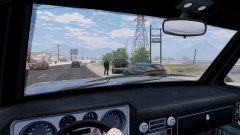
From the album: Red's LSPDFR chaos
-
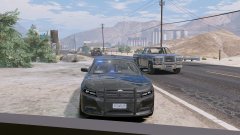
From the album: Red's LSPDFR chaos
-
You have nothing to fear, we've always known. 😛
-
-
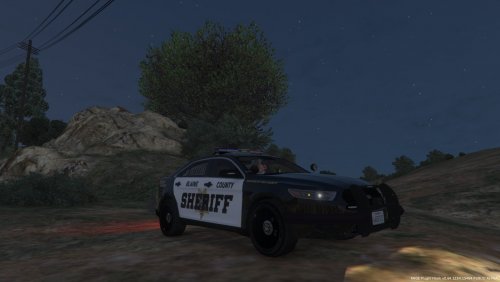 Love the look! If you're taking requests, please add this pack: and this Silverado?
 -
If the AI didn't drive like shit, we wouldn't have as many traffic stops as we do. Enjoy the AI's inability to drive. 😛
-
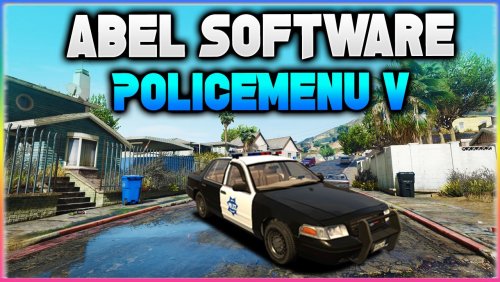 @AbelSoftware I assume this might be something you have planned in the future to address, I'm just mentioning it here just in case. I tested out the road cones, and while they do their job, I noticed immediately that the AI lose their shit and continuously ram the cones and try driving around. I'm not sure how other people did it, but at least for Albo's TP, the AI would sit there and just honk. Sometimes they'd still try and drive, but I think it might have to do with whatever the cone is inputted as. The road barrier and the arrow barrier always spawn in the exact same position and direction. No matter where I moved to, or which direction I faced, they spawned the same was as seen here. I was unable to make it spawn where it actually blocked traffic. There's also no current way to remove the cones and barriers - to my knowledge, anyway. Again, I realize you just implemented them, and it's no problem at all! Just wanted to report it to you.
- 59 comments
- 6 reviews
-
Note: This is my personal take on it, I'm not speaking for the team I don't see this as ever happening, mainly because North Yankton is not viable for legitimate play. R* only made the bare essentials of North Yankton for what was needed for the story. Jeff Favignano has done a few patrols up there, and as seen in his videos, there are some roads where the cars just drive off the edge of the map or disappear. This is AMAZING!!!!! I love roleplaying my off duty life, and always drive my personal vehicle to the station. Thanks for doing this!
-
By 'proactive police game', do you mean finding stupid reason to stop bikini clad chicks? 😄
-
-
I love the look! I'd use it.
-
This topic has been moved to the appropriate forum. Please post in the correct location in the future.
-
Quick Q for you. If I wanted to use the numpad keys for the quick repair, would NumPad6 work?
- 59 comments
- 6 reviews
-
-

- 1
-
-
This topic has been moved to the appropriate forum. Please post in the correct location in the future.
-
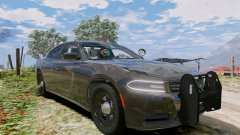
From the album: Red's LSPDFR chaos
-
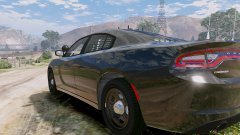
From the album: Red's LSPDFR chaos
-
 Duuudddde, that livery is sick. Love the lightbar as well.
 -
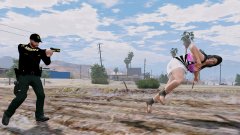 It's "shocking" that you joined in on the pun train.
 -
There is/was a really good NYPD mega pack by Walters, but it was removed for what I assume is him updating it.
-
This topic has been moved to the appropriate forum. Please post in the correct location in the future.
-
The only way to choose the department is going to the station you want and going on duty there. There is currently no way to change departments mid shift. However, it really doesn't make any difference. You could start at the Sandy Shores station as LSSD, change uniform to BCSO and go to Paleto Bay and you'd have the same patrol.
-
This topic has been moved to the appropriate forum. Please post in the correct location in the future.
-
From the album: Red's LSPDFR chaos
-
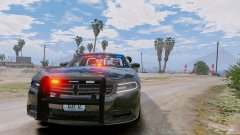
From the album: Red's LSPDFR chaos
-
This topic has been moved to the appropriate forum. Please post in the correct location in the future.

