


Reddington
Members
-
Joined
Everything posted by Reddington
-
Your topic has been moved to GTA V Support, this is not LSPDFR related. Please post in the correct location in the future.
-
Your topic has been moved to GTA V Support, this is not LSPDFR related. Please post in the correct location in the future.
-
Your topic has been moved to GTA V Support, this is not LSPDFR related. Please post in the correct location in the future.
-
Your topic has been moved to GTA V Support, this is not LSPDFR related. Please post in the correct location in the future.
-
Your topic has been moved to GTA V Support, this is not LSPDFR related. Please post in the correct location in the future.
-
Advancedhook comes with ELS, I believe. If you're on the latest version of ELS, I'd assume your advancedhook is up to date. Double check the readme that ELS has, it gives installation help in the event it's not working. My guess is that you might of forgot to do something.
-
Your topic has been moved to GTA V Support, this is not LSPDFR related. Please post in the correct location in the future.
-
Your topic has been moved to GTA V Support, this is not LSPDFR related. Please post in the correct location in the future.
-
Thank you, but I'm already aware of that one. 😛 His model is amazing, but I also love the light set up of Fort Lauderdale's.
-
WE NEED THIS! Skip to 1:08
-
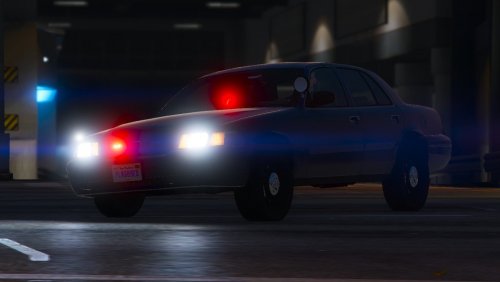 You might need to rename it, as I just added it to the ytd and left the solid color ones in.
- 8 comments
- 3 reviews
-
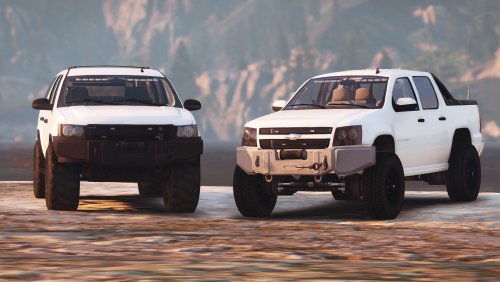 I can't answer that part, as I don't often spin my ties. 😛 but it does suit the Tahoe's. No flipping, vehicle feels heavy.
- 19 comments
- 2 reviews
-
-
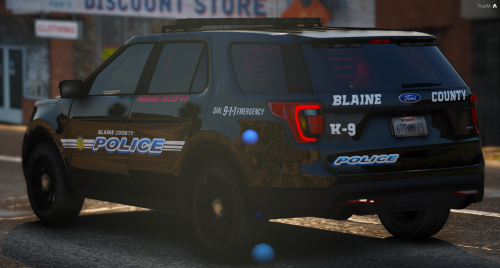 He included the templates, so you don't need permission to make liveries. 🙂 Just remember, if you upload the liveries, only upload the liveries themselves. Don't include the vehicles.
- 48 comments
- 16 reviews
-
From the album: Red's LSPDFR chaos
-
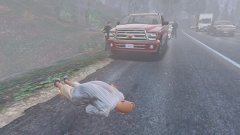
From the album: Red's LSPDFR chaos
-
-
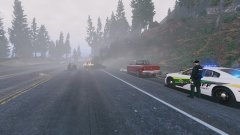
From the album: Red's LSPDFR chaos
-
Rarely (if at all?) do you see a detective Vic with the gumball, and the way you've done it is very nice! I know this is meant for a detective, but it is definitely being used as an unmarked unit. One thing to note for others, unless SCPDUnit changed this, the livery is a solid color. If you'd like to have a transparent livery for any color, tag me in the comments, as I made one for his car.
- 8 comments
- 3 reviews
-
-

- 2
-
-
This topic has been moved to the appropriate forum. Please post in the correct location in the future.
-
This topic has been moved to the appropriate forum. Please post in the correct location in the future.
-
As nice as 0.4 is looking, I probably won't even update. I usually only update when I am forced to.
-
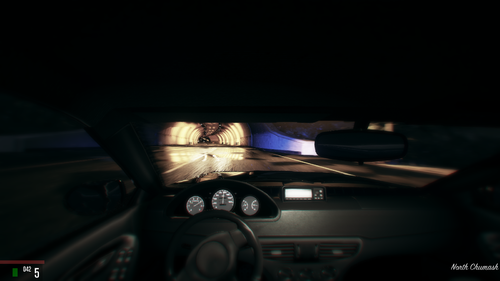 This is a really unique and nice siren. I love that a couple of the tones are different and don't play the same thing. My only gripe is with Man2. That one sounds a bit too much like a foreign siren for my tastes.
- 56 comments
- 10 reviews
-
-
- 1
-
-
Personally, awarding people for being active is a slap in the face to those who are semi active. There are plenty of people who come by once in a while, make a good post, and vanish for a again. Being active doesn't necessarily mean the person is providing worthwhile posts.
-
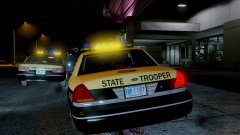
From the album: Red's LSPDFR chaos


