
Steele1925
Members
-
Joined
-
Last visited
Everything posted by Steele1925
-
 @Jesyx Hey bud don't let the negative reviews stop your work here. Everyone starts somewhere. I hope to see more from you with this callout pack, because this will finally give me a reason to use some "L.S.I.A." skins. Good luck, and thank you for releasing "Airport Callouts" to the community here
- 82 comments
- 20 reviews
-
-

- 2
-
-
-
 Oooooh! Before I forget! Might I make a suggestion for a "Post - Burglary" callout? I remember this from LCPDFR (GTAIV). Somone's home had been broken into, and you were simply there to make a report. You could take the victim to the station for questioning, and on occasion they would know who the suspect was, and you could go find them. Great callout pack either way techgamer15 🙂
- 58 comments
- 12 reviews
-
-
- 2
-
-
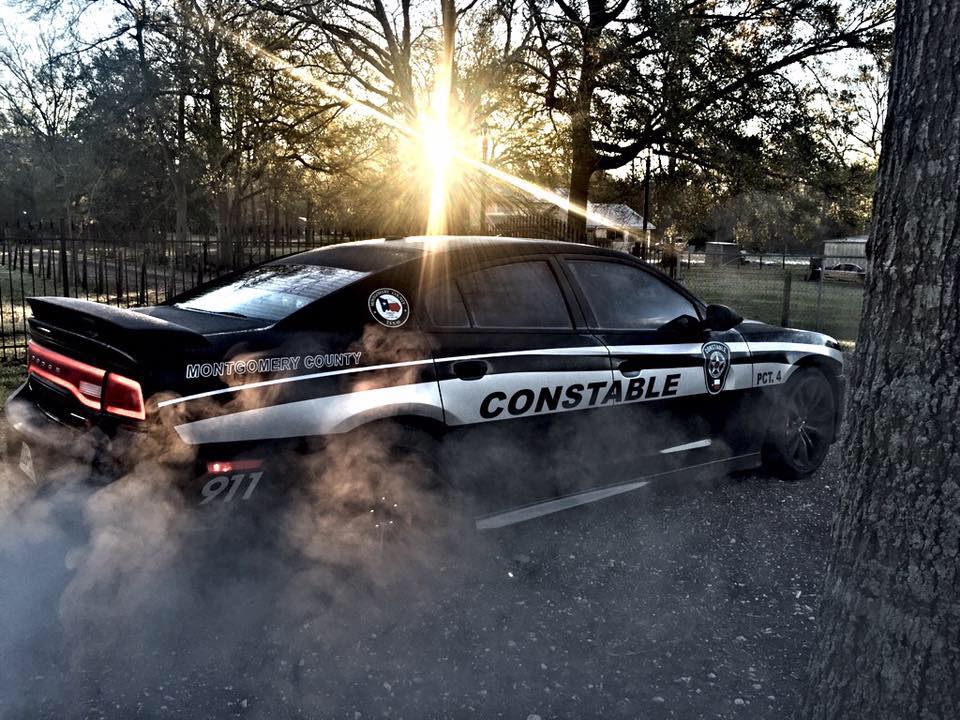
@Trooper 18 Well as I said, it's entirely up to you, just sending some inspiration your way. My personal favorite however, is the Precinct 4 Constable vehicles (Black/Grey colors... Pics 3 and 14 show them, although the one in pic 14 is behind the Sheriff's vehicle). Considering many folks don't know what a Constable is, I'd recommend changing it to say Blaine County Sheriff or Los Santos Police. 2'nd favorite would be the old style of the Montgomery County vehicles (Pics 7 and 8, with the stripe down the sides of the Crown Vic). However, someone has already done an M.C.S.O. skin, so if you did use it then again I'd recommend changing it to Blaine County or Los Santos County rather than Montgomery. Hope some of these gave you some ideas for skins!
-
I've got a few you can use as inspiration. They're all local to me, but this is because I've always liked the local Law Enforcement vehicles around here. I'm a fan of "Lore Friendly" packs myself (as in putting Los Santos rather than Conroe, San Adreas rather than Texas and Blaine County rather than Montgomery County etc.), but this is all entirely up to you. Nothing has to be exact bud, just inspiration for ya 😉
-
@PieRGud I'm having consistent crashes lately. It's only when using Computer+. I have reduced my plugins to VERY few. I have my settings with regards to Ped History set to false. I have the images disabled as well. Sometimes the crash is in the Ped Info, and sometimes it's in the Vehicle Info. Log posted below, hopefully this helps identify the cause of the crashes. RagePluginHook.log
-
-
 No, I'm actually confused lol. What did I miss? khorio is credited on the 6'th line in the credits.
- 311 comments
- 39 reviews
-
 I'm having consistent crashes lately. It's only when using Computer+. I have reduced my plugins to VERY few. I have my settings with regards to Ped History set to false. I have the images disabled as well. Sometimes the crash is in the Ped Info, and sometimes it's in the Vehicle Info. Log posted below, hopefully this helps identify the cause of the crashes. RagePluginHook.log
- 1,743 comments
- 172 reviews
-
-
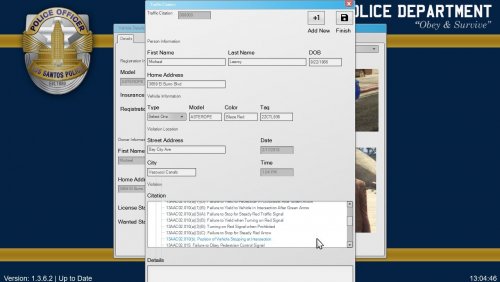 While I enjoy the mod, the issue I'm having with it is I cannot read what I'm issuing. Most of it is cut off. Is there any way to increase the size of Computer+? I've been trying to figure that one out lol.
- 4 comments
- 2 reviews
-
 I believe they mean the actual county of "Liberty" in Texas. I live just minutes away from there in Montgomery County, Texas.
- 6 comments
- 3 reviews
-
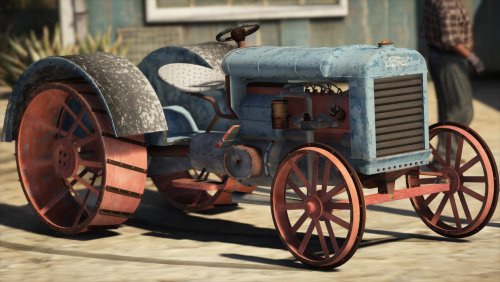 Looks nice, I like it
 -
-
 Though I do have a slight request/suggestion. Could you either make all of the files the same volume (some are so quiet, I can't hear them whereas others are blowing my ear drums out) or if not could you release them as MP3 files so that I can adjust them in audacity. Thank you in any case.
- 27 comments
- 2 reviews
-
-
Well after some quick testing with various files within both version, I can confirm it's working as it should. My best guess is that either the program you're using to open the mod is outdated, or, it could've been a simple error in the download itself (which happens from time to time on LSPDFR). Keep me updated, and I hope that this will work itself out for you.
- 311 comments
- 39 reviews
-
I'll give it a download and see if I messed it up somewhere lol. Personally, I use 7Zip (still works flawlessly on Windows 10).
- 311 comments
- 39 reviews
-
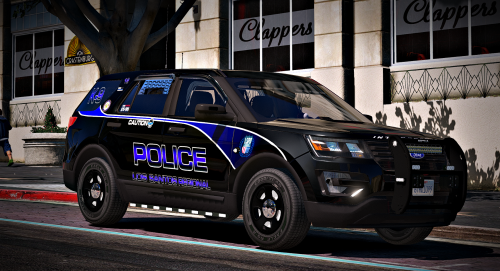 Hey just wanted to let you know that in the ELS file, it's currently set to turn off all of the lights in the back of the vehicle at Stage 3 lol. If this was intentional, then please dismiss this comment. If not, then here's what should be changed. <SECL LightingFormat="leds" DisableAtLstg3="true" > DisableAtLstg3="true" should be changed to "false"
- 23 comments
- 21 reviews
-
 Yes it does. Check the last few photos in the lineup, and near the bottom of the page under "What's New?"
- 108 comments
- 19 reviews
-
-
- 1
-
-
I hear you. I'm actually still in the process of updating the "Normal Pitch" version No set release date however.
- 311 comments
- 39 reviews
-
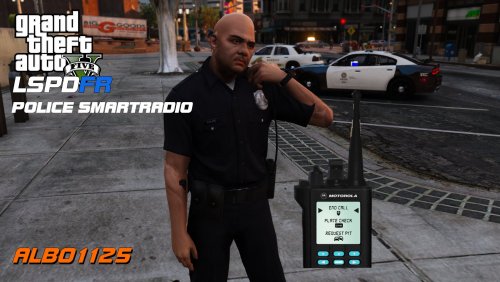 @Albo1125 Hey bud quick question, would you consider adding a "Hotkey" option to the "Panic Button"? Thank you in any case
- 1,196 comments
- 127 reviews
-
Just went ahead and did an audio file check. B.D.A. works perfectly thus far with all of Albo's latest plugins. Please always remember to reinstall B.D.A. AFTER you update any plugin/callout pack that contains audio files
- 311 comments
- 39 reviews
-
-
- 1
-
-
General Issue. No kidding? LOL I'll give it a try. I swear if it only works at night I'll go ahead and slap myself. Well, that was indeed the issue. I can't believe I never noticed that before. Thanks man, that's another headache avoided!
-
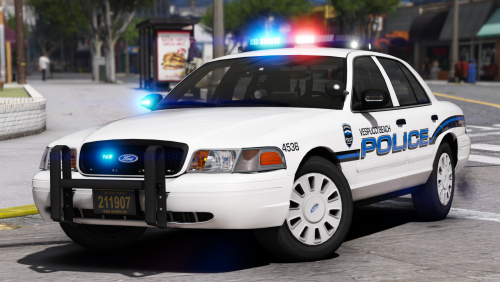 "Added nothing, Jay and Robert just wanted their FP Credits. Losers." HAHAHA gotta love it! But seriously great pack here man
- 58 comments
- 37 reviews
-
-
- 3
-