




Steele1925
Members
-
Joined
-
Last visited
Everything posted by Steele1925
-
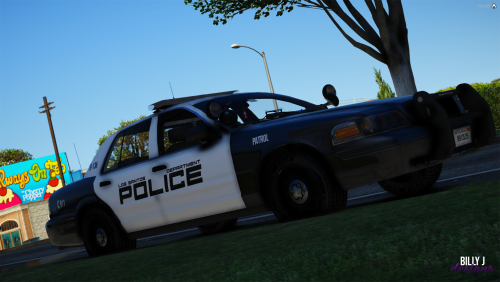 @OneWay I'm pretty sure the "LosSantosPolice.com" was meant to imitate what many real departments put on their vehicles. Houston (where I grew up) for example, has on the back of most of their vehicles "HPDCareer.com". You can see it near the top of the rear windshield in the photo provided.
- 3 comments
- 1 review
-
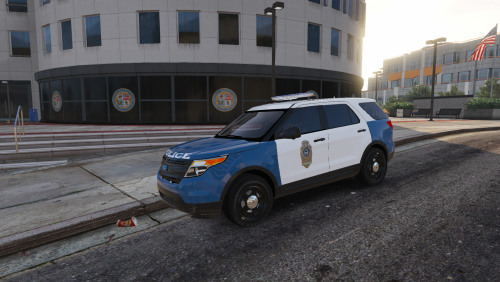 I second what T. Jennings said. If you get Albo's ModdingDLCPack then all of your vehicle mods will always go to the same place. Easy to drop them in, or take them out, at any time.
- 10 comments
- 3 reviews
-
 The '06 ANY DAY!!! Also, good to see you again Bugs. It's been a while man. Hope all is well. Also, I'd like to see something similar to the "Whelen Edge 9000". I think someone here made one 😛
 -
**EDIT: Skip to 1:48 to see it in action** Well I figured I'd just leave this video here. It's a pretty cool invention, and I think it would be interesting as a plugin for LSPDFR. I have no idea how to mod something like this however, so I'll just leave it here in case anyone was interested. Have a great day!
-
Hello, Just wondering if anyone would be willing to convert these skins over to the Forza CVPI (The Hurk). Thank you in any case and have a wonderful day! (A little tough to tell but "Conroe PD" is indeed Navy Blue)
-
While attempting to create a topic in the "Requests" section, I noticed that I cannot attach any files. I thought it was the file I was attaching, so I tried another... Same issue. It gives some sort of unknown error, without any words. Just a box with an exclamation point. Is this a known issue, and if so, is there any known solution? EDIT: Like a genius I failed to properly read, and was attempting to upload a .dds file. Those are not accepted, so reuploading as a .png worked like a charm. Sorry for the confusion folks!
-
 I cannot for the life of me get the Crown Victoria's Lights to work, regardless of which slot I put it in. Is there a .meta that I can use? EDIT: I tried Albo's Sample .meta.... I'm beginning to think it may be something to do with the .xml itself. The lights just aren't working on this model. The others are fine though.
- 253 comments
- 53 reviews
-
-
-
-
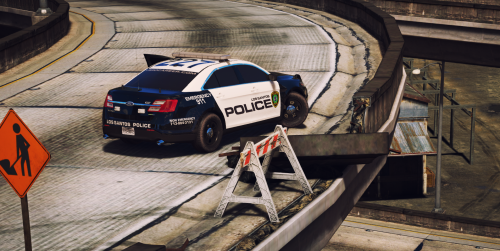 @Sinnisa I LOVE this pack!!! Any chance you'll be adding support for Hurk's CVPI? (Also known as the Forza CVPI)
- 51 comments
- 13 reviews
-
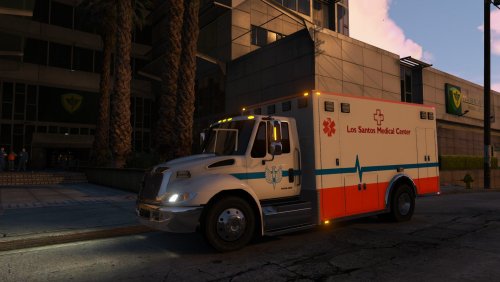 Love it!!!
 -
-
 I've got a quick question if you don't mind. In the sentence "to disable 3d playback and play frontend instead" what does it mean to play "frontend" exactly? I'm just not entirely sure what this setting does. Sorry for my confusion.
- 649 comments
- 51 reviews
-
@khorio Good God this is amazing!!! I love me some great audio mods, as it adds that little bit of extra immersion. Thank you man!!!
- 649 comments
- 51 reviews
-
-

- 2
-
-
 Well it's Saturday. Only one crash since I installed this gameconfig! The crash was most likely caused by me, as I was spawning in random vehicles, doing a stress test. Other than that it's been great.
- 29 comments
- 2 reviews
-
"Like ComputerPlus has been doing these past 4 updates." This has been an issue for me lately. I suppose I'll have to give this "gameconfig" a try and hope it solves the crashing from Computer+. I'll post back here in about a week with some results 😉
- 29 comments
- 2 reviews
-
-
- 1
-
-
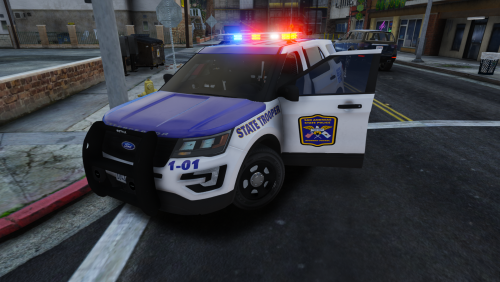 @Trooper Southall I see you're considering a CVPI if the community wants one. Well, allow me to be the first!!! If so, would you mind making for the "The Hurk's" CVPI model?
- 4 comments
- 1 review
-
@Sam My only request..... Bring back the "Fat Cop" lol. I know it's no simple task, but that always offered a fun challenge. 0.4 looks great!!! You folks have really outdone yourselves this time around
-
-
 Has anyone found a fix for the constant "No Lights" event at night? I've tried messing with the config file, but it doesn't seem to matter. It's made me avoid the night time, they're around every corner! Lol. Thanks for any info.
- 3,646 comments
- 306 reviews
-
 Just thought I'd chime in with something similar. It seems as thought the "Active Shooting" callout also stays blipped. In my case (quick testing) I didn't accept the callout, yet the blip remained anyhow. Location was the Davis/Strawberry area. Thanks for the continued support on this mod!
- 136 comments
- 42 reviews
-
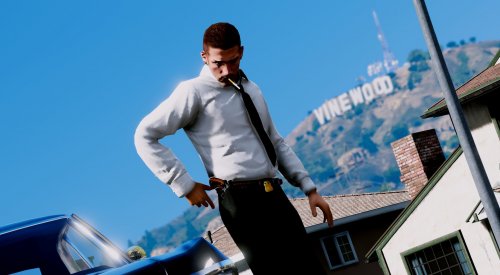 These look fantastic! Will you be making these for EUP?
 -
 Does anyone know how to get the lightbar to be all white, as shown in the demonstration video?
- 283 comments
- 95 reviews
-
Perfect volume (nice and loud, but not too loud) / Perfect loop (nothing sounds off about this siren) / Also, nice touch with the "Easy Installation" option. Easy 5/5 and highly recommended!
- 29 comments
- 2 reviews


.thumb.png.905c6f6f364a440b687e04410144e8ec.png)

