


PhillBellic
Members
-
Joined
-
Last visited
Everything posted by PhillBellic
-
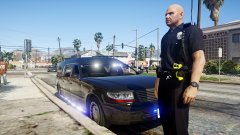 And put a Police Duty Belt on them. ROFL!
 -
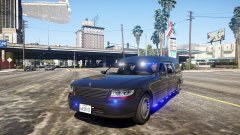 "Dammit! Sweet's been shot! Send help!" Sorry for Double Posting, but is that a fucking Imperial Star Destroyer in the top left? :D XD
 -
The Undertaker is here!
-
Personally, I think B&W Livery Schemes better suit Municipal Agencies, not State Police Agencies, but that's just me. :)
-
The New Alderney Jersey State Police! <3
-
So. When is the next "Meet Your Moderator" happening? Can't wait to see it. :)
-
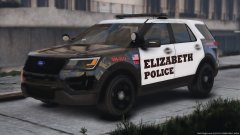 Heh. Do I smell a hint of New Jersey here...? Looks amazing.
 -
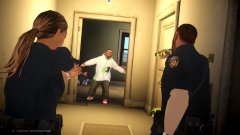 "Hands up, dirtbag!"
 -
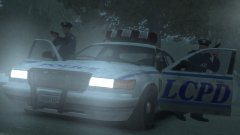 Out of all the HD Era Games, IV is King!
 -
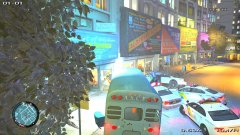 Especially with you causing chaos. :D
 -
Hey, at least those Troopers are smarter than the LCPD!
-
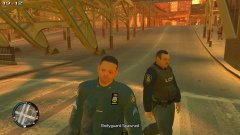 True. Apart from the eyes, and mouth, it looks like a good conversion.
 -
What's with his face? XD Talk about Uncanny Valley.
-
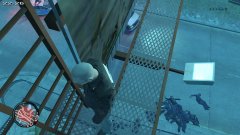 Ahh, good old Lemming Cops!
 -
 ELS Vehicles require ELS to work. RDE Vehicles don't use ELS. The Vanilla Lighting and ELS are two different things.
- 1,519 comments
- 85 reviews
-
Good idea! Let's also shut down their underground computer geek hacking website as well! #hashtag
-
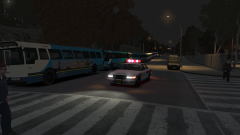 A Bus-Train. Not something you see everyday. :)
 -
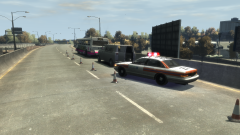 Wow. I never thought the Vapid CEPI would look good with a British style Police Livery. How wrong I was. It looks great here. :)
 -
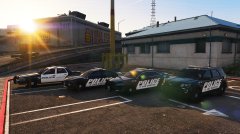 A POLICE Livery I can get behind. These look pretty good. :)
 -
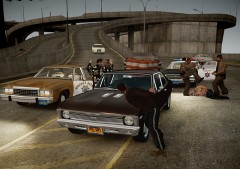 "I'm a guest in your country. Give me a break!"
 -
The BCSO BRUTE Stockade uses the Template from this;
-
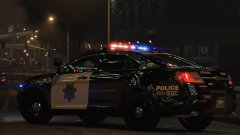 Nice. Release Date?!
 -
Then where would you hang out then? :p I wonder if and when the Media will stop blaming Computer/Video Games for everything wrong in the world?
-
Is this mind boggling enough for y'all?
-
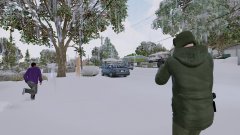 Are you hassling that Balla? CJ would be proud of you!


