


PhillBellic
Members
-
Joined
-
Last visited
Everything posted by PhillBellic
-
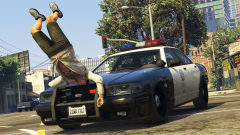 "But your Slogan said "Obey and Survive" doesn't it?!? What the hell!"
 -
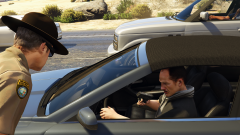 "Mother of God!"
 -
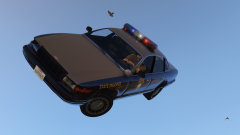 "Hey, I can see my house from here!"
 -
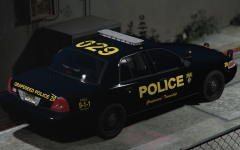 I love the License Plate edit! Also, can confirm it's the Woolwich Twp. Police.
 -
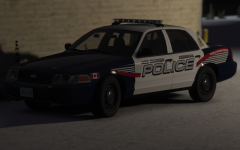 I Rate this 10 Mooses (Meese?) out of 10! p.s., Change the 'People Helping People' Slogan to "People Hurting People" for added hilarity! :D
 -
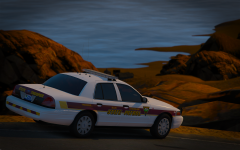 Dat 'Read Dead Desert' Map! Makes your Images that much better!
 -
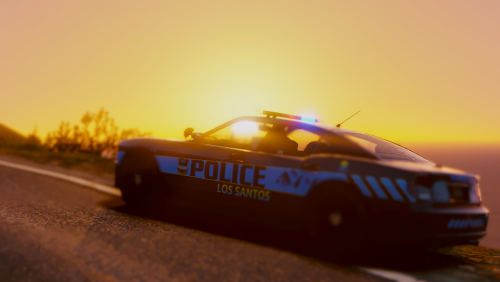 At this stage in time, I won't be converting across to ELS. However, what I find most valuable in this Pack are the myriad of Templates included for the various Vehicles.
- 82 comments
- 30 reviews
-
Will you guys be doing anything with the North Yankton State Highway Patrol (NYSHP)?
-
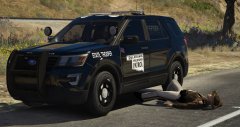 Are, are they sleeping on the shoulder of the road? You're doing me a heckin' concern.
 -
What Version of the Lawmaster did you have in mind? The 'DREDD (2012)' Version, or Comics Version?
-
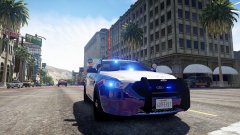 Aww. Not our beloved 46EEK572. Very disappoint... :( Kiss My Axe, Kallus! :D
 -
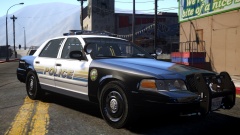 Looks reminiscent of the Ventura County Sheriff Livery. Excellent. :)
 -
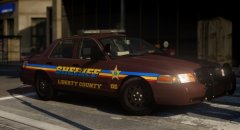 That's a unique Colour Scheme for Police/Sheriff Liveries. Not something I've seen before. p.s., It would have been great to see an inset Image of the 'Before' Livery for comparisons sake. :)
 -
Does anyone know of any Template Packs available for the Vehicles used in RDE?
-
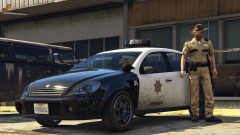 Extraordinarily Impressive! I like the SAHP Variants better. :) p.s., I really gotta check out GTA5-Mods more often...
 -
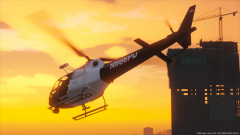 Are they going to patrol the 'Highway To The Danger Zone'? :p
 -
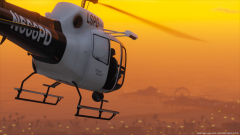 May or may not be piloted by Goose!
 -
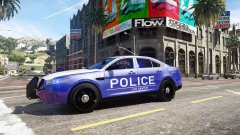 Perfect for infiltrating Balla controlled Turf!
 -
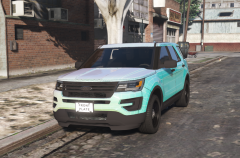 Aww. :/ Thought someone had modeled a Vapid expy of the Ford Explorer. Template looks neat. :)
 -
^ Should be a candidate fro RDE Retro!
-
Isn't that what they call a Gumball?
-
Is that coming to RDE V3.2?
-
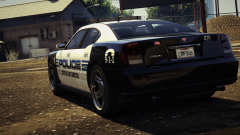 Sweet! Is that an LCPD Ram-Bar?
 -
Nice. I'm sure they'll be great.
-
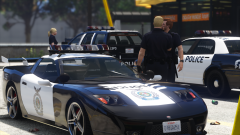 I got the Game Series correct. XD I'll check it out for sure!

