


PhillBellic
Members
-
Joined
-
Last visited
Everything posted by PhillBellic
-
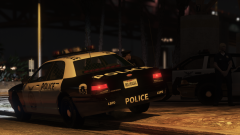 Awesome! Don't know why Rockstar changed it.
 -
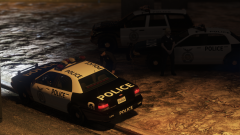 Taxi? You blind? It's clearly a Fire Engine! :p
 -
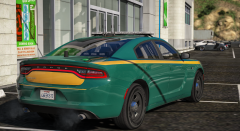 I wonder what State Police Agency this Vehicle will belong to...? *whistles*
 -
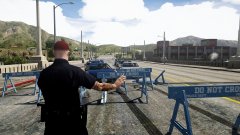 Not enough evidently. "We're gonna need a bigger Barricade!"
 -
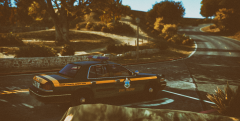 "Manure! I hate Manure!" Also; "License and Registration, Chicken-fuckers! Bakooaw!" :D XD
 -
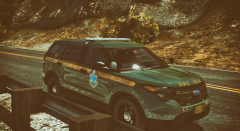 "You boys like Mexico?!" "The Snozzberries taste like Snozzberries!"
 -
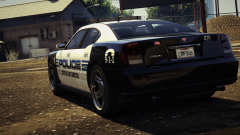 Are there any front angle Images of this Buffalo?
 -
Is that [POLICE CRUISER] Badge on the left? Looks way better than on the right. :)
-
 That is some sweet Lens-flare there, Roland. :)
 -
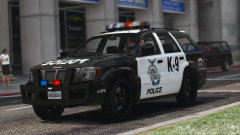 That's one blocky looking Ram-Bar. It suits the Seminole however. :)
 -
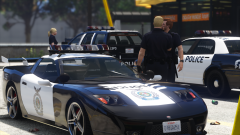 Seriously getting an NFS vibe here. Is the Coquette available for Download?
 -
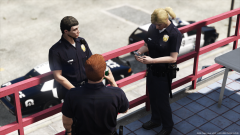 "You know, it would be great if we could actually go inside..."
 -
Say, is that some kind of Ambulance Car? :D
-
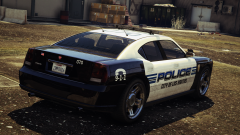 That's one fine looking Livery, if I don't mind saying so, John. Also, fuck the Rim haters!
 -
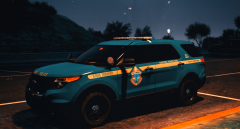 Littering and... Littering and... Littering and... Littering and... Littering and... Littering and... Littering and... Littering and... Littering and... Littering and... Littering and... Littering and... Littering and... Smoking the Reefer.
 -
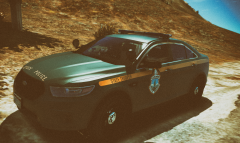 "Hey Farva! What's the name of the restaurant that you like with all the goofy shit on the walls and mozzarella sticks?" XD
 -
"Say Car Ramrod!" "Who wants a mustache ride?" *Shenanigans Intensifies*
-
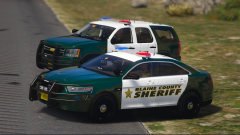 Is your Livery inspired by the Broward County Sheriff?
 -
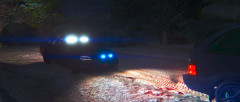 Is that blood on the ground? :o
 -
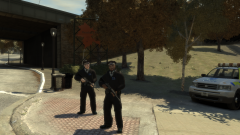 Thought the Soviet Union had reformed based off the Image Title alone. :p Good Image by the way.
 -
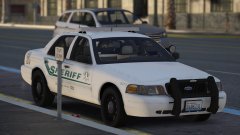 I'd take that as a compliment to your Livery creation skillz. :D
 -
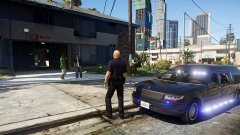 It should only be used in the Hearse Division, though... :p
 -
"The LSPD; Now offering 'Direct to Grave' Services."
-
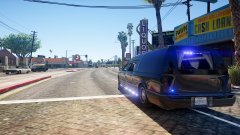 I know right. What's up with that shit? :D
 -
"A Wild 46EEK572 has been sighted!"

