


TreadRed
Members
-
Joined
-
Last visited
Everything posted by TreadRed
-
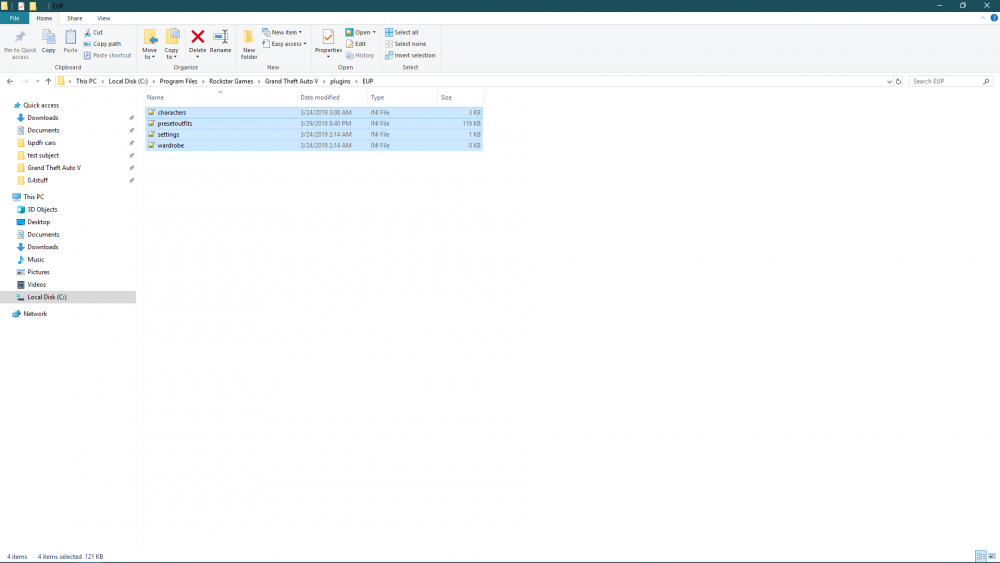
You need to make sure you add the plugins file to your GTA directory from the eup menu download, there should be an presetoutfits file in plugins>eup all of these actually
-
There is something wrong with the agency file in lspdfr>data, if you upload it here I can fix it for you
-
as long as they load in off duty. In order to save offduty outfits you have to be at the apartment, in the closet menu. I don't know how its worded exactly but you should see the option to save on duty and off duty outfits
-
no problem
-
There is invalid data in lspdfr>data>cop_presets.xml
-
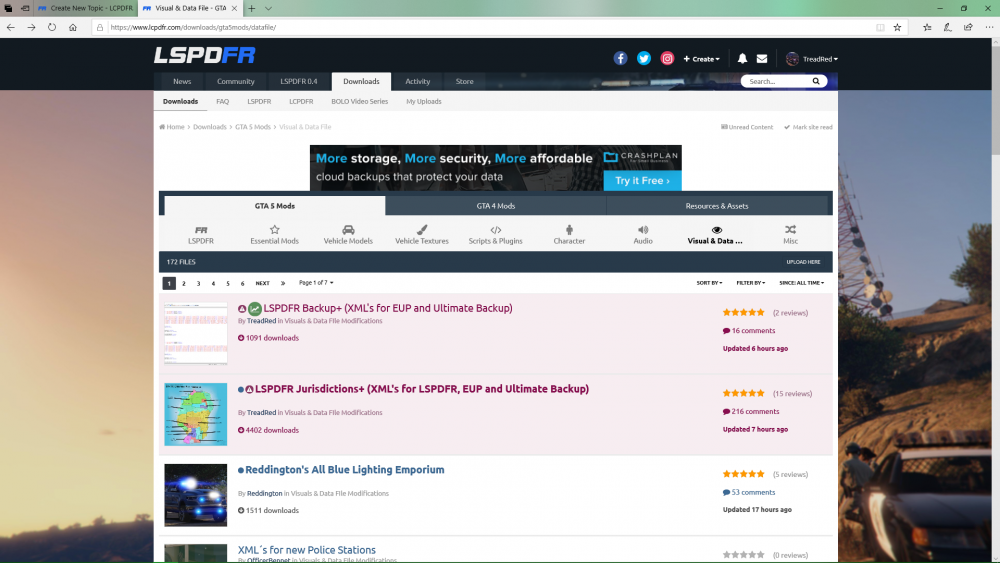
Hey files are stuck in the security check now for 7 hours, usually is in and out within 5 minutes. I don't see anything else updating, sure its not just me, thanks.
-
Jurisdictions is currently awaiting approval for an update. I think approval process is a tad broken again as it usually takes no more than 5 minutes. If your in a rush you can find the download in my discord https://discord.gg/47t94HC
-
Did you change something in force a callouts ini file to false?
-
After comparing your agency file with someone else who was having this problem, I see that you both have the livery after the chance, going before the chance could help?
-
..
-
post the file from Grand Theft Auto V>RagePluginHook (text document)
-
the regions file is the "Jurisdiction in where file" the backup file is the "Jurisdiction by who file" the agency file is the "who" so you create a region, for example Blaine county(already created) with the zones you want to be apart of it in the regions file in the backup file you specify the region under local patrol with the agency you want to be over the jurisdiction(Blaine counties already there, you just need to add the agency you want) in the agency file you specify the vehicles and peds you want, and make sure it has a spawnsambiently flag for the loadout or save yourself the trouble
-
You have to remove the previous versions yourself, pretty sure it doesn't say it will do it for you
-
post the file from Grand Theft Auto V>RagePluginHook (textdocument)
-
Start rage, press settings In the general tab set the threshold to 50000 and tick disable text rendering in the advanced setting make sure nothing is ticked in the game setting>command line switches make sure the only things ticked are directx11 and forced windowed mode.
-
Ok glad you got it figured out. If its not crashing, then I guess its the permanent solution
-
Can you the post the file in Grand Theft Auto V>RagePluginHook (textdocument)
-
Only difference I see is the green note labeling the classes and such. Kinda wish I did that, then again is a little crowded already. Also you added lieutenants and sergeants to respond as backup, and I only added them to supervisor backup, as typical. As far as updates goes, they are for adding additional categories in the special units file, not to mimic yours, not sure if you was insinuating that or not. We have gang units, fib, doa, etc added so far, with whatever EUP has to offer to come.
-
-
-
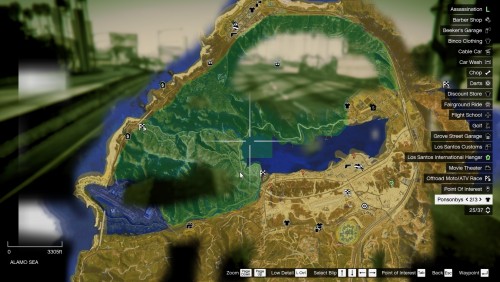 I wont be be re-distributing, but been working on this I mean unless you wanna make versions for my versions 🙂
 -
he does nothave you edited any xmlsYour log is not showing anything wrong, if you can post more random crashes may help see a pattern






