
TrentMU
Insiders
-
Joined
Everything posted by TrentMU
-
 Raydien looks nice
 -
 *jokes* :D
 -
Nice! uninstall it now
-
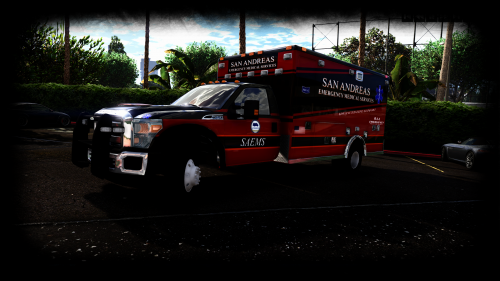 Tell you what, This is the best ambulance for V! So glad I was able to test it and get you the amazing screenshots man!
- 209 comments
- 40 reviews
-
-

- 1
-
-
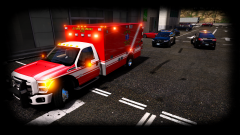
From the album: My GTA V Fleet
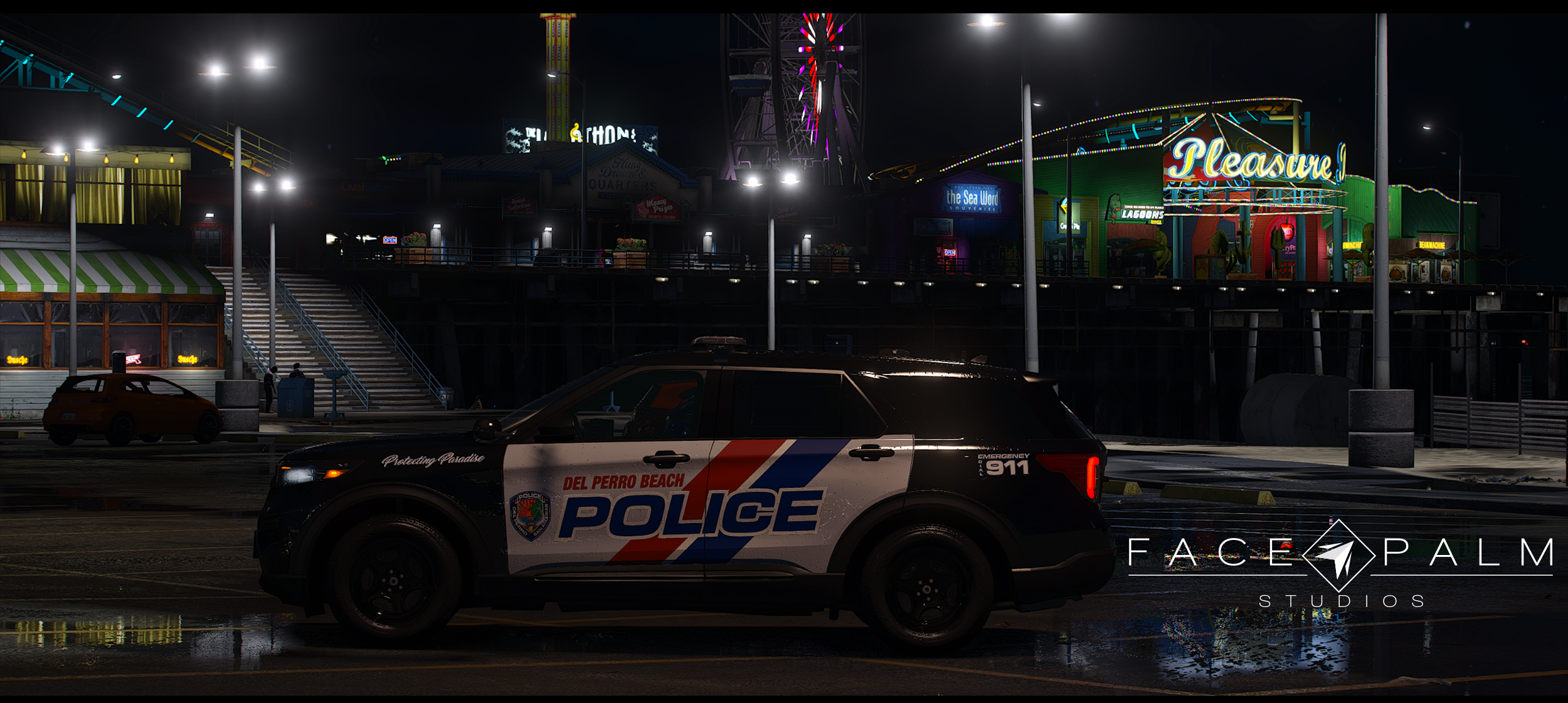
Coming very, very soon EMS by Lamping and downcoldkiller Taurus by thegreathahahahahahahhaha PD Skin by getinmybelly -
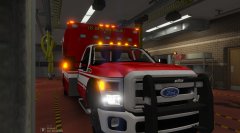 I sense me working on a new EMS skin soon :P
 -
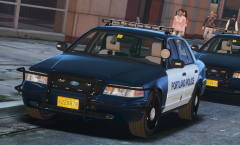 *Sigh* Never showing us the lights
 -
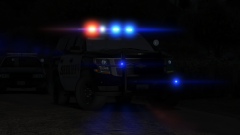 Damn that slicktop vic tho <3
 -
Aww snap, crackle and pop its Portland!
-
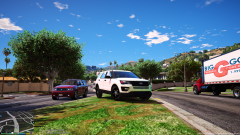 I so sowy, no Vignette I bad. No b mean? @t0y @Problematic
 -
From the album: My GTA V Fleet
Mines still better @Him1250 luv u bby **I already fixed the light emissive too for the orange reflector too** -
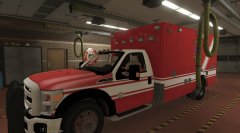 I am really liking this! Probably could do a nice skin up for it once the model is fully complete!
 -
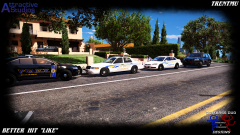 I did use your pack to test some stuff :P
 -
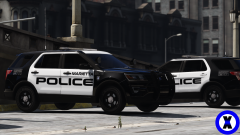 Damn, I like the way this looks!
 -
From the album: My GTA V Fleet
Twiddle Diddle update. Still tons to do but decided to test a few more skins in game and see how they look. Up to 20+ skins now done and models starting this weekend :P -
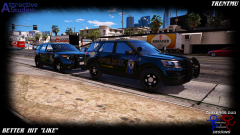
From the album: My GTA V Fleet
Tell yeah what, once zmod works for me again this fleet will be insane. -
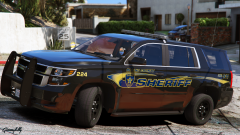 This is actually a neat looking color design. I like!
 -
Damn t0y with a zero, back at it again with a new console.
-
Damn Asuna, Back at it again with the EVOC track
-
 You got discord at all or skype?
 -
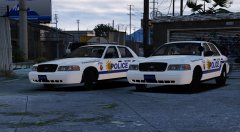 Is it today Billy?
 -
I could show ya a ton of more stuff I am gonna do if you wanna see!
-
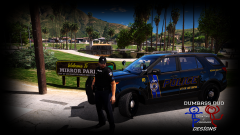
From the album: My GTA V Fleet
Did up a little patch for the uniforms, looking pretty good if I do so so myself but loads more to do till everything is perfect. -
A few vehicles I have skins done for include, 14 and 16 FPIU, Taurus, CVPI, Impala, Expedition, Chevy Express Van, Harley. All those are up at 18 plus FD skins starting plus more PD skins. Models will have a ton of variations.
-
Refresh my memory ! I don't recall the username lol. It was good I am out now and actually in the process of becoming a state trooper now for Ohio.