
TrentMU
Insiders
-
Joined
Everything posted by TrentMU
-
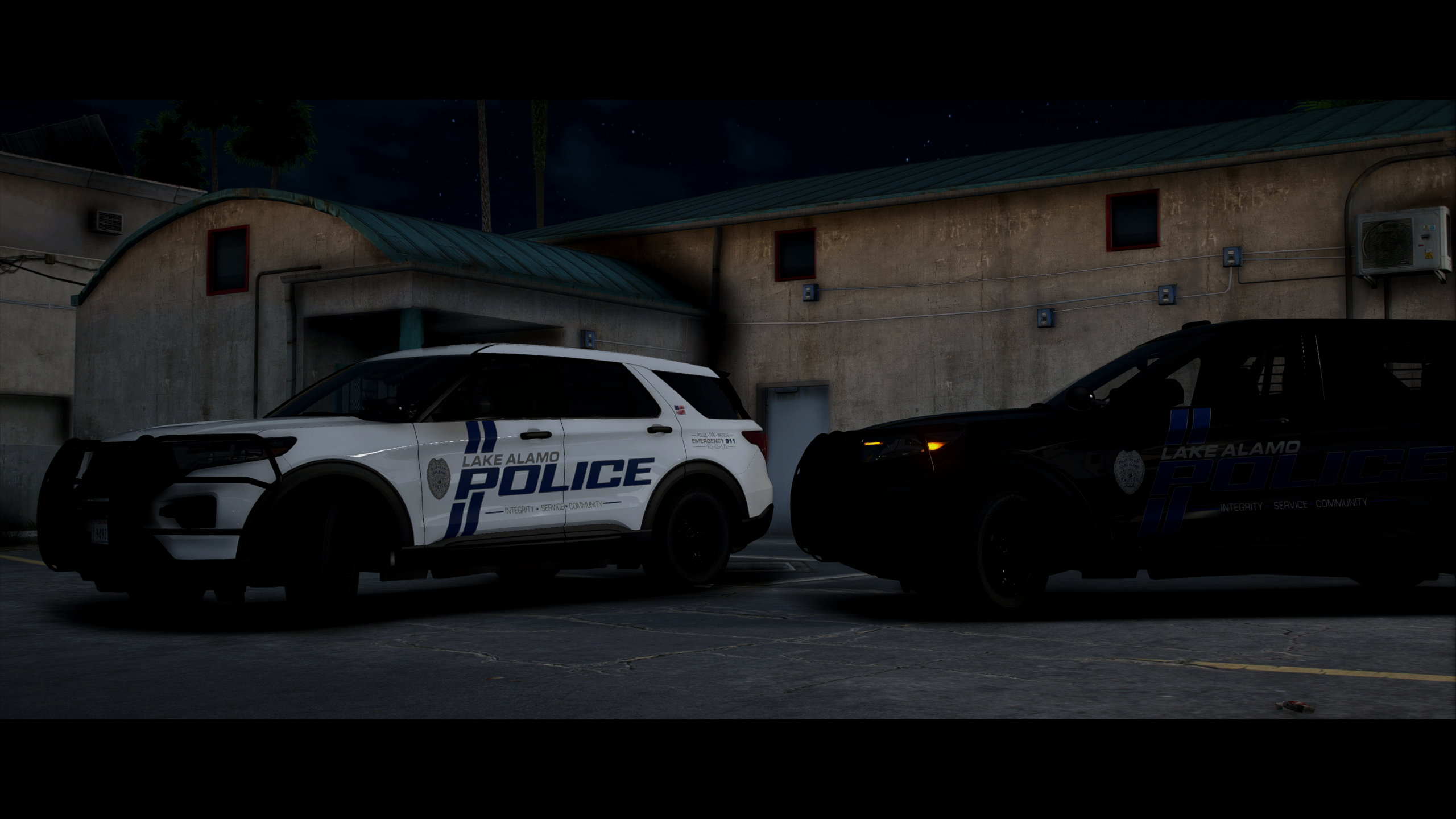
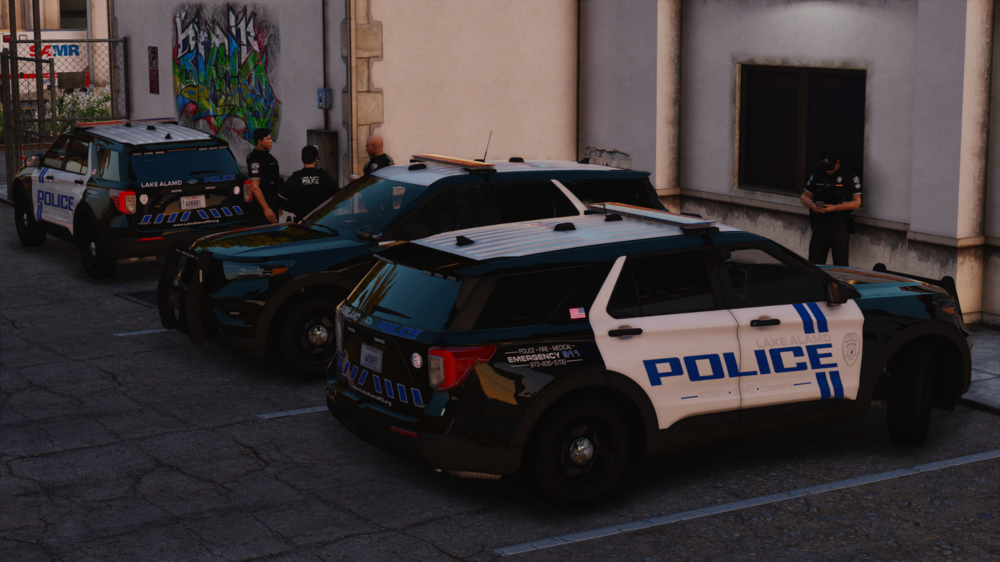
Lake Alamo PD pre-shift festivities.
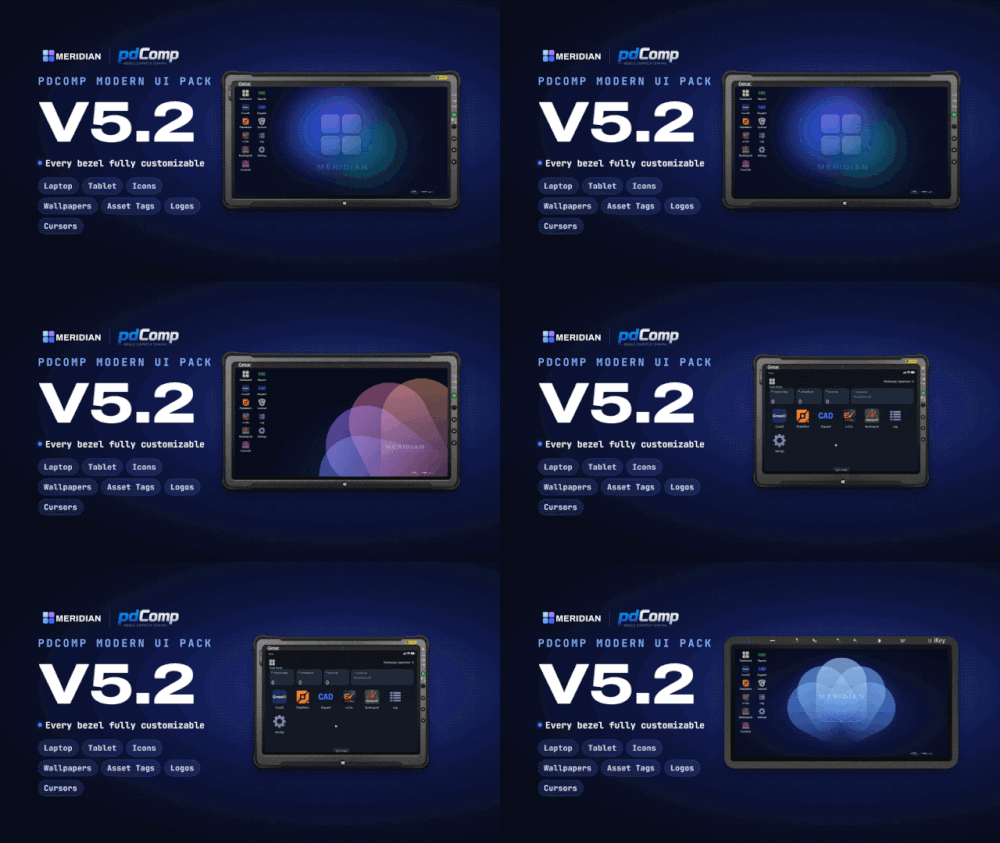 Clean and minimalistic. Enjoying the new icons and textures this gives while playing and using pdComp. Great work!
- 26 comments
- 6 reviews
-
-

- 1
-
[Booking-LAJ-2026-000010] BookingNumber=LAJ-2026-000010 DateTime=2026-08-30 21:50:32 PrisonerName=Helen Boromier Facility=Lake Alamo Jail ArrestingOfficer=Scott Keener OfficerCallsign=361 TransportLocation=Alhambra Dr BookingLocation=Lake Alamo Jail Charges=Failure to Comply with Order/Signal of Police Officer - Fleeing and Eluding (ORC 2921.331); Petty Theft, Under $1000 (ORC 2913.02) On Sunday, August 30, 2026, at approximately 2150 hours, Lake Alamo Police responded to Ammu-Nation in Sandy Shores for a reported theft. Upon arrival, officers spoke with the store clerk who stated Mr. Boromier entered their store and stole $237.00 worth of merchandise then left. Once a review of the CCTV was conducted, officers located Mr. Boromier near the Sandy Shores Motel. Attempting to make contact, Mr. Boromier then fled officers on foot but was apprehended after a brief foot pursuit. Mr. Boromier was booking into the Lake Alamo Jail on Fleeing and Eluding and Theft charges. (I ended up having AI create me a random plugin for my jail as it is not a base GTA station and generated it to add all the extra information above excluding the description as I find it fun to have something simple while playing LSPDFR)
 I have been using this callout pack for quite awhile now and have been loving the updates. Early access is also well worth it for the future updates that will come at the time I am writing this review. Great work!
- 268 comments
- 26 reviews
-
-
- 1
-
On Tuesday, August 25, 2026, at approximately 2300 hours, Lake Alamo Police responded to the Sandy Shores Motel for reports of a male verbally harassing another. Upon arrival, Lake Alamo Police witnessed one male stand up and presumed a fighting stance and strike the other male with a closed fist. Both males were taken into custody without further incident. One male was charged and plead guilty to menacing. The other male was charged and plead guilty to assault.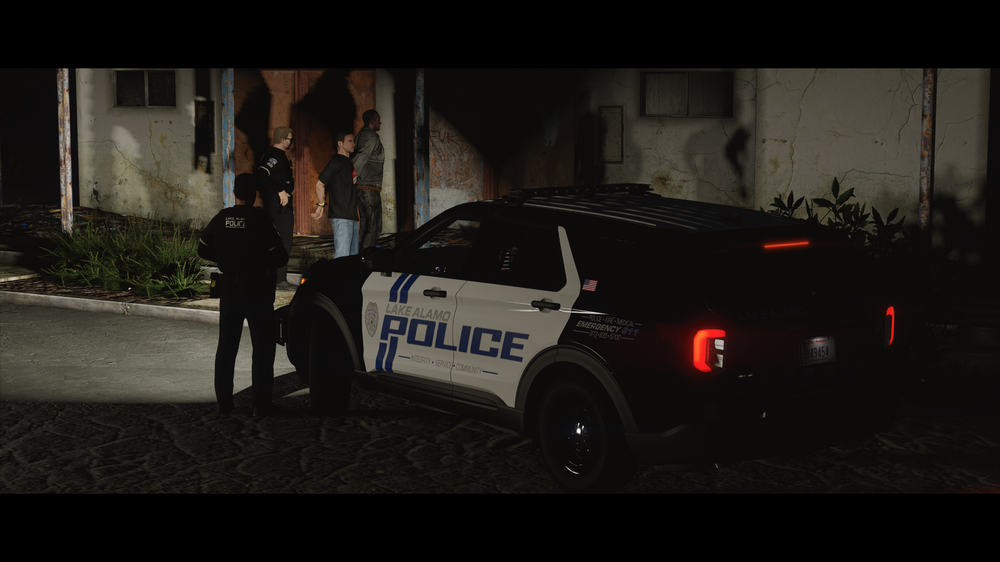 Stumbled across this on Facebook a little bit ago. Another thing I am looking forward to is the radio stations and what music / artists they will have. Off this photo, off the top of my head knowing what the songs are, 14 of these are really enjoy. I just want a good classic rock station like KDST, V-ROCK, or Liberty Rock Radio (LRR) again.
 I forgot that it dropped today until I went to Netflix but GTA VI Extended Trailer has dropped (26 minutes long). https://www.netflix.com/tudum/articles/grand-theft-auto-6-extended-first-look Personally, I'm looking forward to this and playing it when it drops to console. Yes, I am also looking forwarded to modding side of VI but that's still gonna be a few years out. I don't want to go into many details without spoilers but it's interesting seeing the different departments showcased, how different each pedestrian is, interactions with the environment around you and just overall the map size that was shown. As an old head like myself who has been playing since prime GTA SA days and seeing how much the franchise has grown and changed, GTA VI looks very promising as I feel V is lacking in a lot of the old nostalgia from other games and it's uniqueness. GTA VI future looks promising, I am sure they'll have online content like V (I could careless about that) but, the modding opportunities with what's being created now in V, will be interesting to see what comes forth with VI.
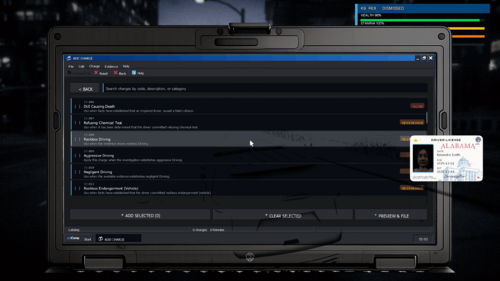 It's his graphics mod, more so Reshade if he has it installed. Certain settings will cause it to bleed through like this. Source. I have it happen to with certain settings turned on.
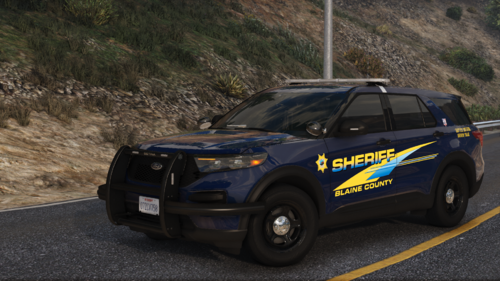 Great work as always jank <3He gave me the finger the entire time during this interaction.
Account
Navigation
Search
Configure browser push notifications
Chrome (Android)
- Tap the lock icon next to the address bar.
- Tap Permissions → Notifications.
- Adjust your preference.
Chrome (Desktop)
- Click the padlock icon in the address bar.
- Select Site settings.
- Find Notifications and adjust your preference.
Safari (iOS 16.4+)
- Ensure the site is installed via Add to Home Screen.
- Open Settings App → Notifications.
- Find your app name and adjust your preference.
Safari (macOS)
- Go to Safari → Preferences.
- Click the Websites tab.
- Select Notifications in the sidebar.
- Find this website and adjust your preference.
Edge (Android)
- Tap the lock icon next to the address bar.
- Tap Permissions.
- Find Notifications and adjust your preference.
Edge (Desktop)
- Click the padlock icon in the address bar.
- Click Permissions for this site.
- Find Notifications and adjust your preference.
Firefox (Android)
- Go to Settings → Site permissions.
- Tap Notifications.
- Find this site in the list and adjust your preference.
Firefox (Desktop)
- Open Firefox Settings.
- Search for Notifications.
- Find this site in the list and adjust your preference.