TrentMU
Insiders
-
Joined
Everything posted by TrentMU
-
Just wait a few days for RPH and ScriptHookV to release.
-
You can revert back to the old version that is backed up if it'll launch if not, just wait a few days for RPH and ScriptHookV to update.
-
 Black car made by a Black Jesus. Niceeeeeee
 -
From the album: My GTA V Fleet
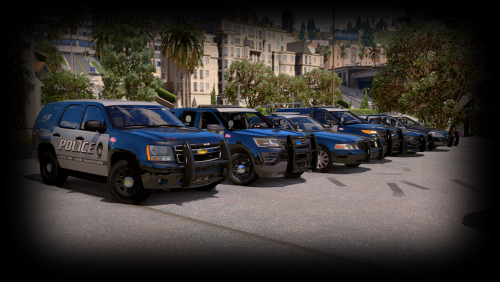
Throwback to when this game worked and I was enjoying making the all blue fleet for Captain14s vehicles........ *sigh* Guess I will wait for the next GTA update with the RPH and Scripthooks since .47 sucks. You will get your stuff soon guys, I swear, as soon as we fix GTA. -
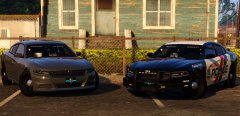 Terrible job, worst model ever. You lied to me.
 -
Everytime I launch GTA, I got it to work randomly like 4 times dodging the error but no luck.
-
I don't even have a scripts folder, plugins are all up to date. This is the ScriptHookV Log folder if that's what you were asking. ScriptHookV.log
-
Yes my ScriptHookV and ScriptHookVDotNet or whatever it's called are all up to date with the latest ones.
-
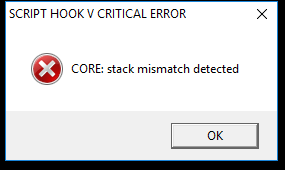
Ok, this error has been the issue and I regret going to .47 RPH. I have all the updated stuff from them and I have downloaded it multiple times and I still get this error. Any suggestions would be nice. PS, Reinstalling doesn't work either because I have done it 4 times the past 10 days. Need to fix this so I can release what people are begging me for. Faster the game gets back up, faster I can release what you all want.
-
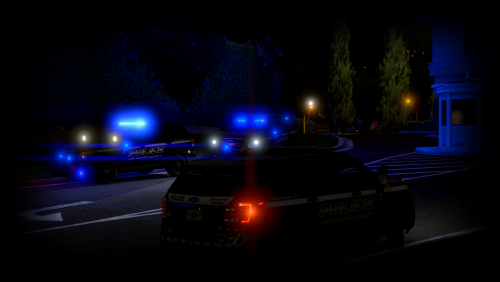 Yes, as soon as I get my game back up I am going to take pictures and do a video and then releasing, I have it done right now!
- 26 comments
- 7 reviews
-
-

- 1
-
-
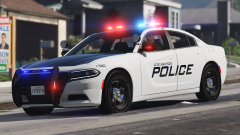 Damn Billy
 -
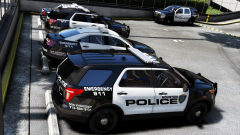 These are amazing!
 -
-
 Aww snap! I totally forgot I made this for the charger.
 -
You need to have Captain14s pack installed and replace the light textures with the blue ones I have provided. WIth the Carcols, Did you not see how I named the folder where they go? LSPDPACK-DLC-Common-Data theres only 3 files in the folder and one of them is the carcols, drag, drop, replace, whala
- 26 comments
- 7 reviews
-
-
- 1
-
-
-
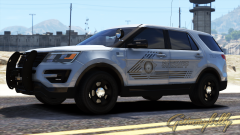 Much sex
 -
-
 This isnt sweet, This is a Charger^^^ But these are pretty nice!
 -
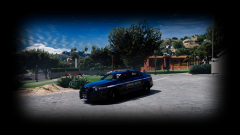 Redux ENB with the POV ReShade setting then game set to max graphics!
 -
-
From the album: My GTA V Fleet
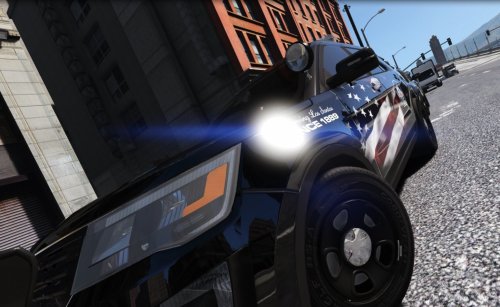
The Sedan has been added! Still working on making V 100% back to normal! Still need to fix a few plugin errors and then get a few peds working and we should be golden! Info video what's to come will be posted below! PS New graphics eh? -
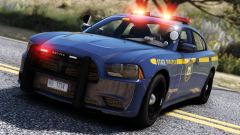 Damn Billy
 -
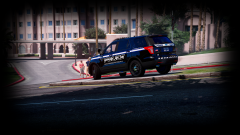
From the album: My GTA V Fleet
Good Ol' County just chillin'. Maybe, if I end up getting my directory to actually work and not crash 5 times before loading, I will be able to finish this skin pack for you guys because I have a ton of you asking for these to be released. PS New graphics eh? -
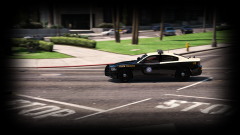
From the album: My GTA V Fleet
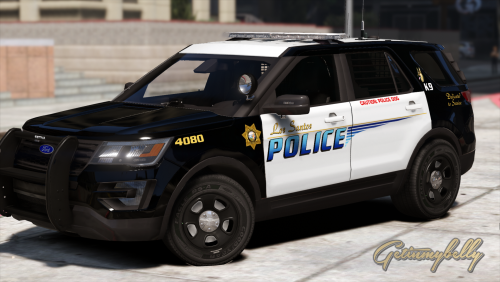
Oh, I guess FHP 2016 Charger is cool. Almost. Kinda. Sorta got my graphics and game working.......Still got lots to do.