




TrentMU
Insiders
-
Joined
Everything posted by TrentMU
-
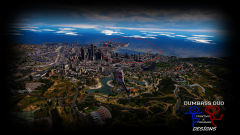 RIGHT TO YOU TOO BOI
 -
That's my response to it xD BAM I hit you with it again
-
Thanks for the obvious read the description
-
From the album: My GTA V Fleet
Oh, GTA, You never fail to amaze me. Not gonna complain, my game runs fine just F*ck that area in particular lol Yes I have verified the cache and no I am not gonna reinstall so f off with those comments lol -
Alright, So I know Siren Mastery uses some WAV format that the default games siren don't use so where do I convert it so it is a PCM format because I see no point what so ever with Siren Mastery when ELS practically has the same thing integrated in it. Before anyone replies saying "Well Siren Mastery has this" I don't care, I am trying to make the audio files work for GTA Audio files while I work on my mega pack. Any ideas would be great.
-
 Quit modding <3
 -
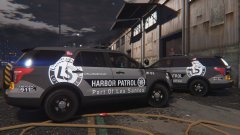 This is a pretty interesting design not gonna lie!
 -
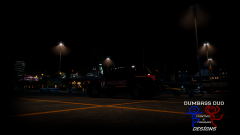
From the album: My GTA V Fleet
More to come.......A lot more to come. -
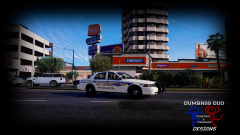
From the album: My GTA V Fleet
Skins still have stuff to be updated by for the most part they are done besides small badge edits and font fixes -
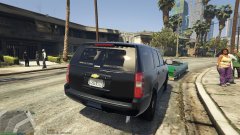 You know you can throw all these same images into 1 image? Use imgur or add them to the file description so it doesn't look like spam in the gallery !
 -
-
-
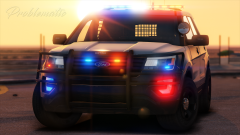 Poopy screenshot <3
 -
Alright, First things first I do have a visualsetting in and I am not sure if I am missing a line from somewhere but these are my lights during the night as you see all my other primary lights are bright by my indicators and reverse lights coronas are small. I even used the visualsettings that Bugs changed in the RaindancV and put them in my visualsettings and still had no luck on those light spots. Anyone have any idea where else to check, change or add something too? Hope this could help!
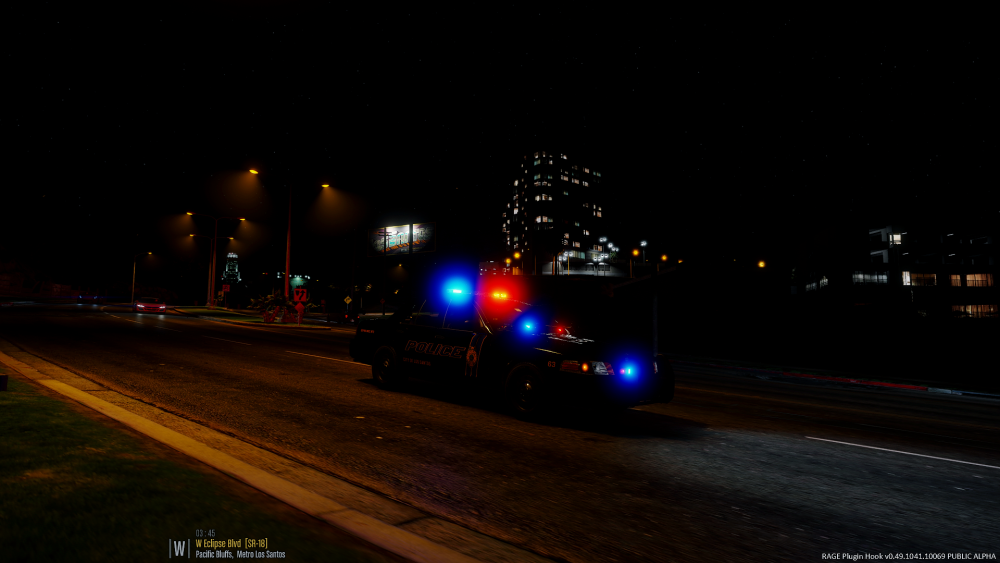
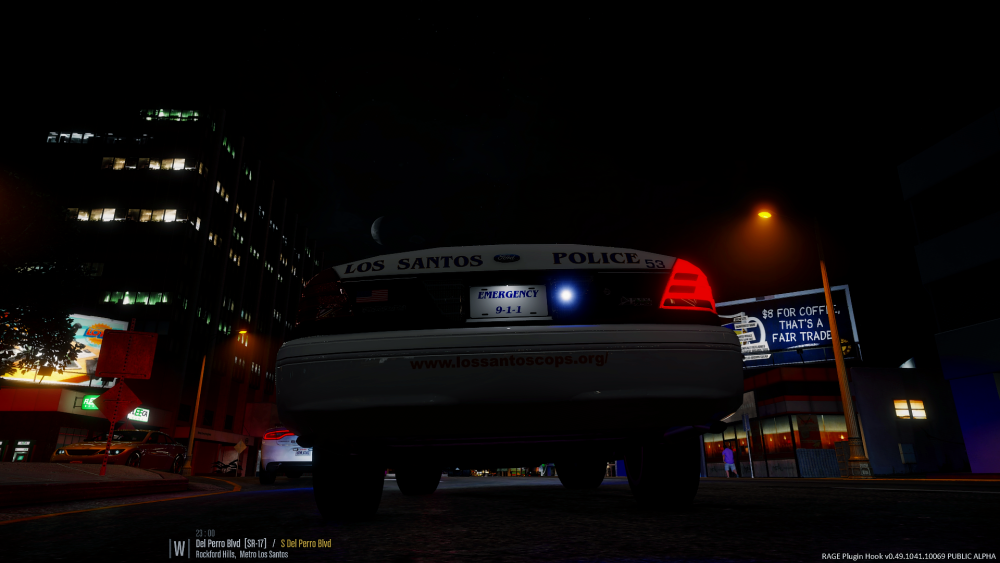
-
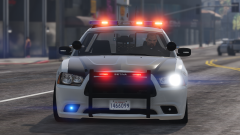 SEXY BABBYYYYYY
 -
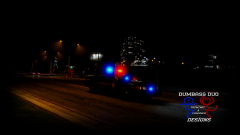 I knew an Ohioian would notice this! Yes it is! I have a ton of skins already done for it!
 -
From the album: My GTA V Fleet
Sneaky Peak of an upcoming Mega Pack I am doing! Gonna be learning to model and do ELS this weekend and maybe soon I will post the daytime pictures of the CVPI skins :P -
-
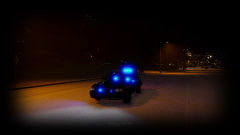
From the album: My GTA V Fleet
All Blues for the win! -
-
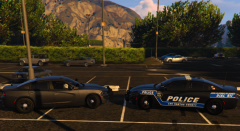 Very interesting design, Not sure about the stripe on the rear though but it's a nice idea!
 -
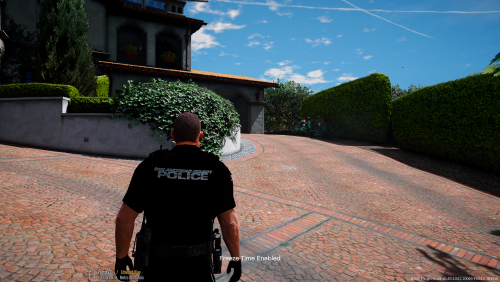 Nope, all I did was take the textures to make them darker that is it. Model was by maxpayne
- 17 comments
- 6 reviews
-
-
Dude I fully agree, If you don't like it then don't download it. Simple as that, It's my stuff so I make it my way!
- 17 comments
- 6 reviews
-
-

- 2
-
-
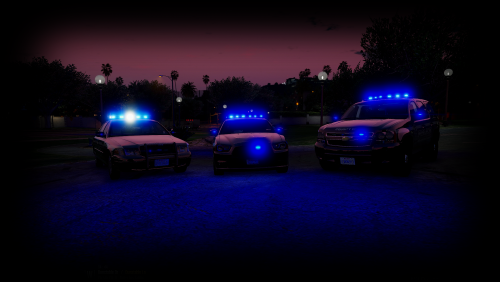 Well, My creations and I made what I liked, Either enjoy or don't use that's all I am gonna say.
- 20 comments
- 3 reviews
-
-
- 1
-






