



TrentMU
Insiders
-
Joined
Everything posted by TrentMU
-
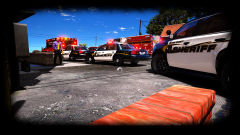 The ghost circle
 -
From the album: My GTA V Fleet
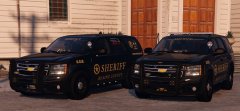
Well, decided to do up a black and white theme with belly as we decided its the best look for it. Next comes the models for all the skins. -
You don't have to use EUP for uniforms, just use the F3 trainer and select what cop model you want lol
-
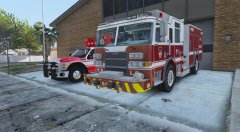 Guys, trust me, This is worth the wait! I can tell you that from being able to help downcoldkiller with screenshots and testing!
 -
Hey guys! We are still looking for some more people to join us on this project! Feel free to contact t0y or OfficerWalters or join our discord and let us know you are interested!
-
Damn boi them be moist.
-
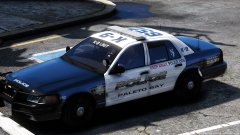 Damn that livery is gorgeous!
 -
 Moist, Very Very Moist.
 -
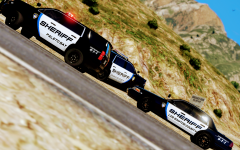 "Tri-County Sheriffs" There is only 2 counties though.
 -
 Holy mother of god :O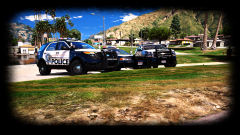
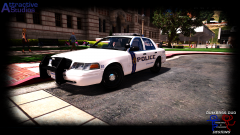
From the album: My GTA V Fleet
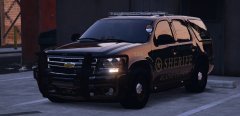
and it is just about done :DUgh, This Tahoe was babe, Can't wait to use it with ELS!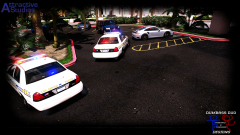
From the album: My GTA V Fleet
So much more things to do for this pack, Maybe I will take a break and do an all blue light fleet hmmmMonitor: Dell 24" 144MHz 1440p with G-Sync Keyboard: Razor BlackWidow Chroma Mouse: NPET V30 Wired RGB Backlit Gaming Mouse Mouse Pad: RGB Hard Mousepad Motherboard: MSI X370 XPOWER GAMING TITANIUM DDR4 AM4 OS: Windows10 CPU: AMD Ryzen 1800x 4.0 GHz OC CPU Cooler: MSI Core Frozr L GPU: MSI 1080 8GB Gaming X PSU: Cosair 1000w RAM: Corsair Vengeance 32 GB RAM 2 TB Hard Drive 2 Corsair Air Series Red LED Fans 3 ThermalTake RGB Fans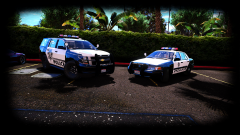
From the album: My GTA V Fleet
I guess I will give you some love <3 @LVMPDFAN PS, My skin looks nice :D PPS I forget to change the plates out on the picture PPPS Finish the damn pack.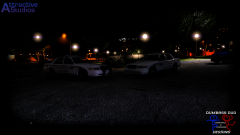
From the album: My GTA V Fleet
Well, Traffic Divisions vic is just about done, got a few minor bugs and off to the K9 Vic!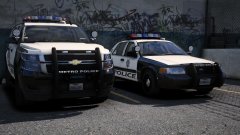 Even though I am sad I don't have these, I love them. Just like I love you bby <3
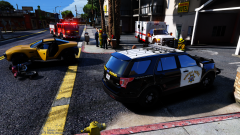 Love the graphics!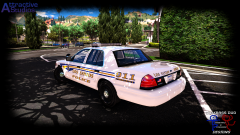
From the album: My GTA V Fleet
Well, added the rest of the equipment, got the ELS all set, Next is the Traffic Vic then probably K9 then off to the other models!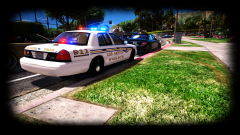
From the album: My GTA V Fleet
Well, Got all the ELS set just minor edits to the interior and plates and the patrol vic is done!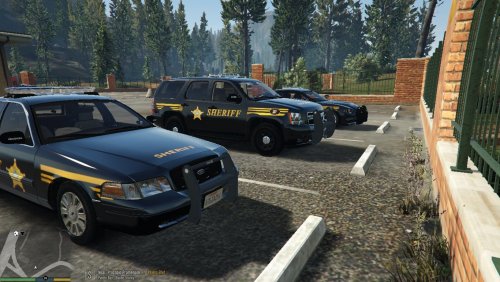 Just as some constructive criticism, This is all wrong. The fonts, badge placements, the stripping all of it. Just look at pictures online and you will all the stuff that is wrong, plus, It looks like you copied and pasted all of it and released it, Take your time on stuff don't just do it and release it because you completed it. You have a lot to fix so next time actually take the time to make sure it looks right.
- 5 comments
- 1 review
-
-

- 1
-
As I am apart of this pack, I can surely tell you that this pack will be completed.
From the album: My GTA V Fleet
Well, just a few more things to fix up on this and the Patrol Vic has been completed :D

