


0taku
Friends of LSPDFR
-
Joined
Everything posted by 0taku
-
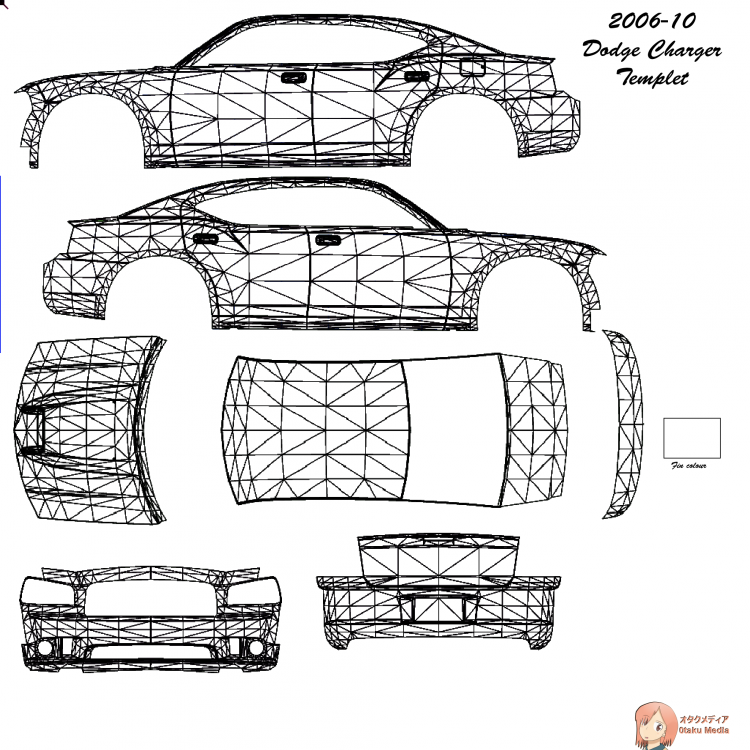
Mine should have had a template, if not here you go
-
Have you made sure to set the correct ID under the properties for the headlight's?
-
As far as I know this is not possible.
-
It looks like to be a custom-order Code3 x2100. where the 'hot-foot' lights are inside the plastic case which has also been modified to extend down to the mounts. But like BlackJesus said it could be done by a local company
-
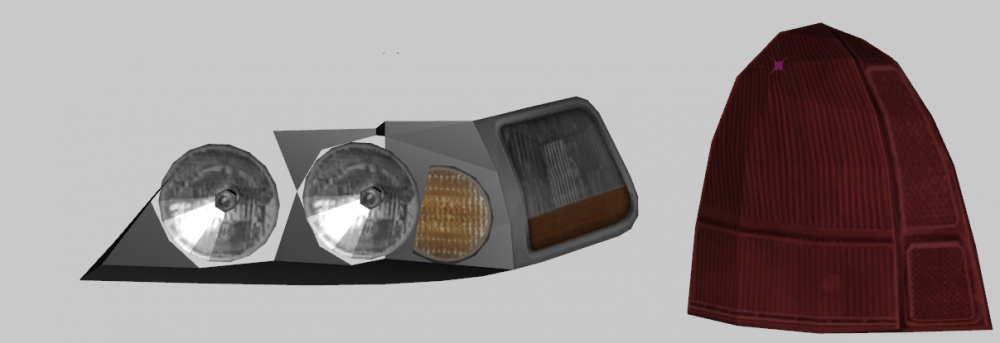
So I need a little help here. Anyone know how the lights are layed out on the towncar?
-
Well bus in game can hold up to 7 people in Insurgen can also have 7 so I would think it has something to do with the model and the meta line for said model.
-
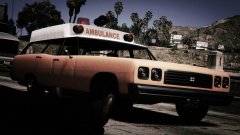 Looking good so far, for working with what you got. Need testers?
 -
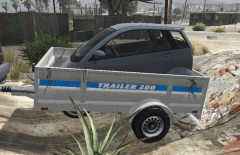 And she said it would fit. hehehe ----------------------- Jokes aside I thought this Image up after messing around in SP with a Bison...I think it was and the trailer and I drove past a Panto and thought 'I bet that could fit in the back' so after a stressful 20 minutes trying to get in there, I got it in. (look another sex joke)
 -
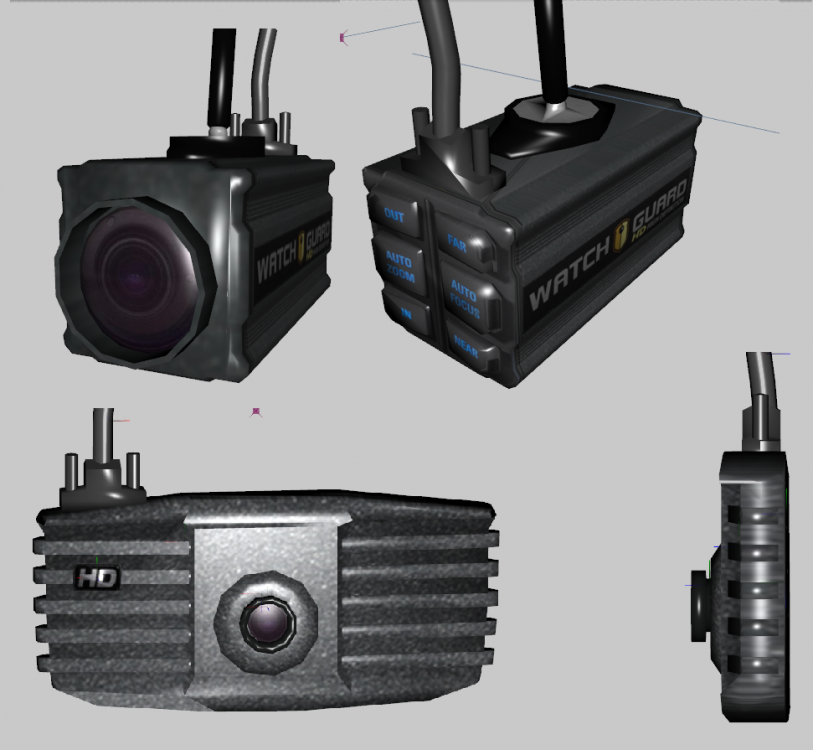
--------------UPDATE TO CAMERAS----------------- The first two of what I hope to be 4 cameras Made the HD mini Zoom (top), and Started work on the ZSL (bottom)
-
-
-
-
-
-
-
-
-
-
-
-
-
-
-
-




