


0taku
Friends of LSPDFR
-
Joined
Everything posted by 0taku
-
 That Ambulance...
 -
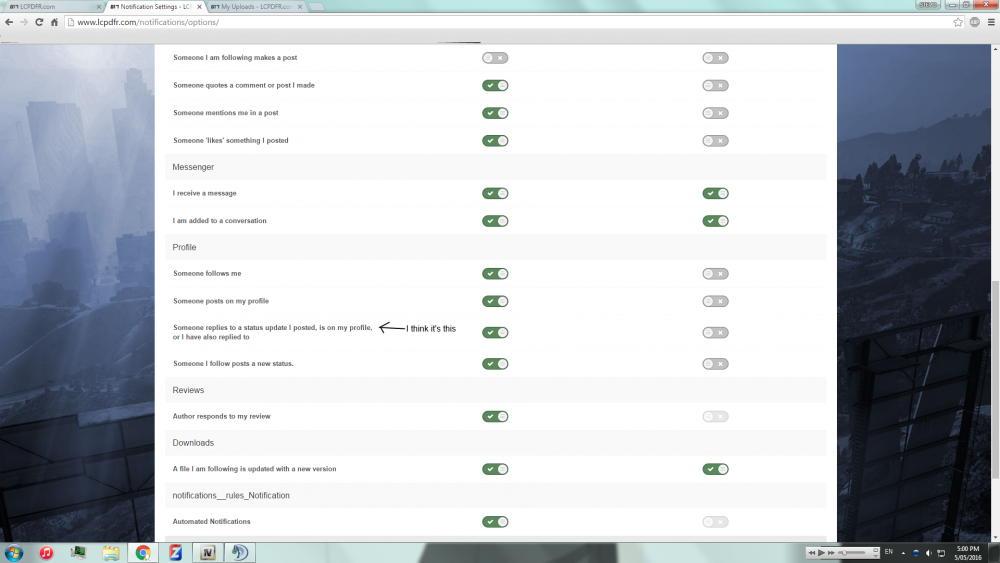
@EvilJackCarver It's under notification settings, click that and scroll down
-
From the album: 0taku media
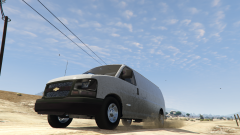
Got the dirt mapping done for the Express first time doing it too, Thanks to TheHurk for telling me some tips with dirt mapping. -
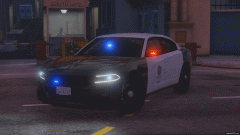 Nice and simple slicktop, I like it.
 -
Are you using simple native trainer?
-
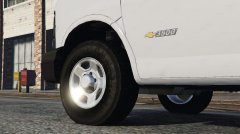
From the album: 0taku media
I add a spare time so I quickly made new rims for the express. Tire is the Rockstar games tire Rim well is something I made a while back for the Charger And the 'Spoke's' are that of the base DSF model and are re-textured -
Very Nice skins so far. I like them
-
Try turning up soft shadows, it worked for me.
-
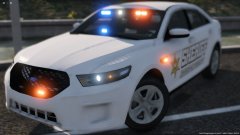 Looking good
 -
Yes I believe it should. Everything looks goods. Though you might have some troubles with getting things to work with Windows 10, I have friends that have had issues
-
Very Nice so far, and it looks like its going to be a decent poly count. Not to high, not to low
-
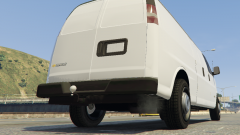
From the album: 0taku media
Yesterday I remade the the trailer hook-up area to something more real, But due to the trailers of GTA it's smaller then its real life counter part. ALSO it's just one of a few Extra's I have planed. heres a shot without it -
Usually to Rage-hook downgrade are from your game files, and to my knowledge R* only has the most recent patches for GTA V on account of GTA online. However I believe if you have to Steam on you should be able to downgrade thought the DLC/beta's tab, not sure on this since I don't have to on steam. I hope this helps in someway
-
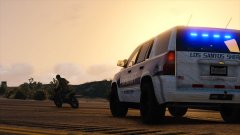 That dirt textuer
 -
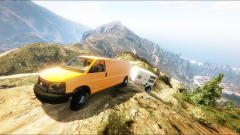
From the album: 0taku media
Also heres some shots of the dash: DAY NIGHT -
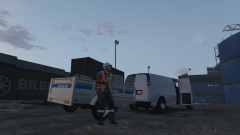 Currently for best optimization, I wil be making it the Speedo, and I have a DEV released planed so other can edit it to what they want
 -
From the album: 0taku media
took 5 hours of work, and 1 re-install from a back up because every got F'd up. But I mange to get a little side project done on the express -
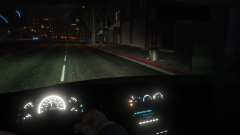
From the album: 0taku media
Dash shot of the express on working on making the dials on such light up. They have all been re-drawn by me. I am working on trying to lower how bright it is. Also if any has any good night shots of a 2014-current of the cargo Dash at night (or light up) can you send em my way, Thanks -
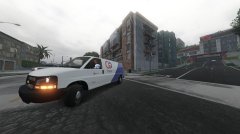 1. I might also make it replace the Pony as that is used as a GoPostal van ingame. 2, As all ready stated I don't take request, this is for personal reasons
 -
Currently as I'm making it for a friend so I'm testing in the Policet slot. I might replace on of other van (haven't decide yet) and also I don't take request. This is being done as a favor
-
Still working out some bugs. Should be soon
-
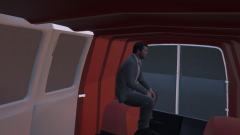
From the album: 0taku media
--------- Re-doing the back of the Express to better suite what the re-life cargo looks like. -
From the album: 0taku media
Go Postal is trying out some 2016 Chevy Expresses for small packages delivers. The Test will run for the next few weeks. -------- Model the Extended 3500 model -
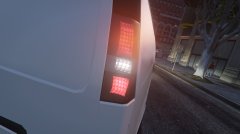
From the album: 0taku media
Sunken rear lights for the 2016 Chevy Express I'm working on -
No that is the clock speed of the CPU, generally to check your PSU (power supply unit) you have to enter the BIOS (F11) on Start up, at lest for me this is how to do it. The Minimum for a GTX 750 (which is a good entry level card) is 300W, I would suggest going to about 500W or above becuase that way you should have plenty of power for the CPU, Fan's, motherboard, GPU (graphics card) I would suggest this any of the Corsair M (modelers) ones because you only have the cabels you need plug in.



