


0taku
Friends of LSPDFR
-
Joined
Everything posted by 0taku
-
 Looking good EVL or Vanilla lights
 -
This thread will be were I will be posting most of my Zmodler W.I.P's for GTA V, and keep you guys up to date, ask for you input or maybe you could even help me out on a few things. -------------------UPLOADED--------------------- -----------------------CARS--------------------------- -------------------LIGHTING-------------------------- -------------------EQUIPMENT----------------------- -----------------------W.I.P--------------------------- 2004 mercury marauder
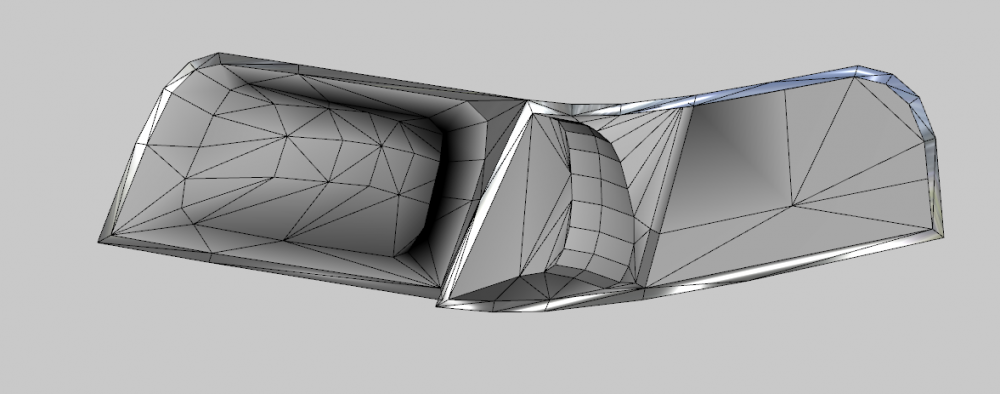
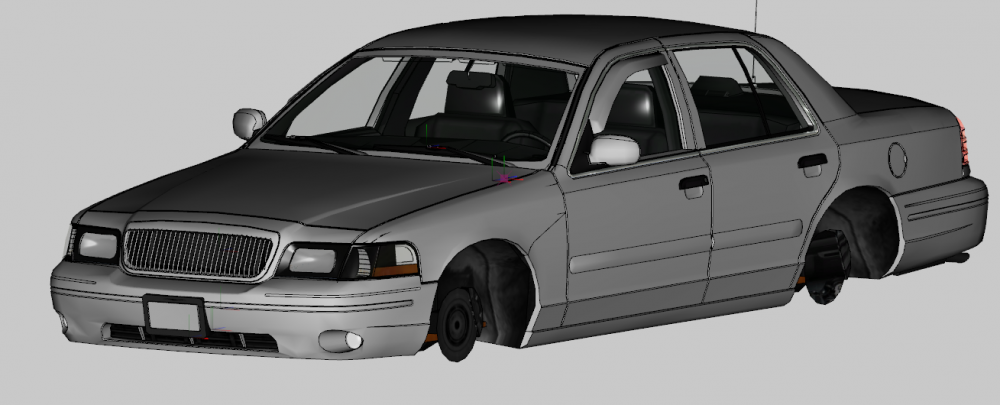
-
 Is that the Humvee from one of the Arma
 -
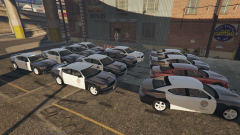 I had planed to use the black rims by Bxbugs, but I couldn't since he doesn't want anyone converting his files over to V. if there is an V model of the steel rims I might quickly add them before the release
 -
LS customs in East LS has taken a local Government Job to outfit 12 cruisers (8 marked, 4 unmarked) that they will be adding to their fleet. ------------------------------- All most done, except a release in a few days if all go's well (and I don't forget)
-
 Very Nice model, but not to sound rude or anything but did you get proper perms to use Bxbugs stuff. I'm asking because he's gone thought and added something to all his files saying 'not to convert to GTA V'
- 139 comments
- 38 reviews
-
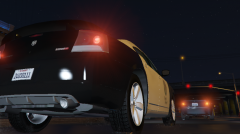 It's going to be a full DEV model.
 -
From the album: 0taku media
I sorry for how long this is taking to convert, but I had to restart it and I as limiting my self to a few hours work 3 days a week so I don't get burnt out form working on it to my. All thought I would say i'm about 80% done, all I have to do is replace the L1,L2, fix the middle brake light and a steering wheel. Now a few questions: 1- would people like it if the L2 lod was a bit lower poly count 2- Would people prefer to have the plate on the skin or have the use the ingame on and be able to edit the plate texture -------- After this I might be doing something 'crown vic like but not a crown vic' -
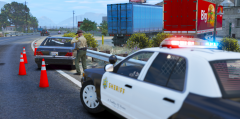 Took me like 2 minuets to realize that the rock behind the light bar was not the glass. Nice shoot never the less
 -
Firstly I apologies if this is n the worn section. Two of my textures for my Charger are like this They look find in zmod and in game but they are hard to edit right now. Any idea's on how I can get them to look right. I have tried save in importing to openiv to save as a .PNG but no luck. I think it might be something to do with the alpha EDIT: Never mind, I've figured something out
-
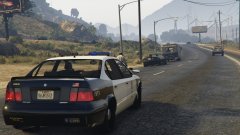 I kinda missed the Merit form V. I would have like to see it as a police car, and now I can
 -
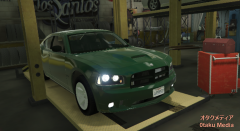 EDIT- Also if poly count is low at ok enough and I can pull it off I might make a 3d grill for it
 -
From the album: 0taku media
Ok this image is a little old but only because of the posting delay yesterday. I have to at a good point for in game. Things I have left are: -Fix a few things with the back lights -Fix the 'extralights' -Fix a slight mapping issue on the wheels -Fix a few 'stead burn at night' lights - -Add the wheel and gauges (this is might take a while) ------------------------------- This model will feature the option of either the police of the civi center console And if all goes well this should be a nice DEV model for you guys -
-
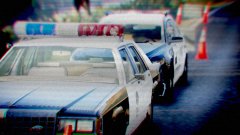 -Father and son -Teacher and Student -Age and beauty There three for you
 -
Yes, that is correct
-
This is something that is called 'UV mapping' and it is done in Zmodler. Usually the editor of the model dose this. If there is no UV mapping or 'templet' sadly a skin can not be made. Basically what the temple or the 'UV mapping' dose is this part of the Image goes here on this part of the model.
-
it differs. Most people use photoshop but there are some the use other layer based programs such as Inkscape. I for use SAI for the design and photo shop for the text. As for what is need well you would need the 'templet' for the model you would like to skin and assorted reference pictures of what your trying to do Eg: left, right, front, back, top. I use http://www.policecarwebsite.net/ when I just want to mess around with skins. This is the best I can help, but mabye one of the 'skinners' could help more
-
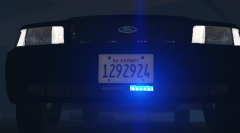
From the album: 0taku media
I just thought the grill lights are a bit 'over used' (nothing against them though) and thought that maybe the lights would look better under the plate. What do you guys think. Yes/no? I really don't mind either way -
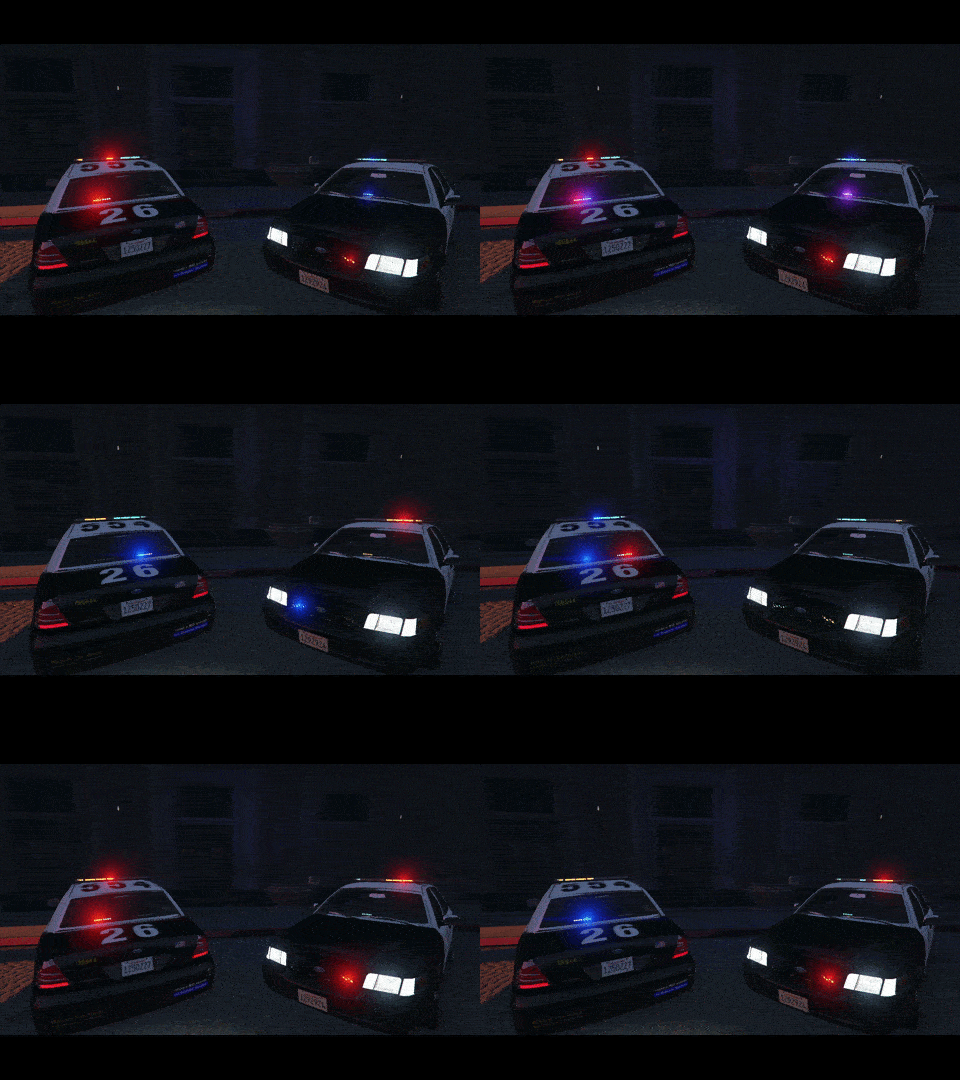
From the album: 0taku media
A W.I.P CVPI using more another custom lightbar by me. If people want it I'll finish it up and release it, if not its no problem --------- -
Personally I like a well mix of the two and not just a main focus to MP (cough EA cough). But yeah it seem that since most other AAA company's are heading to an MP looking (or an online world rank in same case's) R* would join in because form some strange resonse this is were games are heading now. I give it 2 more years before most new games are MMO's
-
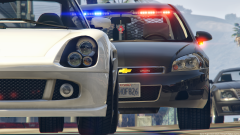 oh boy
 -
I could have done a whole lot better if I could have used my usually drawing program, but since it said pain, I used paint
-
no problem, glad I could help
-
Try changing the [PAINT:2] to [PAINT:1] because this is what I have my go-4 set to and I can't change the colour of the skin in game




