


0taku
Friends of LSPDFR
-
Joined
Everything posted by 0taku
-
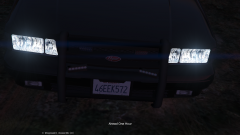
From the album: 0taku media
New front light set up. I'm going for something CHP like so I might add a speaker to the middle, I'm also trying to get the glass to work right This took a while to do, this was a lot of moving stuff round and find the right points GIF Texture is a place holder for testing -
Some stuff I've found out is the the 'pivot points' for lightbars should be in the middle of the Z (I think that the right one) aixs and general they use from left to right siren 1-6, and I'm going to test it but I think 15-20 is the rotating lights Siren 1 & 6 also need to be rotated so that the ' door side' (so left side for 1 and right side for 6) face the front Also I'm still experimenting with angels but if say model is at an angel of 20° then the light mesh should be at -20° I'm still testing a lot of things but this is just what I've found you Now F5544 when you say 'dummy' do mean a literal 'dummy or are you talking about the pivot point EDIT: also when exporting stuff from Zmod 2 to 3 in .3ds a scale of about 950-100% looks best
-
:cough: :cough: There is this
-
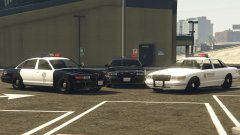 I like the middle one best
 -
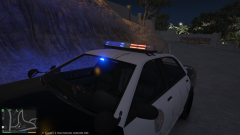 It's using a texture from GTA IV ELS, I'm going to try and find something that looks nice for V.
 -
Better GIF: http://i.imgur.com/wQJbtBn.gifv
-
From the album: 0taku media
The LSPD have are testing out a new lightbar from 'Flare lighting' this lightbar will replace the older 'rotating' lightbars Preview via Imgflip GIF Maker --------------------------------------------------- note please DO NOT PM me asking about lightbar help, I'm still learning stuff to, this is a weeks work figuring things out and I still have some things todo -
-
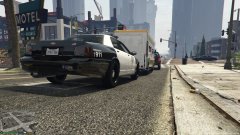 Doughnuts would be better
 -
would it be to hard of someone to make a vid of how to do this? I think I get all of it but a video walk-though would help alot
-
what are the rest of your part? because a high-end graphics card won't do well if everything else is weak (not saying you have a weak computer, just asking)
-
I think i get it now, so yes. So you wanted extra 1wiht its 'houseing' to be on the door would you put it inside the door_dside_f or door_pside_f dummy
-
The light extra would be in the door dummy so it moves with the door.
-
I know that most police car have the 'music' radio removed. I was wondering is there someway I can have music while in the car. I have tried the 'mobile radio' option in trainer but didn't feel right I did this when playing MP on GTA IV because I found it nice to sit and listen to tunes while running radar. So dose anyone know of a mod or something I could use ?
-
Try installing both slimDX runtimes form http://slimdx.org/download.php it what got it working for me
-
Not sure if its stand a lone but there is one being made https://www.youtube.com/watch?v=spzcNb78Uf8
-
Very nice,
-
Stickers anyone?
-
I have only LSPDFR and a trainer in (nice and simple). Thought I'm working on some textures but I can't really test them because my game dose not like it when I change textures
-
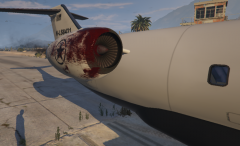 I think I might have fly into something
 -
As far as I've heard, this is something the CD copy dose. I've heard that blocking the exe via your fire wall can fix this.
-
-
would drag and drop work with this. Because I had to folders on my desktop (GTA V, GTA V MODS) and I just drag and drop them from each folder, or would cause issues when going to use LSPDFR, because I've haven't played with any mods yet
-
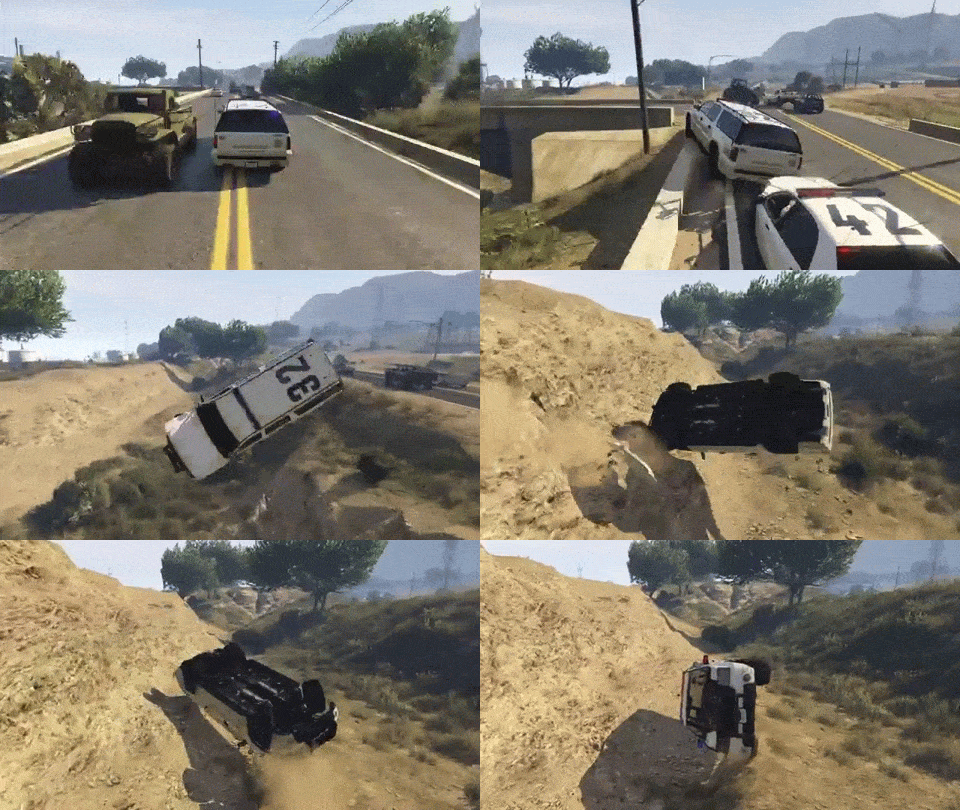 who's telling the sup' about that
 -
From what I've heard just copying sometimes doesn't work




