


0taku
Friends of LSPDFR
-
Joined
Everything posted by 0taku
-
Most of the models on site such as Turbosquid aren't ripped. They're scratched made, so you shouldn't have anything to worry about. I would be wary though. most models are 200K+ polys so they are VERY high ploy and do need a fair amount for work for GTA
-
Not really support but more of a suggestion but, Will you been adding the 'clear' glasses, and not just the sunglasses to the EUP menu in the near future?
-
simple native trainer V., works just like the one form GTA IV, but its a scripthook mod, so you might have issues, (some people have) https://www.gta5-mods.com/scripts/simple-trainer-for-gtav
-
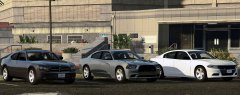 what about the the '10 they only changed the taillights ?
 -
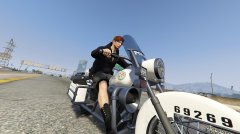
From the album: 0taku media
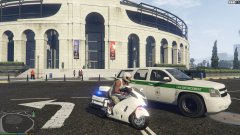
Jake Smith patrolling around on his Western Motor Company police bike -
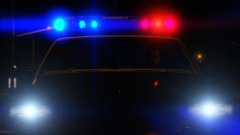 I think I know how you did this, Is it a mix of how to make a 'steadyburn' and how the ELS 8 worked with halogen lights
 -
@dr1980 do you have the ASI loader installed for OPEN IV so it can load the models, if no this should help you http://gtaforums.com/topic/798272-how-to-use-openiv-mods-folder-and-keep-your-original-gta-v-files-safe/
-
If I remember most guns need to be installed in patchday8ng, all their relevant DLC folder. I.e. If you were replacing the flashlight you would mphalloween
-
I use OBS for my speedarts (we I do them) and it dose and don't noticed a difference in speed
-
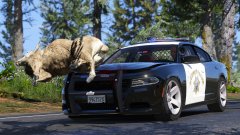 oh dear...someone made that joke
 -
 Looks very good so far.
 -
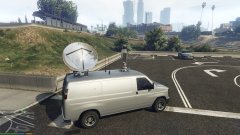 Nice looks like it's getting there
 -
 Have you tried merging, because most the the files I have downloaded have been a z3d and work fin for me You need to use a paid copy of zmodler3 to be able to add it to a car and export it.
 -
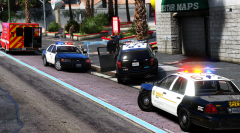 But Lundy, it's crashed into a tree. Should this be better for it
 -
Sooo, the first call out I get is an Armed suspects, so I take it and turns out their in a tank.
-
Right one is Right.
-
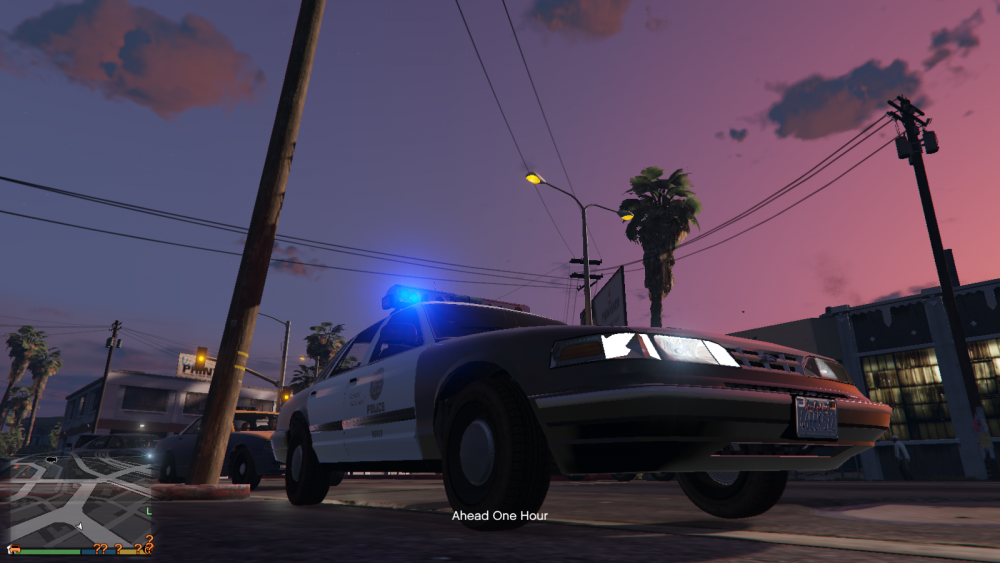
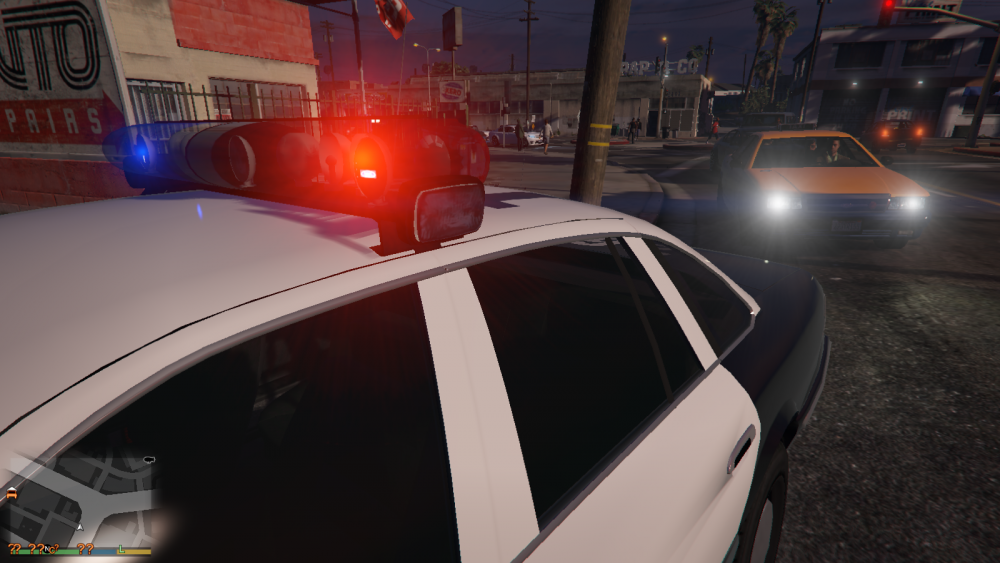
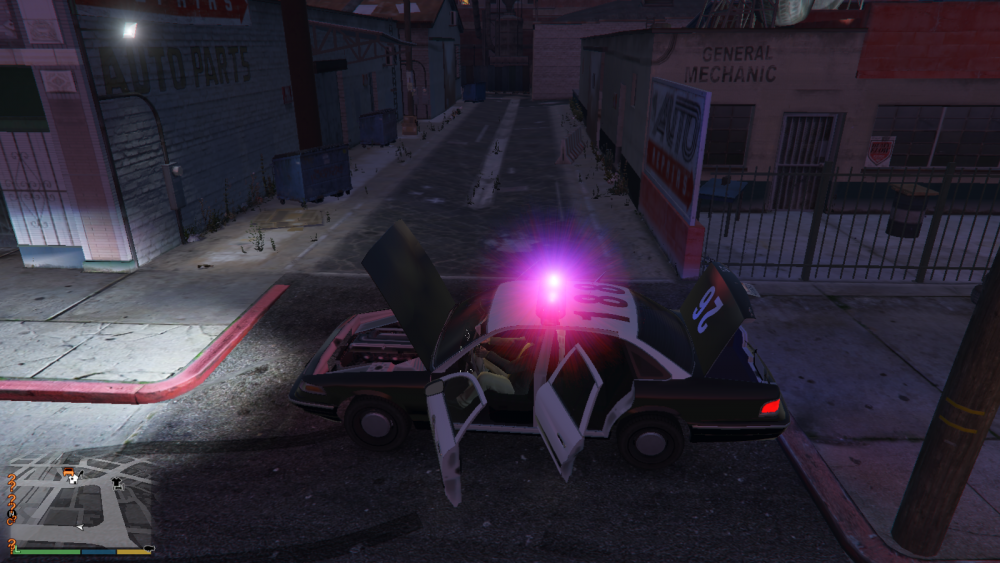
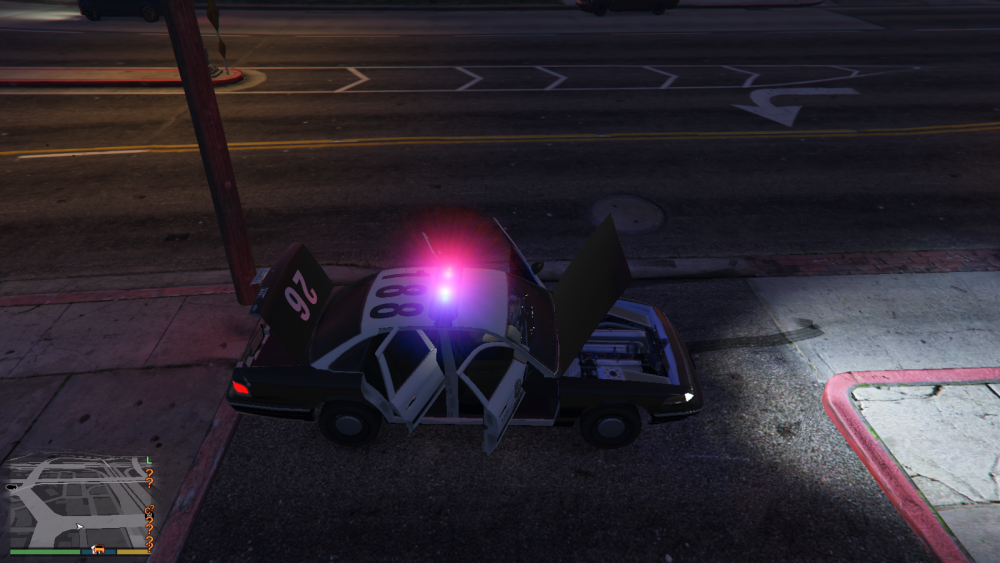
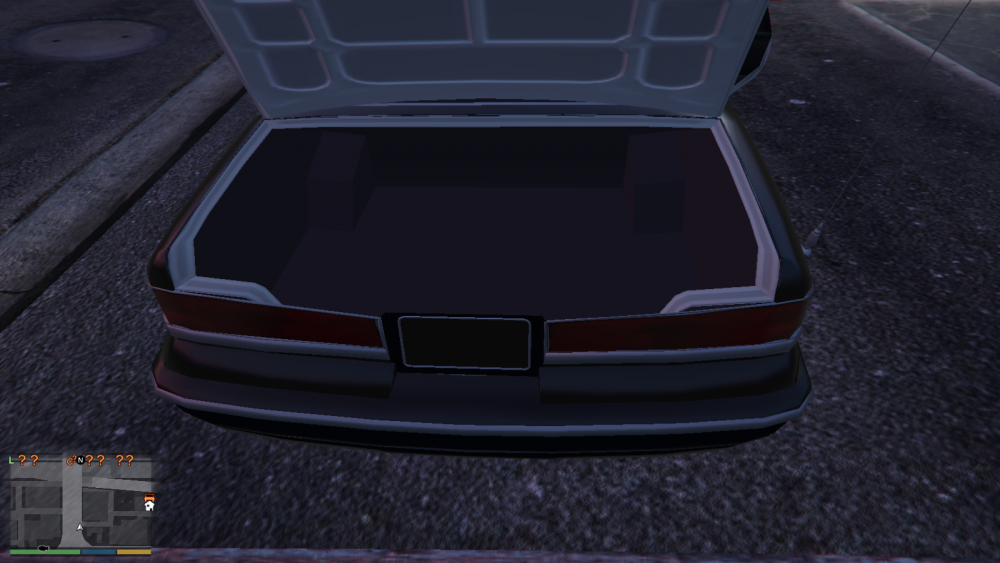
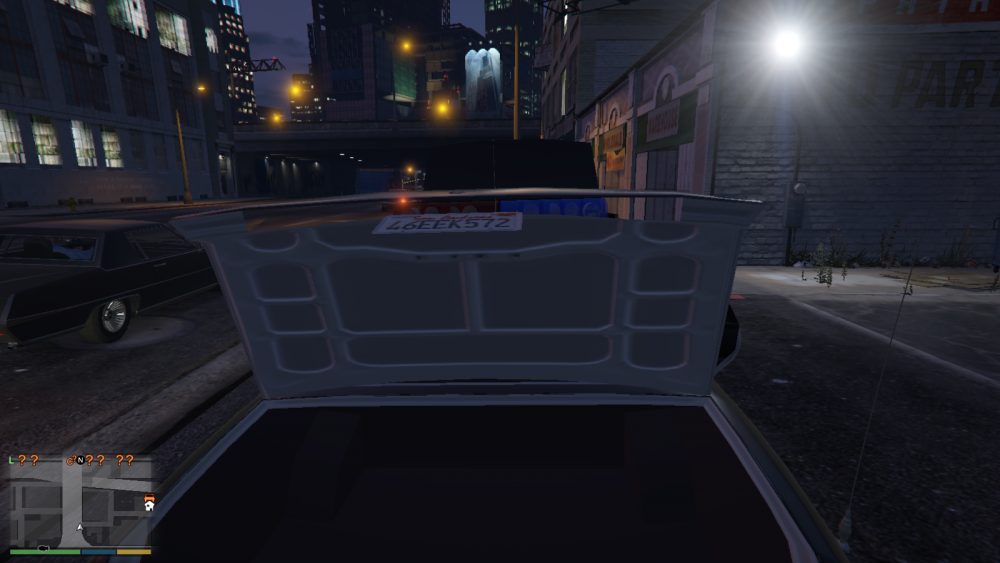
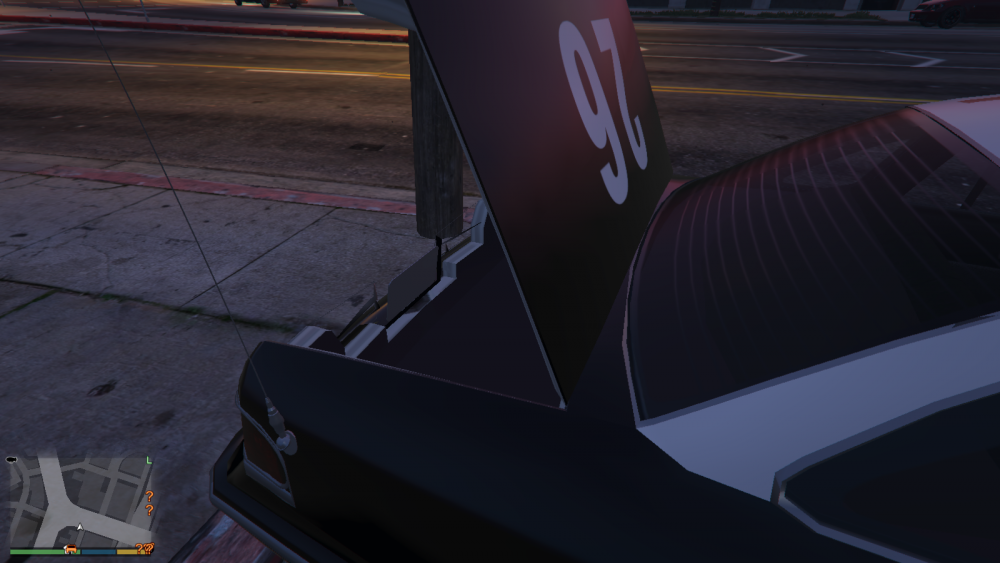
Polygon error with left indicator, thing sticking into the light ; Not sure if this is my siren setting or not but the side of the Lightbar are small coloured 'Ford' logo's Left side doors look good Right side the Axis is off And little fixes on the boot (trunk) 5
-
 Kinda looks like Tim DeKay
 -
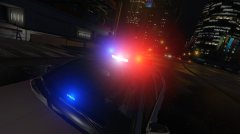
From the album: 0taku media
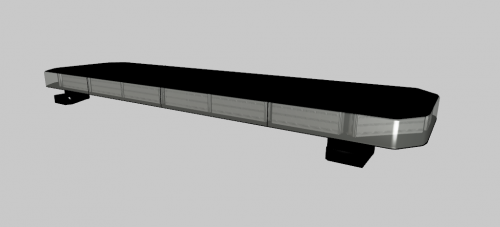
Just a shot of a lightbar I made yesterday ---------- Taken in game and edited in the R* Editor ---------- -
Got a screen of the updating bar. It doesn't look anything like this dose it?
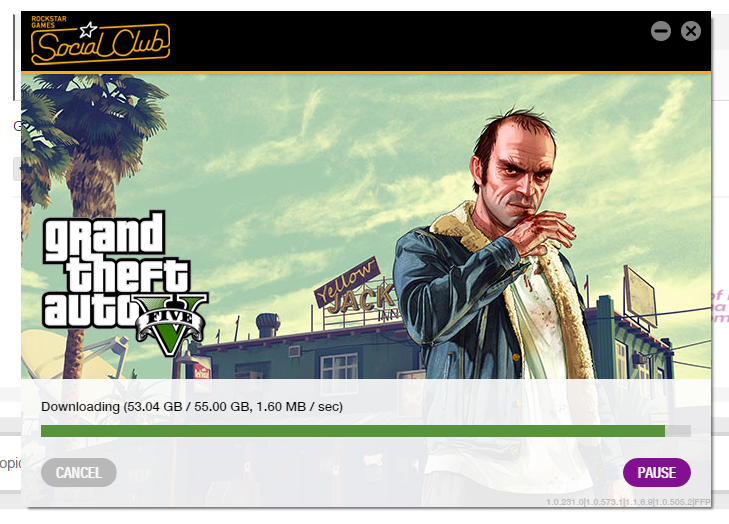
-
Hmm, that's strange. I have the Disk copy and it never did this to me. Have you tried just letting it update, because it might have to installed all the new DLC.
-
If you have the disk version you have to use a Mods folder, you can read about it here: http://gtaforums.com/topic/798272-how-to-use-openiv-mods-folder-and-keep-your-original-gta-v-files-safe/
-
I think the mod might be getting the code name and not the screen name
-
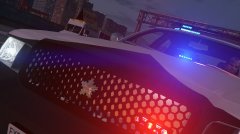
From the album: 0taku media
I was bored yesterday, So I made a badge that is slimier to what the Tokyo police use on the front of their cars in place of the maker's logo, and I love how it turned out, mixed in with the Skin it looks really nice on a Vic ---------- Taken in game and edited in the R* Editor ---------- -
I agree with this. I had issue where I couldn't get it working and when I did, my problem was something that they didn't even have on their 'make sure to have. I.E. Nothing was stated about making sure to have the SlimDX runtime installed. Installed it and I was good to go. First just try installing SlimDX runtime from here https://slimdx.org/




