


Reddington
Members
-
Joined
Everything posted by Reddington
-
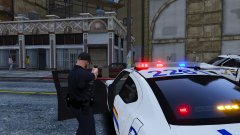
From the album: Red's LSPDFR chaos
-
To add to what Ineseri said, please follow the most recent 0.4 update thread. This question has been asked many of times. It really comes down to the plugin devs. LSPDFR is getting updated, plain and simple. The individual devs are the ones who need to update their own plugins to be compatible.
-
Seems interesting so far. Looking forward to see where it goes!
-
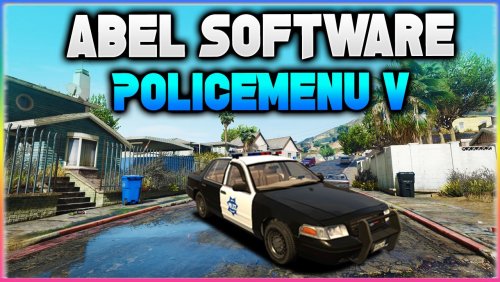 @Abel Software There's some type of bug with the barriers. I've been having this for a while, but wanted to verify it was 100% a bug. Multiple times now I've found sections where the road is blocked off by an invisible wall, and we can't get past it. When I remove the barriers in your menu, then the road is opened again. The thing about this is, I have not used your menu to close roads in a few weeks. I'm not sure if the barriers are randomly being placed without my doing anything, or if the mod it not remembering they were removed the next play session and spawns them in again.
- 59 comments
- 6 reviews
-
Your topic has been moved to GTA V Support, this is not LSPDFR related. Please post in the correct location in the future.
-
Your topic has been moved to GTA V Support, this is not LSPDFR related. Please post in the correct location in the future.
-
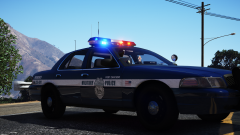 Ahh, that makes sense. I've used the pack, and love this. Wish he'd make a full pack with this light bar.
 -
Loving the light bar. Whose Vic?
-
Your topic has been moved to GTA V Support, this is not LSPDFR related. Please post in the correct location in the future.
-
Your topic has been moved to GTA V Support, this is not LSPDFR related. Please post in the correct location in the future.
-
Your topic has been moved to GTA V Support, this is not LSPDFR related. Please post in the correct location in the future.
-
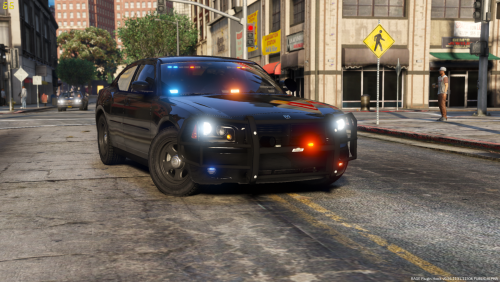 This is my new favorite 09/10 Charger! It's so sexy, has really nice lights, and awesome patterns! The ALPRs are really interesting, and I love the placement. I've made an all blue version for anyone who wants it.
- 17 comments
- 10 reviews
-
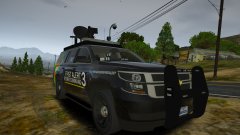
From the album: Storm chasing
-
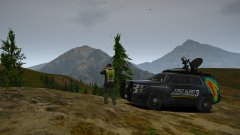
From the album: Storm chasing
-
Most plugins are going to work. Even callout plugins from years and years ago still work. The only issue is with stability and optimization. There is no ETA on ScriptHook's update, keep an eye on Alex's site. Linking to Discord servers in thread falls under our no advertising/self promotion rule, so please don't ask for that. If you need support, we have an LSPDFR and GTA V support sections you can use.
-
 Can you link to the original, please?
 -
This topic has been moved to the appropriate forum. Please post in the correct location in the future.
-
-
Authors say vehicles are optimized for 'x' slot, but in reality, they work in any and all slots. You might have to edit the vehicles.meta to change the handlingid, but it works fine. I have a crap ton of standalone vehicles, some of which were optimized for 'police3', yet are completely standalone/add-on and work perfect.
-
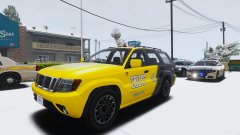
From the album: Red's LSPDFR chaos
-
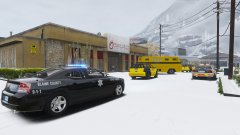
From the album: Red's LSPDFR chaos
-
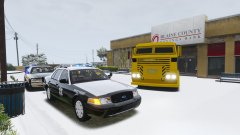
From the album: Red's LSPDFR chaos
-
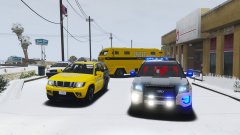
From the album: Red's LSPDFR chaos
-
As with every game update, ScriptHookV also needs updated. Keep an eye on SHV's site. http://www.dev-c.com/gtav/scripthookv/ In the meantime, you can use the alternate method posted by Willpv. Check his pinned thread in this section.
-
If you feel this topic has been closed in error, please report this post.


