



Bear82
Members
-
Joined
-
Last visited
Everything posted by Bear82
-
 Wow, that sounds really great, that it's finally possible to talk to people. A lot of work must have gone into this – could an audio response possibly be added in the future? Thank you so much for this!
- 320 comments
- 15 reviews
-
-

- 1
-
-
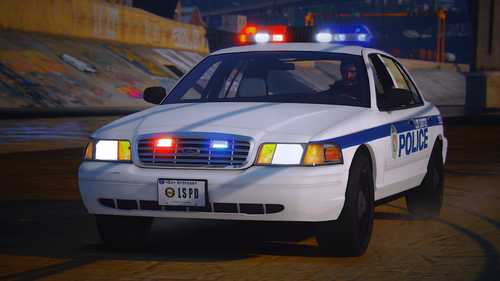 Thank you, but unfortunately that didn't help. They flash but don't rotate. I specifically renamed the vehicle so that there would be no problems with the original vehicle. Or does something else need to be adjusted in the ELS.xml file (lapdp9.xml)? Metas alle Ford Crown Victoria - Code 3 MX7000.txt
 -
Thanks for the Vic, I love it. The emblem on the back left isn't quite visible though "INTERCEPTOR". And what needs to be changed/adjusted so that the lights rotate?
-
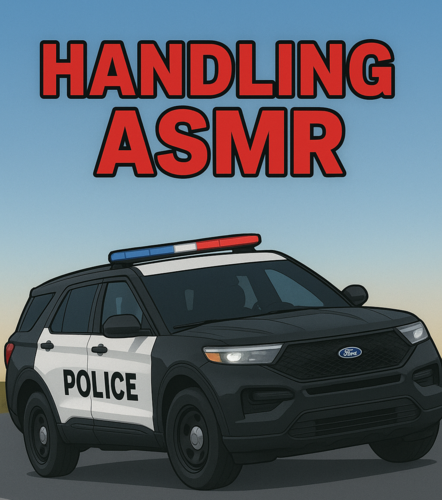 Thanks for sharing!!! The Ford Vic handles great, only the "Charger" and "Durango" are difficult (I've been able to test all three so far). Vic = Perfect - except for drifting CHARGER = Unstable when reversing (also the handbrake is weak) Durango = Excessive acceleration forwards and backwards, unstable when reversing
 -
 Unfortunately, I also have to report two bugs. 1) I can no longer get in as a driver after a certain time. This only applies when I'm on patrol with an AI partner – I can still get in the back and passenger side. 2) If I've arrested someone (handcuffed) and AI partners or backup units immediately join them, the prisoner is suddenly left without handcuffs until the AI has completed the arrest (so everything repeats itself), only then can I interact with the person again. Perhaps there are already solutions for this? Great work, please keep up the good work!!!
- 711 comments
- 49 reviews
-
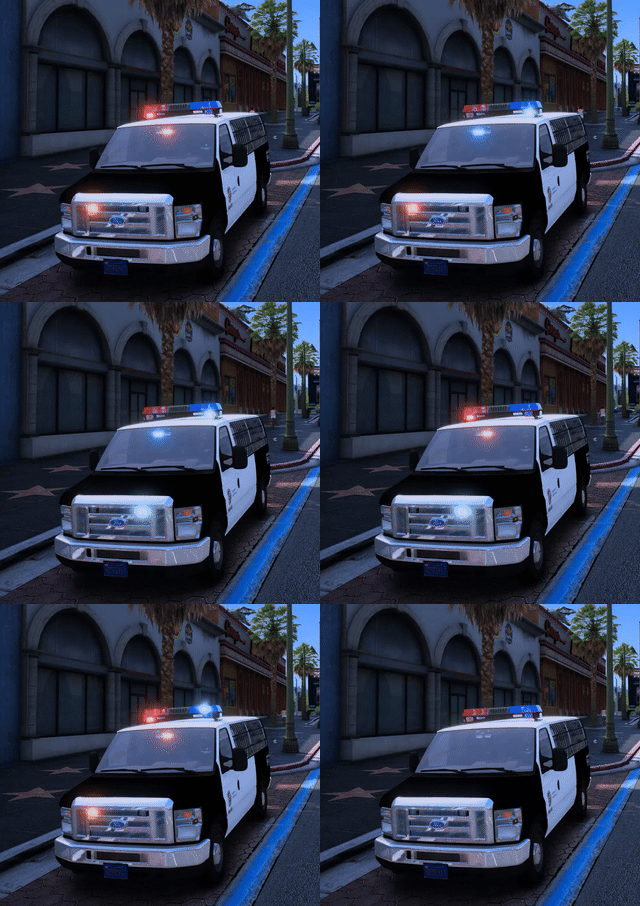 Super, vielen Dank für das Fahrzeug und Info bezüglich der carvariations. Frage, wenn ich die hintere Tür öffnen möchte bzw eingestiegen werden soll, wird immer an der Seite eingestiegen aber die hintere Tür öffnet/schließt sich. Kann das angepasst werden?
 -
-
Great stuff, thanks!!!! There are still a few things that could be improved, but it's still early days. Is there a way to recruit/spawn an AI police partner?
- 711 comments
- 49 reviews
-
.thumb.png.656f907bc2febc81911b0b821cb502c8.png) Hi everyone, are you currently having problems with version 1.5.2? Everything works fine with 1.5.1, but with the update, the application won't even start. I've also reinstalled and updated Java and the JDK, but no matter what, nothing happens. It's working again!!!! Solution: JDK24 from "oracle.com" from the archive (jdk24-archive-downloads). ---> with "Windows x64 Installer"
Hi everyone, are you currently having problems with version 1.5.2? Everything works fine with 1.5.1, but with the update, the application won't even start. I've also reinstalled and updated Java and the JDK, but no matter what, nothing happens. It's working again!!!! Solution: JDK24 from "oracle.com" from the archive (jdk24-archive-downloads). ---> with "Windows x64 Installer"- 350 comments
- 44 reviews
-
-

- 1
-
-
.thumb.png.b9e18d9931090871b064059f2c315cf8.png) A really great update. It's great that the reports can now be entered at the station. Thanks.
A really great update. It's great that the reports can now be entered at the station. Thanks.- 670 comments
- 19 reviews
-
 Hi everyone, are you also having problems with the callouts - does it immediately jump to code 4?
- 186 comments
- 34 reviews
-
 Now also works with Prowler Radar "https://www.lcpdfr.com/downloads/gta5mods/scripts/38133-prowler-radar/"
 -
GREAT UPDATE with the furniture!!! In case I missed my thought regarding PC use in the station, I'd like to briefly mention it again. Hi, what just occurred to me is that you can spawn a laptop in the police vehicle, maybe that will solve the problem or allow the work in the station to be done on a spawned laptop. ( Regarding reports, file management, etc., and related to the Police Menu )
- 670 comments
- 19 reviews
-
Hi, what just occurred to me is that you can spawn a laptop in the police vehicle, maybe that will solve the problem or allow the work in the station to be done on a spawned laptop.
- 670 comments
- 19 reviews
-
 Hello, a quick question: Can I change the position of the XScanner hud in-game or only in the XScanner.ini configuration file?
- 638 comments
- 51 reviews
-
Hi, Rockstar Games definitely released an SDK update yesterday, and there's a 46.4 MB update for GTA in my Steam queue. I haven't downloaded it yet, though, because I wanted to wait here first. I also had two crashes yesterday.
-
Hello everyone, has there been a new GTA update since yesterday, causing errors with the current LSPDFR version? Thanks!!!
-
Hello, yes, all you need to do is modify the - IS JUST AN EXAMPLE - +CustomRegions file (LosSantosCity, LosSantosCounty, etc.) and/or the +DefaultRegions (<CustomRegion label="California Highway Patrol">, <Zone>SANAND</Zone>, <Zone>TATAMO</Zone>, etc.) in the "Grand Theft Auto V\plugins\LSPDFR\UltimateBackup" folder. I hope this helps!
- 670 comments
- 19 reviews
-
Oh, my question fits in nicely with that. Does that mean the peds are taken from UB and not from LSPDFR, for example, from the station or area list?
- 670 comments
- 19 reviews
-
 I've noticed (just a little feedback) that it runs smoother and better with the previous version (1.7.2). I followed all the steps and installed SpeechPlatformRuntime.msi and MSSpeech_SR_de-DE_TELE under Windows 11, but unfortunately, when Dispatch sends back a message, the game stutters briefly. And the radio messages I send are barely understood/transmitted. I hope you'll continue to support the older version as long as Microsoft does (if it's due to their Windows extension software). In any case, thank you for the great product!
- 1,360 comments
- 85 reviews
-
 A great addition, thanks for the work. However, I noticed one thing: when I deliver the prisoner, the car returns to its normal state—i.e., full tank, windows up, and so on. Could you adjust this so that the vehicle's state remains the same?
- 20 comments
- 1 review
-
THANK YOU so much, you guys are the best! Yes, deactivating / renaming the *args.txt helped. Interesting, the text file is actually about preventing Battleye from starting. And it's from ScriptHookV, if I'm not mistaken. Great, thanks again!
-
Great, thanks. That's how it was again (https://socialclub.rockstargames.com/rockstar-games-launcher) , and the SDK will install automatically. Just like it did yesterday with the update. 1) uninstall.exe in Program Files\Rockstar Games\Launcher 2) Install: Rockstar-Games-Launcher.exe 3) Launch: Rockstar Games Launcher --> Automatic update + SKD installation 4) Log in via Rockstar Games Launcher --> Settings and disable BattlEye 5) Launch via Steam I've tried other things without success: 6. Checked Steam files for errors 7. Manual SDK installation via Social-Club-Setup.exe Still getting the error message "Reinstalling the game" Which directory should I manually delete the SDK from? Or am I doing something wrong in the above section?
-
Stupid question, but how do I install after deleting Rockstar Game Launcher and Rockstar SDK? Will it install automatically after the first launch, or will it download from a website? Thanks
-
Hey, it would also be great in the future if the police could edit/modify vehicles in your garage – for example, the armor, performance, and gearshift, like in the LSPDFR garage. And if your other great modification, "PoliceMenu," also linked to the computer in the office and worked. But these are just ideas – great great work, keep it up!
- 670 comments
- 19 reviews

.thumb.png.656f907bc2febc81911b0b821cb502c8.png)
.thumb.png.b9e18d9931090871b064059f2c315cf8.png)

