
K4te
Members
-
Joined
-
Last visited
Everything posted by K4te
-
Wait.. isn't it more related to some of your plugins instead mods? Send here your RagePluginHook log
-
You just have to install mods correctly. There is plenty of possibilities how to do it and most of it you have included in .txt files and don't install few mods at this same time. Take your time and add it one by one with tests. It's not competition how fast u gonna install it so like I typed above - take your time, do it slowly, read readme files if they are included or others .txt files that for sure can help you.
-
plugins are in plugins folder, we are working in mods folder
-
Sry I didn't saw that you have edit your previous posts when I was reponding.. You can try copy just this 3 files from original path and replace them in mods but after you typed about this: now I'm really confused what have you done xD
-
Delete folder where you have messed (gta5\mods\update\x64\dlcpacks) then copy original folder (gta5\update\x64\dlcpacks) paste it in place where modified on was and u can start try mod it again
-
Everything is in folders - choose that u want LAPD or LSPD version and replace all 3 original files with this one from .rar If you want add it as add-on then you have better explained it in videos that links to them you can find in .txt files
-
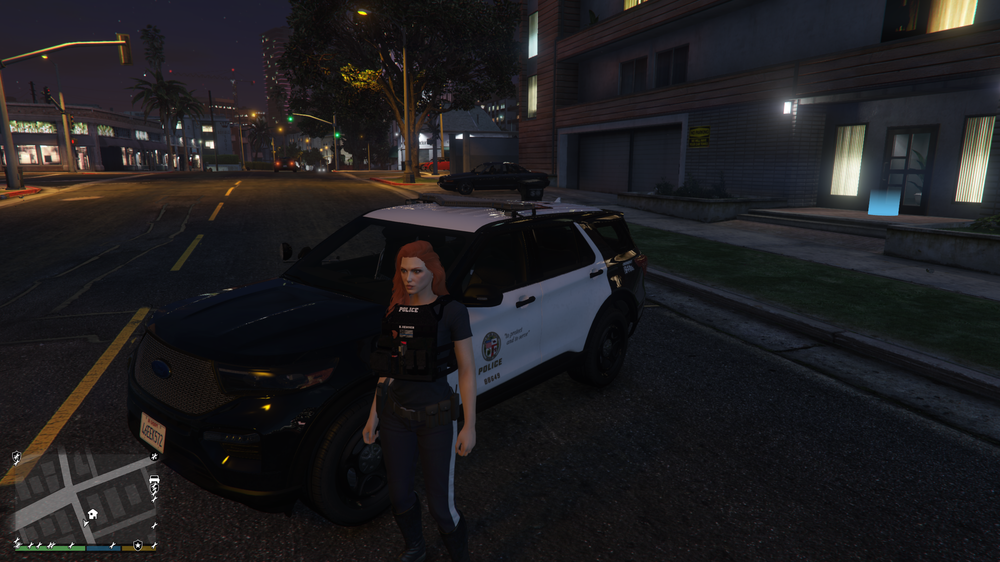
I don't wanna be rude - but I doubt its done correct
-
Emm.. you just play game and complete first few story missions xD
-
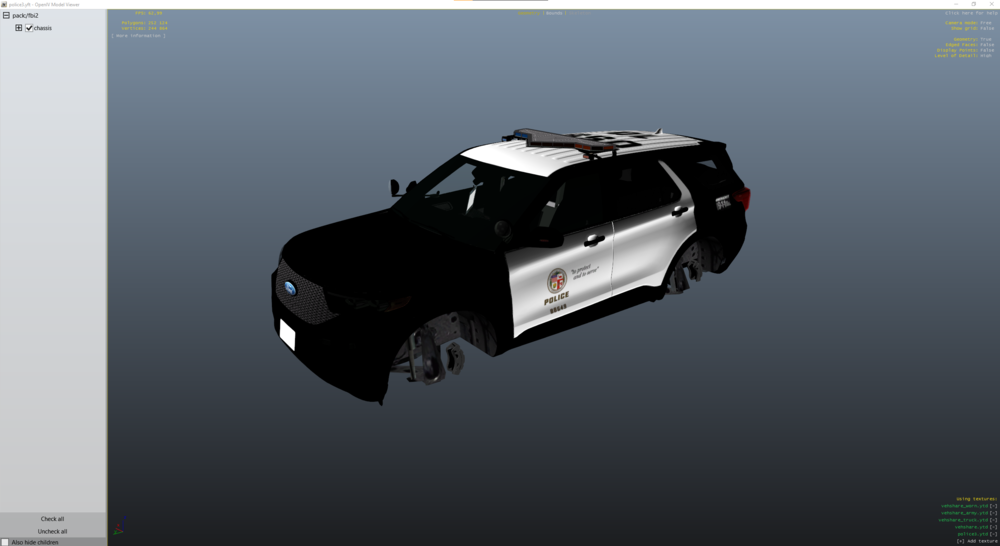
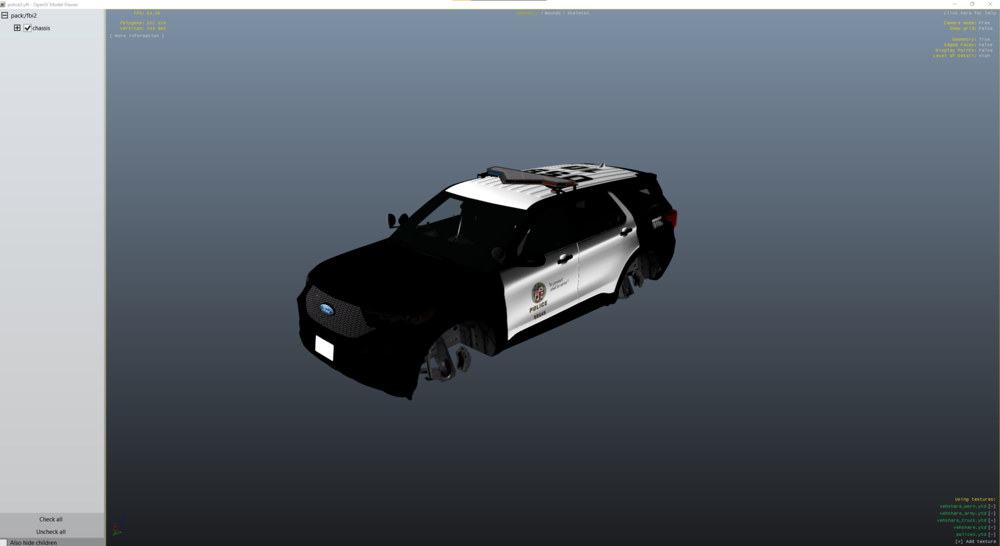
Files are ok: You have a lot of .txt files in this vechicle .rar - I suggest to look at them, especially that inside you have link to videos how to install it correct instead wall of text
-
First you need to finish few missions (5 I guess?) and then you should be able to open lspdfr at pause menu. Also.. even if you choose "story mode" u just can't open lspdfr in menu? (or load it in console - loadplugin...)
-
99,9% that u installed smh wrong but just in case can you send me here link to this vechicle?
-
Try for a moment remove Riskier Traffic Stops and launch game
-
Can you post here screenshot of your gta5 folder?
-
Sadly seems its just bad configuration set (prob by lspdfr devs when they wanted to make fast update compatible with "The Chop Shop" dlc or maybe UltimateBackup)
-
I see there few files that I never saw before but I guess there are from some mods (talking about hashes and weapons1 files). Try delete all ScriptHookDotNet files - it's like to cause troubles with lspdfr for now. If game gonna launch you can later try this SHV
-
Thank you very much for this information! I'm trying help others best as I can but also I'm still learning too so I really appreciate this kind of tips for me.
-
686 is fine. Computer+ afaik is outdated - u can use CompuLite instead
-
Looks like mods/scripts issue. If you have install cars/clothes or anything what goes to mods folder - disable it (rename folder to: _mods) and try launch game.
-
Man... u just get solved 1 crash issue and again u do this same thing (it wasn't even 24h xD) - u install outdated plugins and u install them in worst possibly way - u install a lot of plugins in this same time without testing them. If you don't know what plugin is outdated - it's fine cuz some of them can have last update idk.. 2 years ago and works fine and others can have last update 3 months ago and make problems - it's totally fine. But start install them one by one with tests -> install 1 plugin and start game, check if its cause problem or not: cause problem? just delete this one, forget about it and go with next one 0 problems? great - let it be cuz its tested and now add next and test new one Now after this quick lesson here is your homework: From plugins that you installed now u have to find which one cause issue: Yobbin Callouts Urban Callouts Unsafe Callouts SpeedyPursuit Section136 Callouts Prowler Radar Keep Calm Holster Sounds Custom Pullover
-
Ok so: From gta5\plugins\lspdfr I recommend to delete CalloutT and UnitedCallouts plugins - they are just outdated and can also crash. Delete ScriptHookDotNet files - they like to cause problems at start. (If game gonna work without it u can try download this instead (if u need this ofc))
-
I use Risker Traffic Stops and never had problem with that so let's begin... Before you installed Risker Traffic Stops other mods worked fine? (mostly I'm looking at ProwlerRadar and LidarGun) You said u have already installed NativeUI - but have u installed newest one? I know that some of Kuchera Callouts can crash game but for now it's not a problem - just remember about that after we solve this problem - you will just need to test which callout make crash (if I remember correctly I had problem with callout named Solicitation but there can be more callouts that can crash game) Do u use any mods/scripts?
-
Used plugins are fine (only AxonSignal is smh what I never tried but should be ok) There is just 1 thing u need to know: Plugins installed in gta5\plugins can be loaded: when game starts - for this u just need to allow them to load at start in RagePluginHook settings load them in console like u do on screenshot Now plugins installed in gta5\plugins\lspdfr loads only after u go on duty (go to police station or use "forceduty" cmd in console and everything gonna load like it should be.
-
Disable Realistic Weapon System at Stop The Ped: u can do it in game (but then u need to disable it every time when u launch game) or u can just disable it somwhere in STP.ini
-
Okay.. since log file won't tell us much cuz its crash rly fast we need to start this convo with basic questions: What plugins do u use Do u have mods folder (if yes - any vechicles etc installed?) Can u send here screenshot of your gta5 root folder?
-
Okay.. now I saw previous post what plugins have u installed Afaik ScriptHookDotNet cause a lot of problems especially if u have OpenAllInteriors - this can be fixed on two possibilities (known by me): delete all ScriptHookDotNet files - but then scripts folder won't launch in OpenInteriors.ini file u need to change to 0 Also - you said that without EUP it worked fine - I suggest to reinstall it again and check every EUP modification one by one. If I'm correct one of community team suggest use this ScriptHookDotNet - it won't hurt to try. Game crash fast so for now I can't say more