
K4te
Members
-
Joined
-
Last visited
Everything posted by K4te
-
-
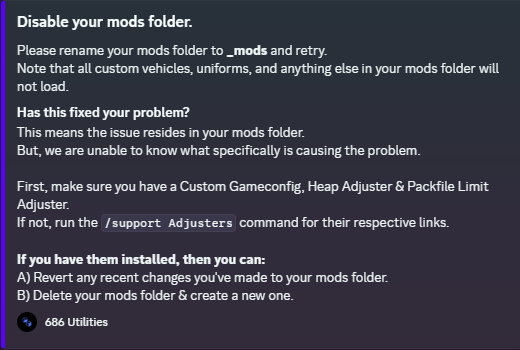
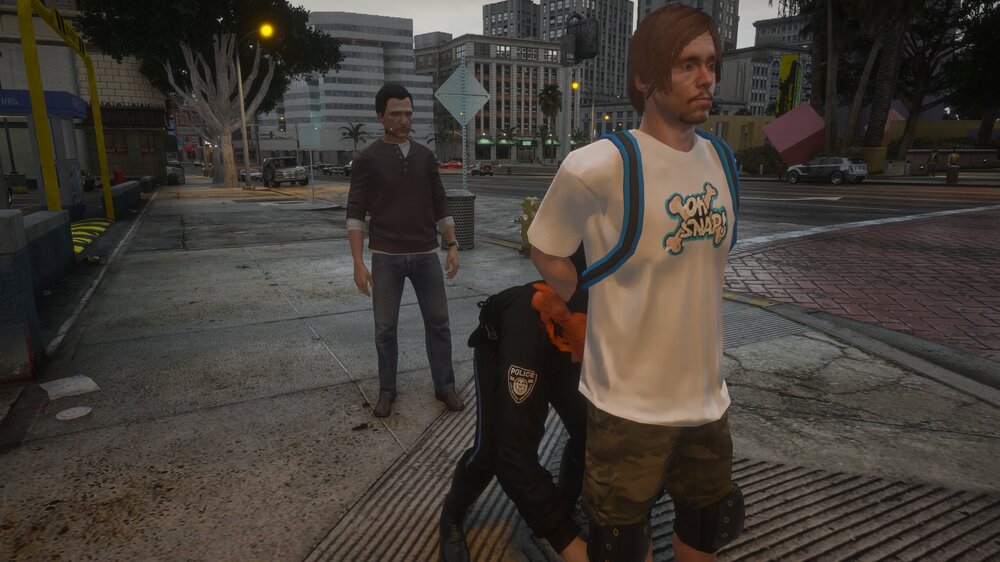
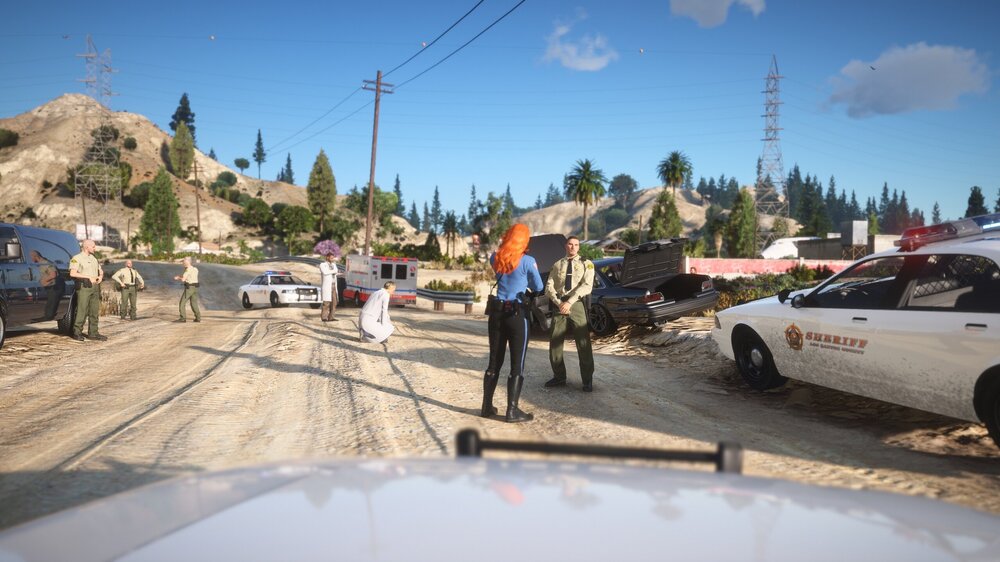
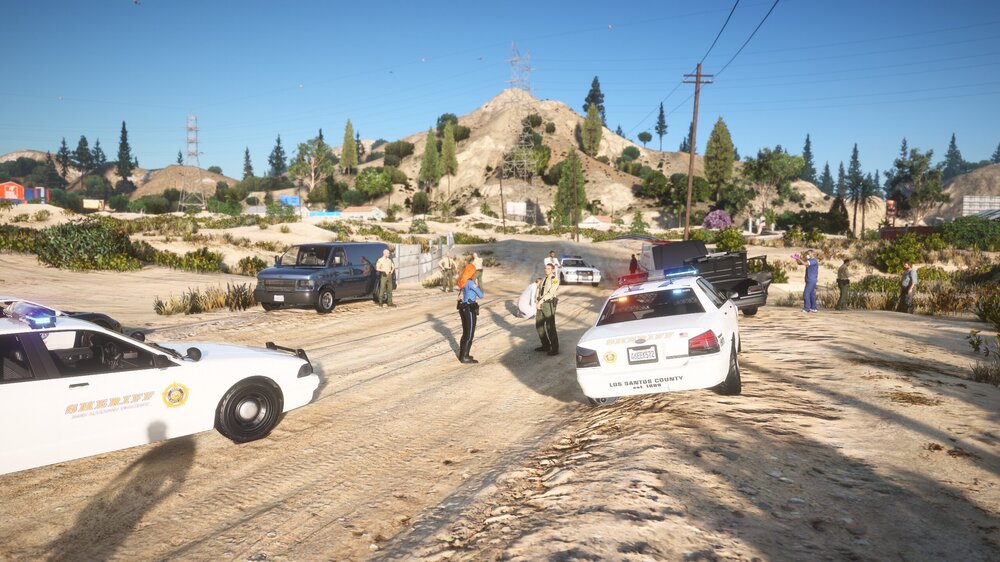
Vehicle accident - someone has been hit by... PLANE ☠️ Did I frisk him good mister? 🤣
-
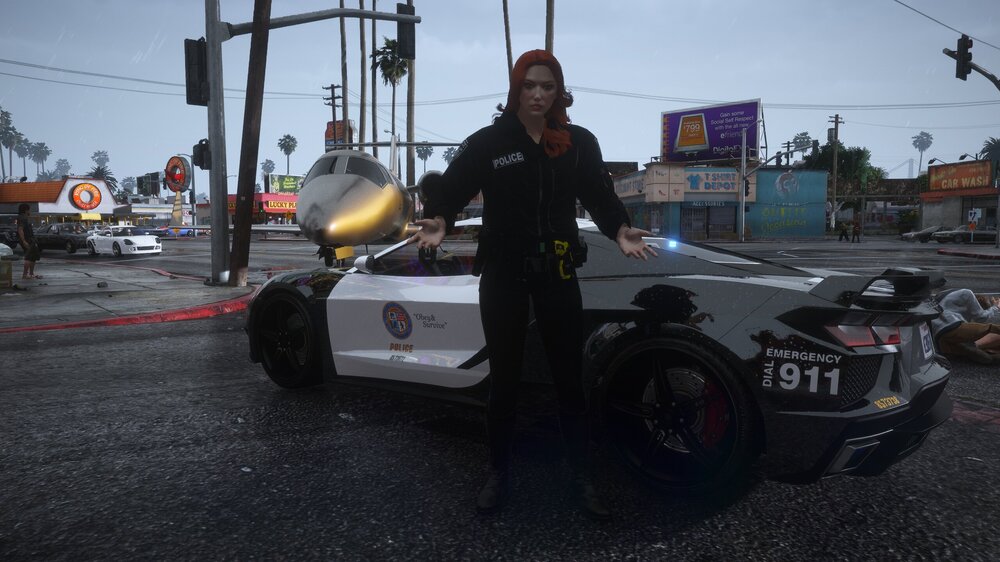
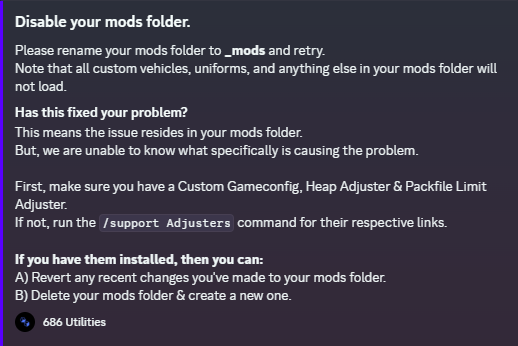
Check 2 things: try launch game with disabled mods (rename to _mods) keep mods enabled and temporally move plugins from gta5/plugins/lspdfr somewhere else
-
Its removed as separated download as now its already included in basic lspdfr download
-
I suggest temporally copy rest of plugins from plugins/lspdfr to another place, leave only STP/UB/Compulite and check if problem still exist
-
It looks like u didn't properly go on-duty [8/4/2026 4:59:03 PM.060] Unhandled exception occurred in console command "ForceDuty" [8/4/2026 4:59:03 PM.060] Exception type: System.FormatException [8/4/2026 4:59:03 PM.060] Exception message: Input string was not in a correct format. [8/4/2026 4:59:03 PM.060] Stack trace: at System.Number.StringToNumber(String str, NumberStyles options, NumberBuffer& number, NumberFormatInfo info, Boolean parseDecimal)increase PluginTimeoutThreshold to 60000 at rph settings (or at rph.ini file) did your character outfit get changed? UB/STP and others plugins that are inside plugins/lspdfr folder loads only on-duty u may also try temporally remove custom pullover and check if its not thing that soft-crash u
-
Attach RPH log file (.txt or .log file in your MAIN GTA5 FOLDER)
-
Red&blue circle + bigger mini-map (if enabled) means u have to accept callout (press Y).. after u accept then script gonna create what is needed
-
Ofc its its not gonna work as whole lspdfr plugin crash and they work only after u succesfuly go on-duty. [8/3/2026 5:45:42 PM.029] Unhandled exception occurred in console command "ForceDuty" [8/3/2026 5:45:42 PM.029] Exception type: System.IO.DirectoryNotFoundException [8/3/2026 5:45:42 PM.029] Exception message: Could not find a part of the path 'C:\Program Files (x86)\Steam\steamapps\common\Grand Theft Auto V\plugins\LSPDFR\GrammarPolice\textures\radio'.seems like u miss some files
-
Attach rph log file (.log or .txt file in your MAIN GTA5 FOLDER)
-
In situations like that restart your pc and check again
-
[8/2/2026 5:09:34 AM.551] LSPD First Response: Exception message: Could not load file or assembly 'NAudio, Version=1.8.4.0, Culture=neutral, PublicKeyToken=null' or one of its dependencies. The system cannot find the file specified. Required file is missing.. make sure its installed in correct place (gta5 directory)
-
At this point tbf I have no clue what else could stop u
-
U have a lot of plugins installed so it could be anything tbf.. u may have to test them 1 by 1 what can cause issue... traffic policer is the oldest possible plugin so I would take a look at it first
-
As disabling mods didn't changed anything - have u tried temporally disable your scripts? (rename dinput8.dll to _dinput8.dll)
-
At norton u made exception for scanning or for antivirus protection?
-
I personally give perms to everything at properties and never had that issue.. if it won't work u may also try launch rph as admin
-
1) what was sorted 2) what?
-
Alr, screenshot your error
-
doesn't matter.. everything is at same place.. I'm more capable to understand it than u assume
-
MPClothes or any extra slots mod barely works cuz within latest few patches limit of .ymt files is almost reached what cause these mods to crash.. I'm also sad with it cuz I liked to use it but now we have to take step back and overwrite original files to have our custom things
-
-
gta won't open correct = no fresh log attach screenshots of your gta5 directory
-
I have norton too and I can easly say that if u add gta5 folder as exception there correct then u have nothing else to do there as it takes full control over windows defender.. I would rather focus at perms cuz maybe u didn't set everything.. best of all u can attach screenshots here
-