



Keith.
-
Joined
-
Last visited
Everything posted by Keith.
-
Open up your game directory and uninstall the ASI LOADER. Then open up OPEN IV and reinstall the ASI LOADER. Close open iv. This should fix it ( it did for me)
-
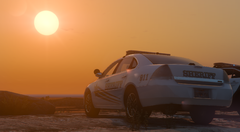
From the album: Officer Wades photos
-
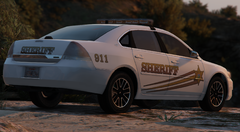
From the album: Officer Wades photos
-
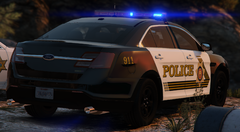
From the album: Officer Wades photos
-
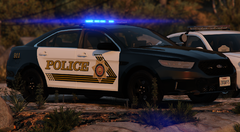
From the album: Officer Wades photos
-
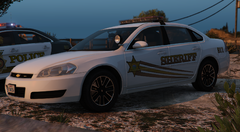
From the album: Officer Wades photos
-
Open up OPEN IV and select your GTA V game. Follow the on screen instructions below. Uninstall the asi loaders and reinstall them. Then restart your computer. That should solve the ELS issue. ( it did for me )
-
-
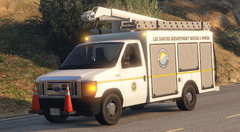 I've not released it yet bud. And I haven't tried it with your script, so, not sure
 -
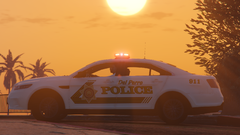
From the album: Officer Wades photos
-
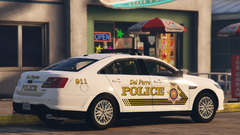
From the album: Officer Wades photos
-
Is anybody else having a problem with ELS? I've done a complete fresh install of the game, scripthook and ELS and it refuses to work, even on models I've used in the past. I get all the functions. But the lights flat out don't work. Any ideas anyone?
-
Look nice. That lightbar looks like an EPL 9000
-
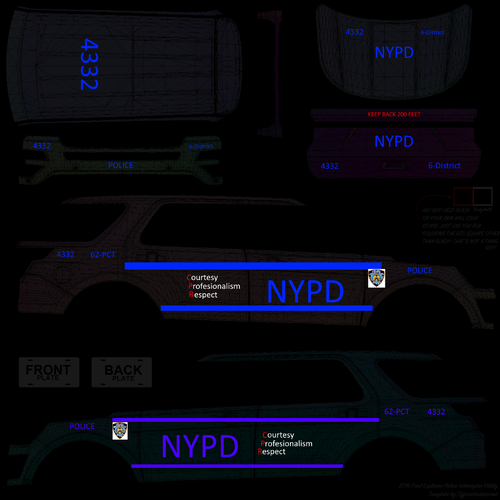 The NYPD font you're looking for is called Rockwell Extra Bold
 -
I'm trying to get my wheel to come out as a standard alloy colour. But, no matter what I try, it keeps coming out and showing in game as chrome. What am I doing wrong anybody ?
-
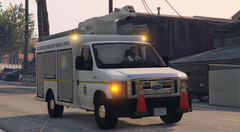
From the album: Officer Wades photos
-
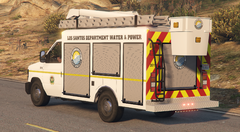
From the album: Officer Wades photos
-
From the album: Officer Wades photos
-
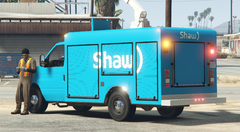
From the album: Officer Wades photos
-
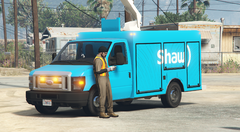
From the album: Officer Wades photos
-
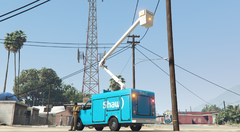
From the album: Officer Wades photos
-
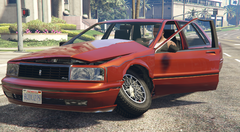
From the album: Officer Wades photos
-
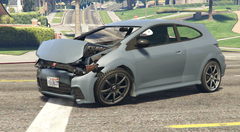
From the album: Officer Wades photos
-
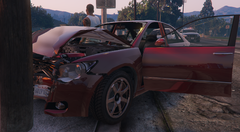
From the album: Officer Wades photos
-
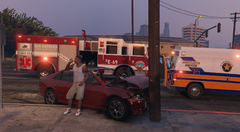
From the album: Officer Wades photos



