



Keith.
Members
-
Joined
-
Last visited
Everything posted by Keith.
-
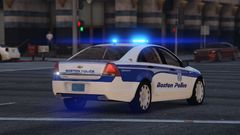
From the album: Officer Wades photos
-
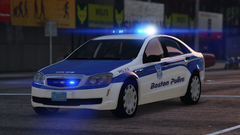
From the album: Officer Wades photos
-
-
-
So, this style of Vic ?
-
It depends what model you've installed. If you know who the model developer is, I could find the model and make a template for it in about 10 minutes
-
-
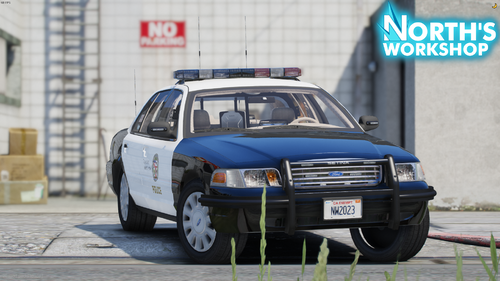 Hey dude. Just a quick tip. If that's Underwoods CVPI base you're using, I set up my materials like they are in the picture. That way, the rear lights aren't transparent.
 -
Nope. Locked too
-
That model is locked btw
-
I'll have a look at it when I finish work Dude. If its unlocked I'll template it and send it to you.
-
It needs to be unlocked to make a template dude.
-
Have you got the unlocked model ?
-
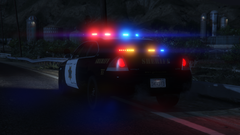
From the album: Officer Wades photos
-

From the album: Officer Wades photos
-
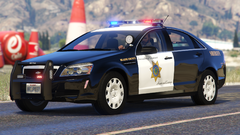
From the album: Officer Wades photos
-
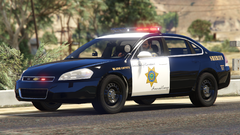
From the album: Officer Wades photos
-
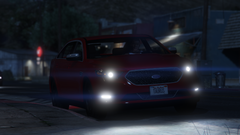
From the album: Officer Wades photos
-
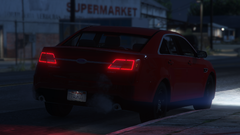
From the album: Officer Wades photos
-
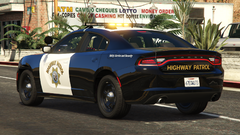
From the album: Officer Wades photos
-
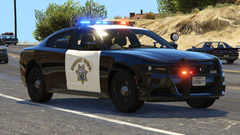
From the album: Officer Wades photos
-
-
-
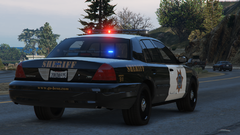
From the album: Officer Wades photos
-
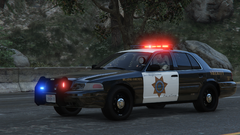
From the album: Officer Wades photos






