Keith.
Members
-
Joined
-
Last visited
Everything posted by Keith.
-
.png.fa7cde3467c1c6dd66ee567a5f0f2a5b.png)
From the album: Officer Wades photos
-
From the album: Officer Wades photos
-

From the album: Officer Wades photos
-
From the album: Officer Wades photos
-

From the album: Officer Wades photos
-
Guys. I used to have a dev version of a Soundoff EPL 9000, but when my old computer died in June I lost everything Now I can't find it again. Does anybody know where it might be or who the author was ? I coloured the glass. But this is the bar I had.
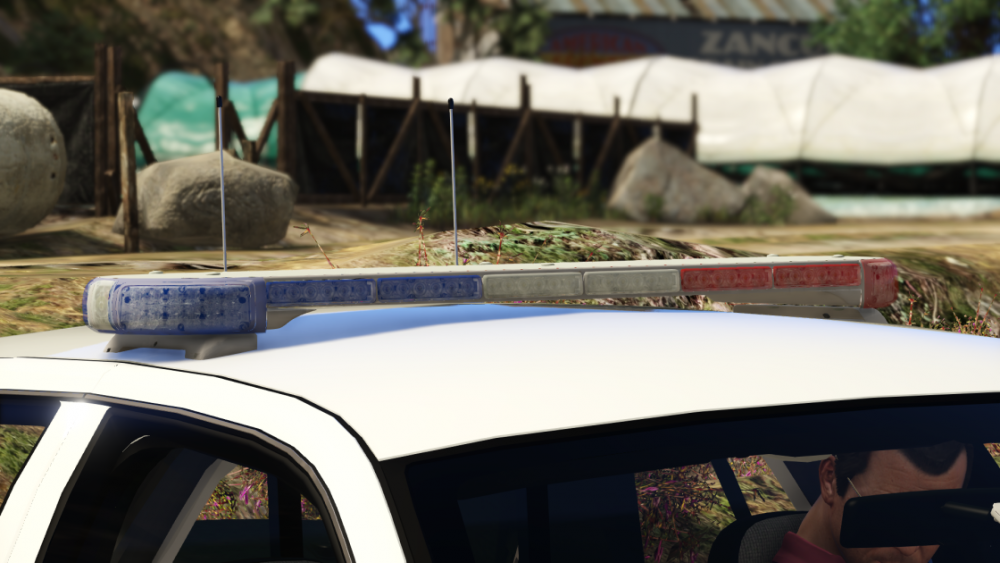
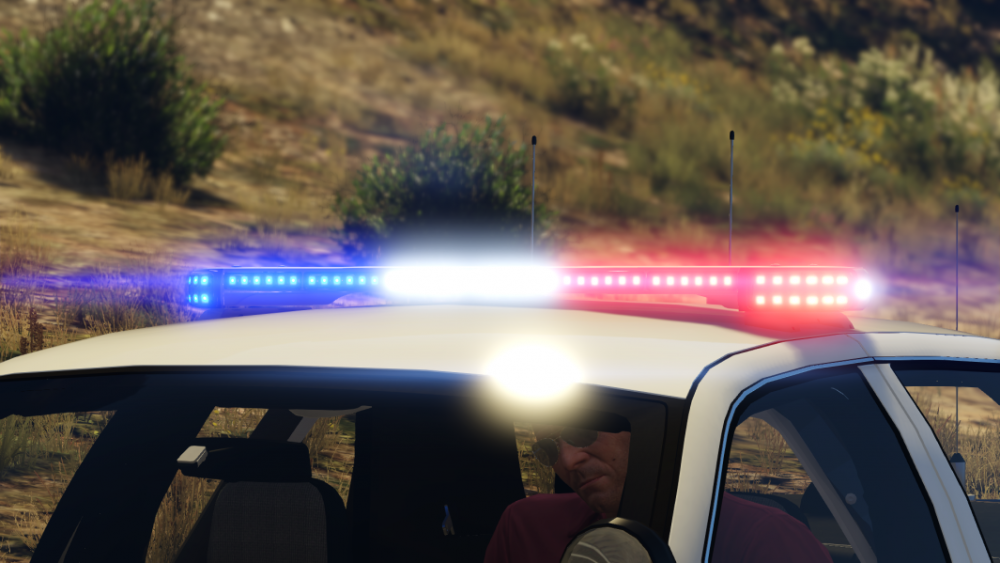
-
-
 Yeah, I'm a dick!!
 -
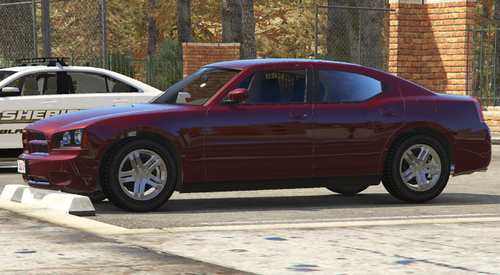 I got a bit fed up with the usual wheels so I bought this one from Turbosquid. Yeah it's not perfect, but it's different. If you want to change the logo colour, Edit the 'red' texture with your photo editing software. If you're downloading this, I assume you know what to do with it Enjoy
 -
From the album: Officer Wades photos
-
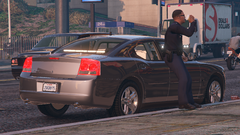
From the album: Officer Wades photos
-
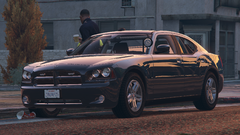
From the album: Officer Wades photos
-
Mine just sticks on the Rage loading screen All my game is updated too RPH, Scripthook
-
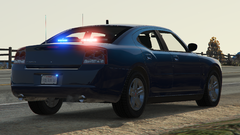
From the album: Officer Wades photos
-
-
I'll give you a clue @Sam

-
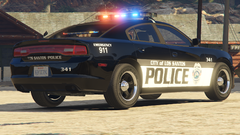
From the album: Officer Wades photos
-
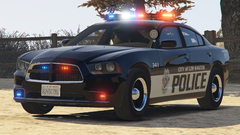
From the album: Officer Wades photos
-
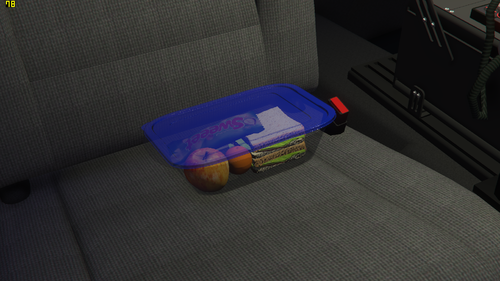 Can't be any worse than mine dude, And it runs it fine. You could always remove some items or crunch the polys ?
 -
I was bored the other day, so I put this little package together just to add a little more detail. It's a development part, so Zmodeler3 is required to use this item. Scaled to fit, and the box is set up on a CVPI passenger seat. But you can place it where ever you want it. Usual usage rules apply. Enjoy
-
From the album: Officer Wades photos
-
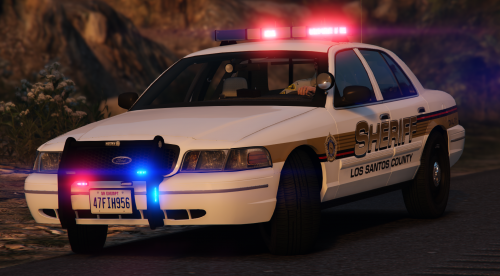 It's a Hazard Systems 90's. It's on page 8 I think of the 'lightbars ' section in resource and assets. It's the one with a message board in it.
- 11 comments
- 3 reviews
-
-
-
 It has to something conflicting at your end bud. I've just reinstalled them, and they work fine for me.
- 61 comments
- 3 reviews

.png.fa7cde3467c1c6dd66ee567a5f0f2a5b.png)