Keith.
Members
-
Joined
-
Last visited
Everything posted by Keith.
-
-
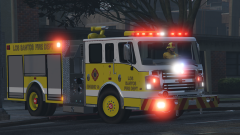
From the album: Officer Wades photos
-
 In turbosquid it was up as a 2019
 -
350 bud
-
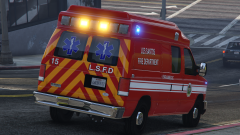
From the album: Officer Wades photos
-
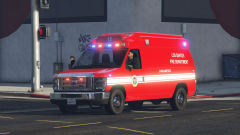
From the album: Officer Wades photos
-
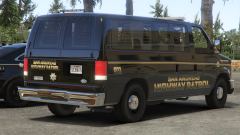
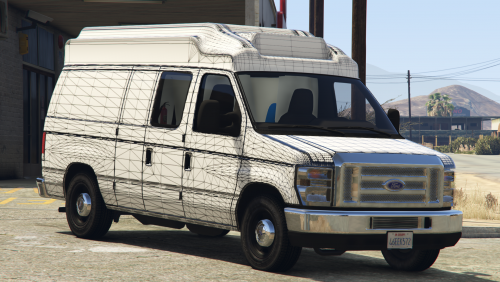 I thought I might as well go for the 3 vans. So here's the Vanbulance for you guys to work your magic on. I know the interior is crap, but It's better than nothing at all. Please feel free to scratch build your own interior for it and release it as a dev part. This is a DEV model and comes in z3d and .yft format. You will need at least a basic modding knowledge and Zmodeler 3 experience All textures are in the .ytd included. Follow the advice in the credits document included. Sorry, No further help will be offered from here on. You may convert it to any other GTA game, but final release must be locked And credits must be given. Enjoy
 -
-
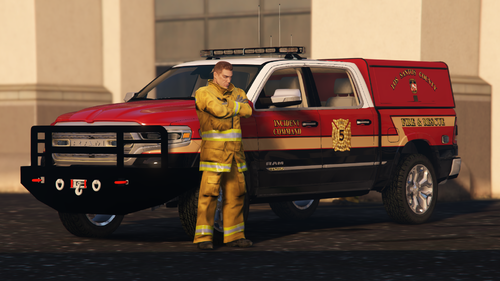 What's it like in game bud? I haven't got that model anymore, I've gone through 2 pc's since I made that. Also, that had collision issues if I remember right.
- 11 comments
- 1 review
-
From the album: Officer Wades photos
-
From the album: Officer Wades photos
-
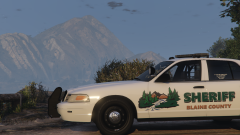
From the album: Officer Wades photos
-
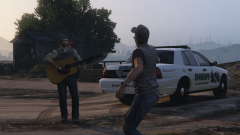
From the album: Officer Wades photos
-
 If you get stuck send me a message
 -
Anything specific? I could probably knock one together for you in the next day or so
-
If you go to the path in the description in open iv ( make sure OPEN IV is in edit mode). Right click on the vehicles.meta, in the drop box click edit. When the file opens up, in the search box at the top left, type in pony, it should take you straight to that particular vehicles section. Scroll down until you see a line that ends with the words 'float array' Underneath that, there will be 6 lines with all numbers. Copy the numbers I've provided and paste them over the ones in the file. Click save in the bottom right, job done. It will automatically close itself. You can do that with pretty much any of the vehicles. So if you have a car you like, but it dissapears at a short distance. You can follow those steps above, but for the model you have. Hope that helps 👍🏻
-
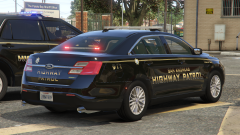
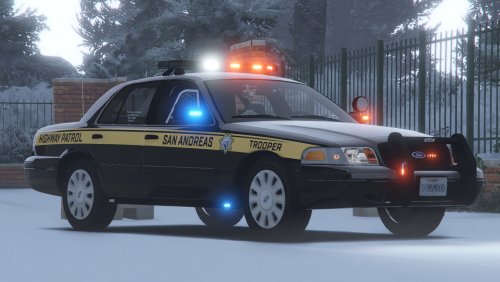 This is my SAHP pack Various vehicles with different set ups. Textures based loosely on Montana FBI Taurus is for the investigators and comes with evidence on the front seat. CVPI utilises the older style livery Charger is ghosted Install the vehicles.meta. mods\update\update.rpf\common\data\levels\gta5 And the handling.meta. mods\update\update.rpf\common\data These are both essential for the pack to work properly ( LODS and HANDLING and correct drive trains) NO assistance will be offered if you don't! All templates and vcf's included Use them in SP set them up for FiveM or whatever Just credit me where it's due Place all of these in your latest patchday Enjoy
- 8 comments
- 1 review
-
-

-

- 4
-
-
If the coroner section has a Speedo as the default vehicle, then yes change it to pony.
-
It's in the making 👍🏻
-
Yep. Just copy these and paste them under the float array line 100.000000 200.000000 300.000000 400.000000 500.000000 500.000000
-
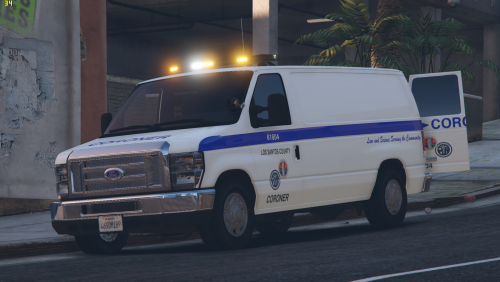
Just a simple set up. Haven't seen a coroner van for a while, so here's mine. Based mostly on L.A County livery. If using any plugin with a coroner included. Change the vehicle that responds ( usually a Speedo ) to Pony Place this in your latest patchday (26) YOU MUST INSTALL THE VEHICLES.meta file. You need this for LOD's and handling You have been warned It goes here >>> mods\update\update.rpf\common\data\levels\gta5 Usual rules apply. Don't reupload to other sites without asking me first Template is included for livery editing Enjoy
-
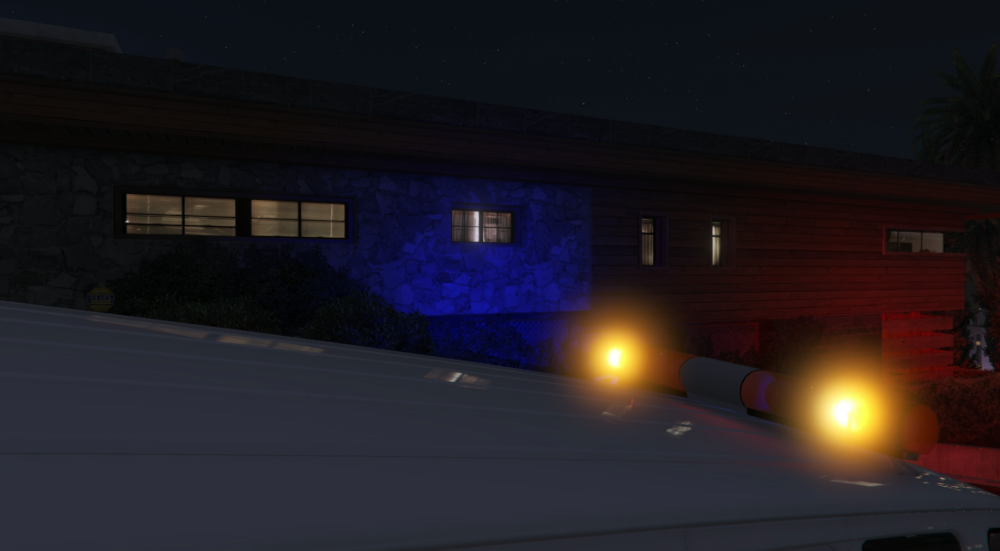
Can anyone instruct me on how I change the environmental lighting to amber? The light bar is set up using ELS' DRO3 feature and the VCF is set up correctly (the extras are set to amber) Is it the carcols or the carvariations I have to edit? Thanks in advance
-
It's most likely down to the dummy placements
-
From the album: Officer Wades photos
-
From the album: Officer Wades photos