




Keith.
Members
-
Joined
-
Last visited
Everything posted by Keith.
-
-
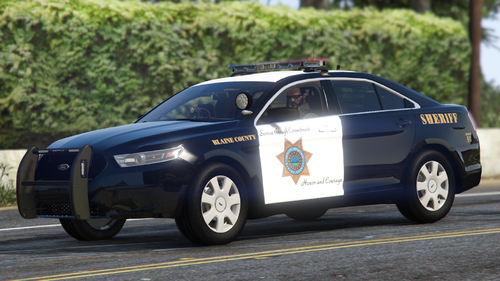 My discord is in my bio dude
 -
I was thinking Santa Fe, but for Los Santos county instead
-
I was going to add a Tahoe, But there's so many that have been leaked, that I don't know what ones to use anymore. Also. The rear lights are mapped to extras 5 and 6, and the AI usually only run with the main lightbar flashing.
-
It depends what other siren sounds you have installed. It did exactly the same on mine.
-
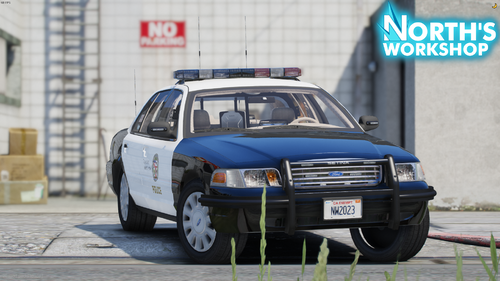 Hey dude. Just a quick tip. If that's Underwoods CVPI base you're using, I set up my materials like they are in the picture. That way, the rear lights aren't transparent.
 -
Beat me to it. Thanks for telling him 👍
-
Yeah, but its a fictional county, so it doesn't really matter does it 🤔
-
This is a pack I've been working on for a while ( on and off ) 10 vehicles. There's 2 versions of the Taurus. 1 with the hubcaps and 1 with the regular steel wheels. The .ytd will work on both of them. Bernalillo Co NM based textures Replace your vehicles.meta with the one provided for the LOD's and handling. DON'T replace the polmav with the swift, or it won't work properly due to the Swift having landing gear and not skids. Place these in your latest patchday. You can feel free to set them up for add on or FiveM Use them in YouTube videos, but please give credit and leave a link in your description to my channel Keith - YouTube Enjoy
-
Nope. Locked too
-
That model is locked btw
-
I'll have a look at it when I finish work Dude. If its unlocked I'll template it and send it to you.
-
It needs to be unlocked to make a template dude.
-
Have you got the unlocked model ?
-
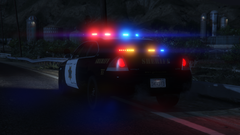
From the album: Officer Wades photos
-
From the album: Officer Wades photos
-
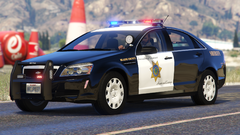
From the album: Officer Wades photos
-
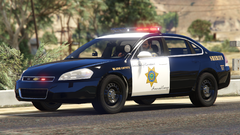
From the album: Officer Wades photos
-
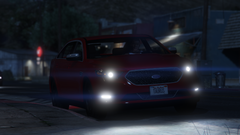
From the album: Officer Wades photos
-
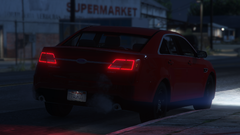
From the album: Officer Wades photos
-
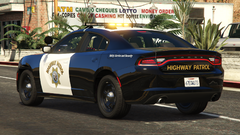
From the album: Officer Wades photos
-
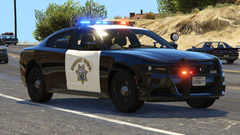
From the album: Officer Wades photos
-
-
-
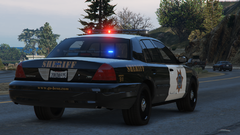
From the album: Officer Wades photos







