




Keith.
Members
-
Joined
-
Last visited
Everything posted by Keith.
-
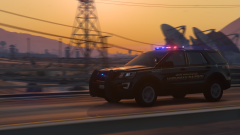
From the album: Officer Wades photos
-
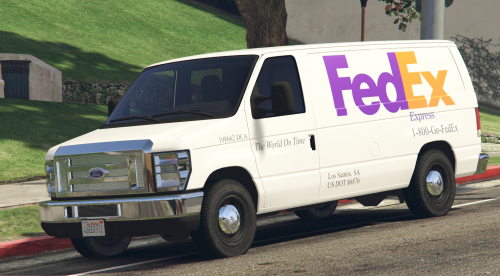 This is basically the passenger van with the windows remapped. All the files that came with the passenger van, will work with this one except the template, I don't do LODs so install the 'vehicles.meta' included for LOD and handling Install it in:-mods\update\update.rpf\common\data\levels\gta5 Textures are in .ytd file and all textures are already installed and saved including 2 extra liveries Please release it in a locked state, and please do not upload to any other modding site including Discord Zmodeler 3 is required to use this item, so a basic knowledge is a must. No further help will be offered from here on. You may convert it to any other GTA game, Again, it must be released locked. Thanks for looking and happy modding.
 -
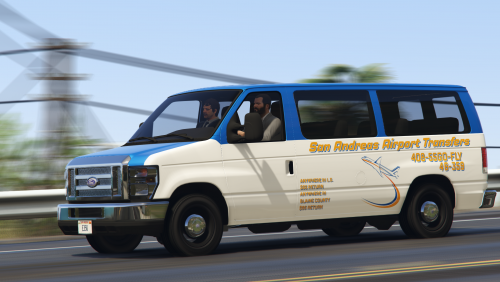 Goes well with my Vanbulance roof funnily enough
 -
This is not in any way absolute perfect. But, it is completely useable and game ready. There are some small bugs like unbreakable windows and maybe other small things. A more experienced developer would be able to sort those out I should imagine. I don't do LODs so install the 'vehicles.meta' included for LOD and handling Install it in:-mods\update\update.rpf\common\data\levels\gta5 There are 2 other wheel options. What I call the 'sawblade' hubcaps and steel wheels without caps. Also bought from Turbosquid. I may release this as a panel van at a later date. Textures are in .ytd file and all textures are already installed and saved including 2 extra liveries Please release it in a locked state, and please do not upload to any other modding site including Discord Zmodeler 3 is required to use this item, so a basic knowledge is a must. No further help will be offered from here on. You may convert it to any other GTA game, Again, it must be released locked. Thanks for looking and happy modding.
-
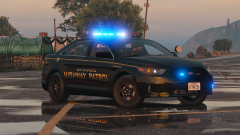
From the album: Officer Wades photos
-
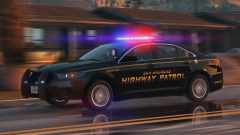
From the album: Officer Wades photos
-
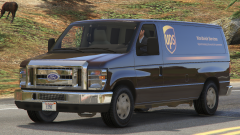
From the album: Officer Wades photos
-
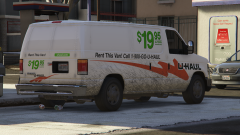
From the album: Officer Wades photos
-
Open up your game directory and uninstall the ASI LOADER. Then open up OPEN IV and reinstall the ASI LOADER. Close open iv. This should fix it ( it did for me)
-
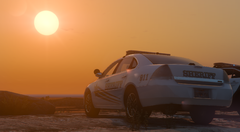
From the album: Officer Wades photos
-
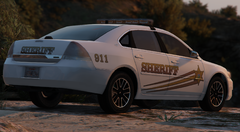
From the album: Officer Wades photos
-
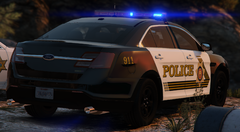
From the album: Officer Wades photos
-
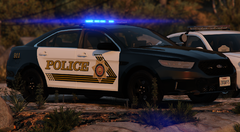
From the album: Officer Wades photos
-
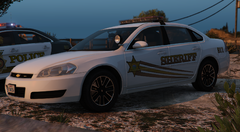
From the album: Officer Wades photos
-
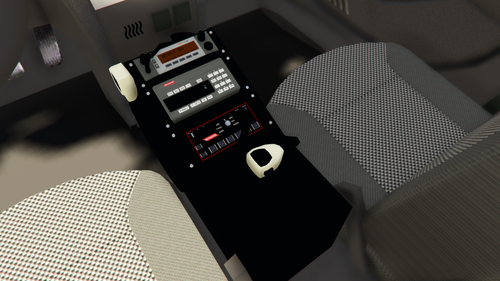 It is what it is, For those of you wanting lore friendly equipment. Do what you want with it, just give me credit where it's due. Scaled to size and ready to go. This is a z3d file, so you'll need zmodeler experience.
 -
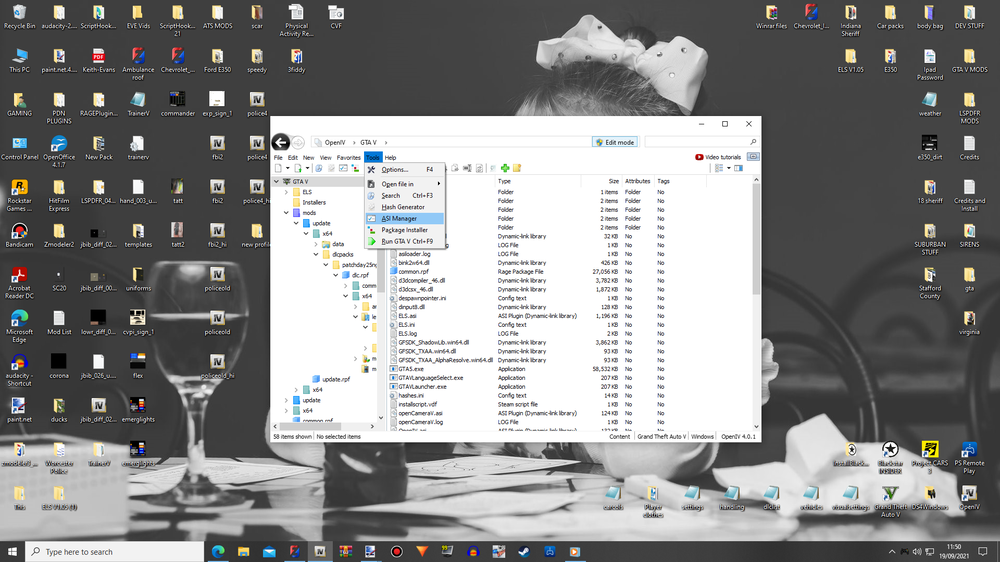
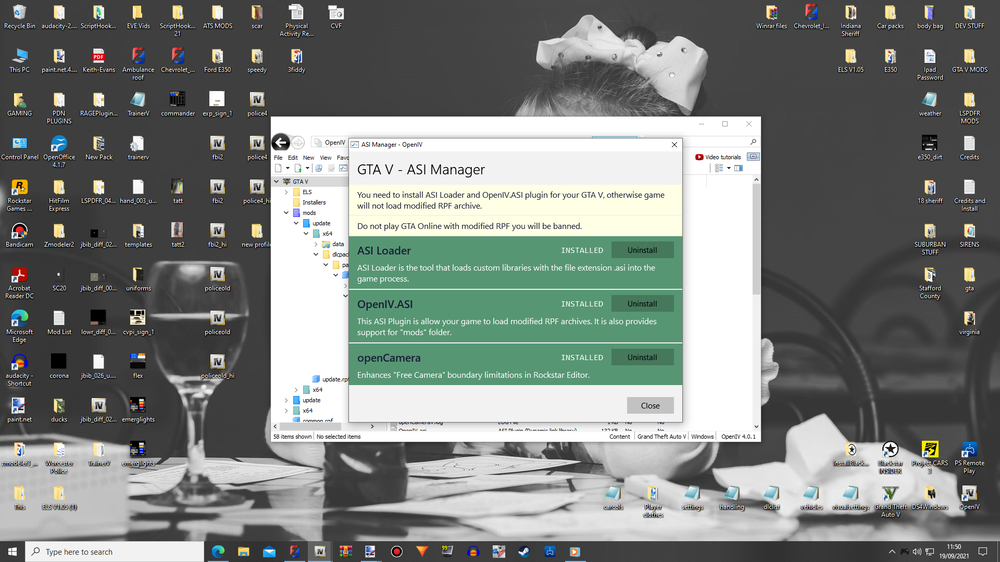
Open up OPEN IV and select your GTA V game. Follow the on screen instructions below. Uninstall the asi loaders and reinstall them. Then restart your computer. That should solve the ELS issue. ( it did for me )
-
-
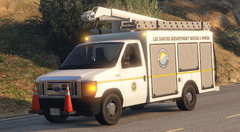 I've not released it yet bud. And I haven't tried it with your script, so, not sure
 -
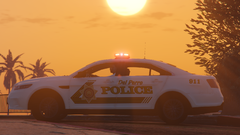
From the album: Officer Wades photos
-
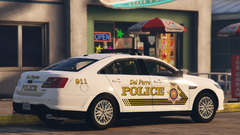
From the album: Officer Wades photos
-
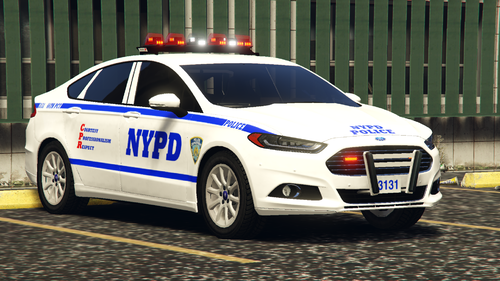 It's probably because it's in the fbi2 slot. You have to change the colour manually with your trainer
- 56 comments
- 6 reviews
-
Is anybody else having a problem with ELS? I've done a complete fresh install of the game, scripthook and ELS and it refuses to work, even on models I've used in the past. I get all the functions. But the lights flat out don't work. Any ideas anyone?
-
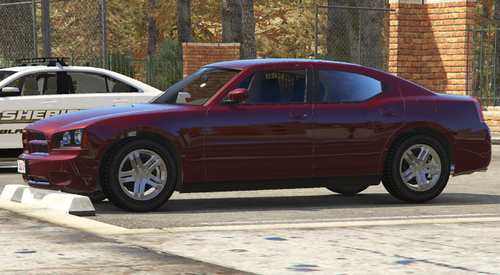 Don't see why not
 -
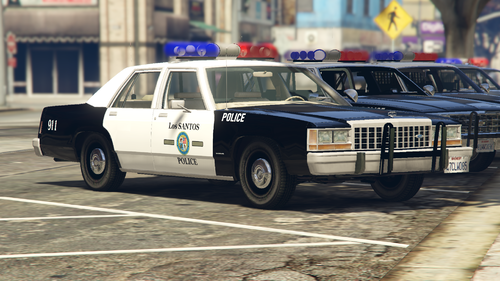 You need to put all the files in, including the carvariations and carcols You're welcome mate. Nice for it to be appreciated
- 45 comments
- 3 reviews
-
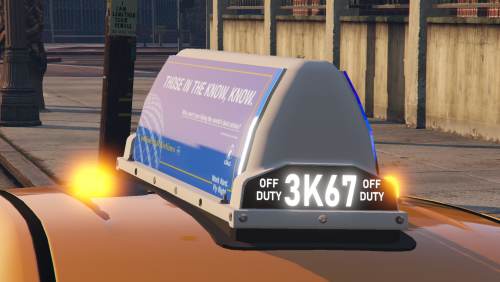 It's a dev part bud. It's up to you what you do with it, just as long as credit is given where it's due





