



Keith.
-
Joined
-
Last visited
Everything posted by Keith.
-
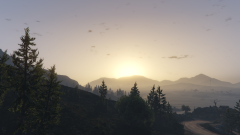
From the album: Officer Wades photos
-
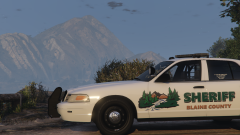
From the album: Officer Wades photos
-
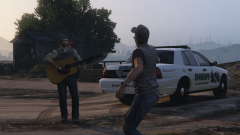
From the album: Officer Wades photos
-
Anything specific? I could probably knock one together for you in the next day or so
-
Can anyone instruct me on how I change the environmental lighting to amber? The light bar is set up using ELS' DRO3 feature and the VCF is set up correctly (the extras are set to amber) Is it the carcols or the carvariations I have to edit? Thanks in advance
-
It's most likely down to the dummy placements
-
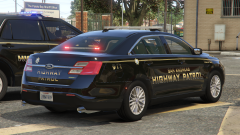
From the album: Officer Wades photos
-
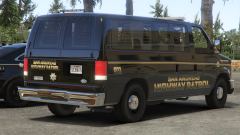
From the album: Officer Wades photos
-
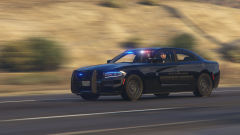
From the album: Officer Wades photos
-
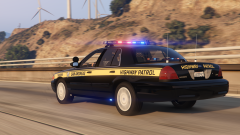
From the album: Officer Wades photos
-
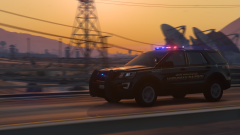
From the album: Officer Wades photos
-
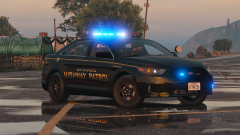
From the album: Officer Wades photos
-
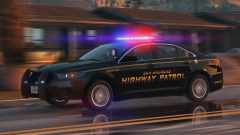
From the album: Officer Wades photos
-
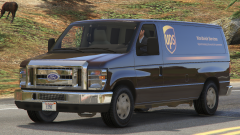
From the album: Officer Wades photos
-
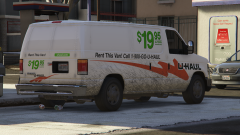
From the album: Officer Wades photos
-
Open up your game directory and uninstall the ASI LOADER. Then open up OPEN IV and reinstall the ASI LOADER. Close open iv. This should fix it ( it did for me)
-
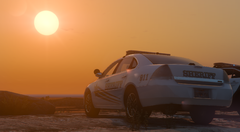
From the album: Officer Wades photos
-
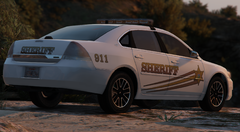
From the album: Officer Wades photos
-
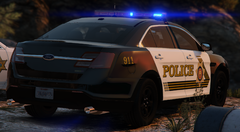
From the album: Officer Wades photos
-
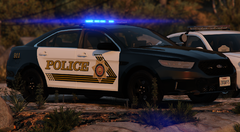
From the album: Officer Wades photos
-
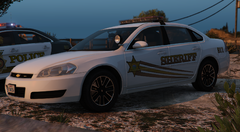
From the album: Officer Wades photos
-
Open up OPEN IV and select your GTA V game. Follow the on screen instructions below. Uninstall the asi loaders and reinstall them. Then restart your computer. That should solve the ELS issue. ( it did for me )
-
-
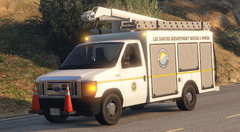 I've not released it yet bud. And I haven't tried it with your script, so, not sure
 -
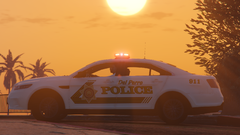
From the album: Officer Wades photos



