TrentMU
Insiders
-
Joined
Everything posted by TrentMU
-
 When did be release so cool. much awesome
 -
-
When this be released..it so cool
-
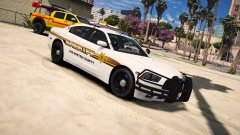 Damn Billy !
 -
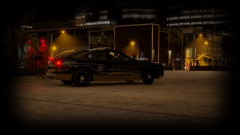
From the album: My GTA V Fleet
It appears we have a new vehicle in game......Soon more will come. http://imgur.com/a/vKZmu By FRMemestar Returns <3 -
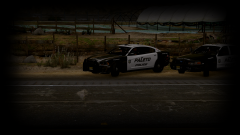
From the album: My GTA V Fleet
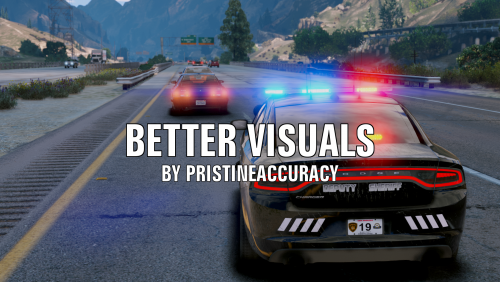
Paleto Police on out on the highway doing some traffic work ! -
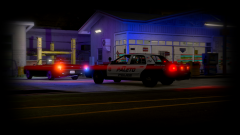
From the album: My GTA V Fleet
Paleto Police on a late night traffic stop ! -
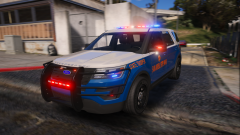 Oh, my lord........I think I just died inside. That is beautiful
 -
-
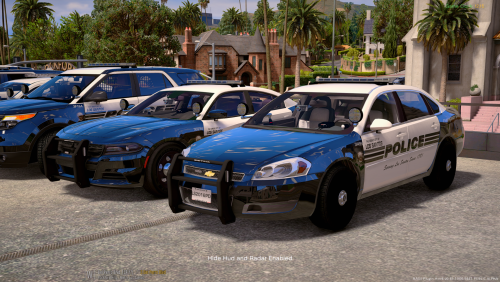 I am working on updating the pack with more decals and what not to it to fill in a few plain spots but I will try and add a few more unit numbers too!
- 23 comments
- 6 reviews
-
Each car has its own unit number already but I could later on add more numbers for each version of the vehicle.
- 23 comments
- 6 reviews
-
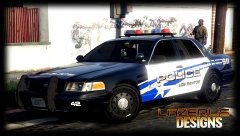 That is beyond sexy !
 -
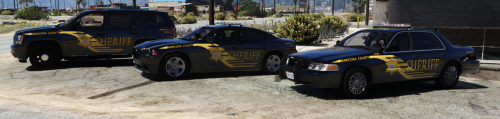
I got the idea from that department ! I did a sheriff skin like this for IV I might do up for V and release !
- 23 comments
- 6 reviews
-
-

- 1
-
-
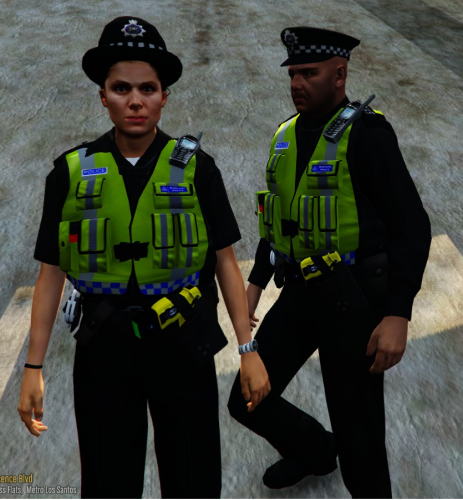 Not a super big fan on British peds but these are really nice ! I might use them in future videos I do and maybe re-skin to an American style uniform! Good work man!
- 53 comments
- 13 reviews
-
-
- 2
-
-
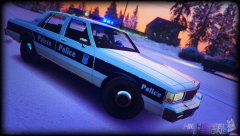 My god this is beautiful
 -
Well, just did another little theme for Captain14's vehicle pack which now includes the FPIS which is available for download below ! I figured even if I personally don't like them I will just start releasing them for the public to use and enjoy ! I might update these pack with more decals and change a few things in the future until then enjoy ! Join my Discord! https://discord.gg/9aUUPNX I have also included the Tahoe K9 Window with it fixed on the spelling on the one side. Video of models
- 23 comments
- 6 reviews
-
-
- 10
-
-
 HERE IS AN UPDATE WITH THE CITY SCHEME ON THE FPIS SKIN http://imgur.com/a/bKG8C
- 779 comments
- 187 reviews
-
Not yet, I am coming up with another idea for PD then going to the Sheriff pack because he wants me to do up a skin for that also.
-
If you choose to make it say the real department it is your choice, Usually people like it more with the GTA names to match the game but I have done skins with the real city, town, or states name in it.
-
People do it to match the in game departments to go with the cities, towns, and counties of San Andreas. There have been a few cases though were real departments will actually request their skins not to be used or their department not be portrayed in GTA because it almost gives off a bad vibe. That's all, people do it to go with the game. Example, People will use the LAPD design and make it say LSPD because in GTA, LAPD is really LSPD.
-
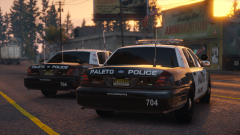 This is wallpaper worthy not gonna lie.
 -
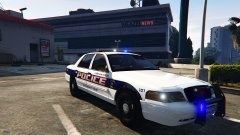 That is really nice !
 -
NYVES - Emergency Virtual Services Official Pictures of EmergeNYC
-
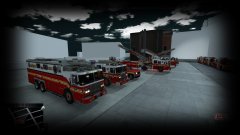
From the album: NYVES - Emergency Virtual Services
This is going to be an amazing game ! Preview of the rigs and there is more to come ! More featured content will be on my YT Channel regarding other info !© NYVES - Emergency Virtual Services
-
<requiredExtras /> alright so is there a code to use to spawn all extras with this or do I have to do <requiredExtras /> EXTRA_1, EXTRA_2<requiredExtras /> ?