
TrentMU
Insiders
-
Joined
Everything posted by TrentMU
-
From the album: My GTA V Fleet
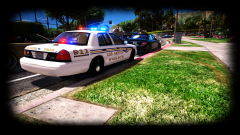
Well, Got all the ELS set just minor edits to the interior and plates and the patrol vic is done! -
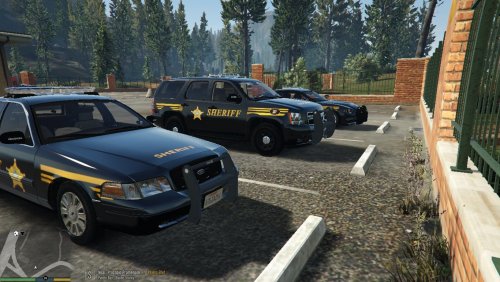 Just as some constructive criticism, This is all wrong. The fonts, badge placements, the stripping all of it. Just look at pictures online and you will all the stuff that is wrong, plus, It looks like you copied and pasted all of it and released it, Take your time on stuff don't just do it and release it because you completed it. You have a lot to fix so next time actually take the time to make sure it looks right.
- 5 comments
- 1 review
-
-

- 1
-
-
As I am apart of this pack, I can surely tell you that this pack will be completed.
-
From the album: My GTA V Fleet
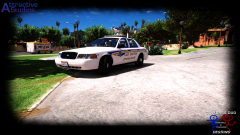
Well, just a few more things to fix up on this and the Patrol Vic has been completed :D -
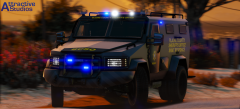 Damn this looks amazing!
 -
From the album: My GTA V Fleet
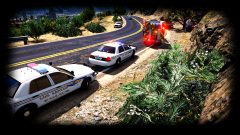
Why speeding in LS isn't a good idea, You'll end up in a tree. Not sure if you can tell but I made the white skins a tad more darker not by much so it isn't super bright in the sun and it is coming along well. Hopefully by the end of the weekend I will have some models to go along with these :D -
From the album: My GTA V Fleet
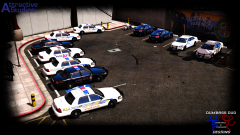
This isn't even half the skins I have done, I was just testing these to see how they look in game again. I might even go so extreme to make the patrol units have different numbers on-top of the 7 skins the CVPI already has. Maybe 15 skins per vehicle? -
From the album: My GTA V Fleet
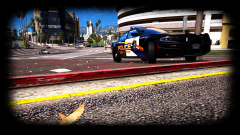
2015 lovin' the city. car by thegreathahahahaha skin by getinmybellyz -
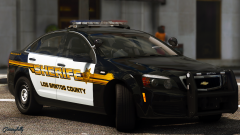 That didn't take you long to make we were just talking about it last night lol
 -
That's pretty badass not gonna lie.
-
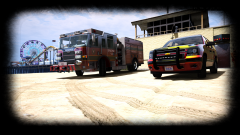
From the album: My GTA V Fleet
LSFDs new engine spotted at the beach! **Ignore the green reflection on the Tahoe, It's the sun lol** -
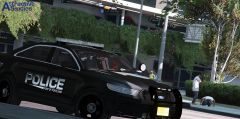 Moist
Moist -
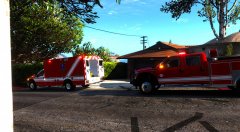 Ooo, I see something I get to test today :P
 -
 I am a tester and screenshot guy for downcoldkiller who out it togther. No, I didn't pay anything, I don't pay to get someone to send me a model.
 -
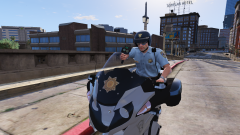 Actually curious to see how this will work! Keep it up
 -
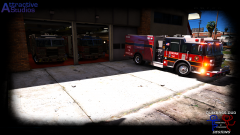
From the album: My GTA V Fleet
Well, LSFD is testing out a new theme on the their engines. Black and red style! -
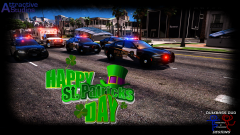
From the album: My GTA V Fleet
LSPD, LSEMS and LSFD preparing to get all together to start the parade! -
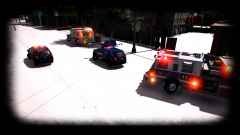
From the album: My GTA V Fleet
Why you don't drive fast in the snow -
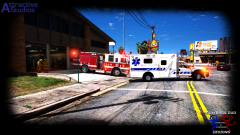
From the album: My GTA V Fleet
Los Santos EMS and FD rolling code to a call! -
From the album: My GTA V Fleet
Wee- Woo- Wee-Woo-Honk Honk_ Dat Pierce doe. Coming soon -
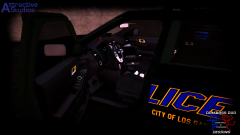
From the album: My GTA V Fleet
Still have a ton to do with textures and parts and all that jazz. Sneaky Peaky of the FPIU :P -
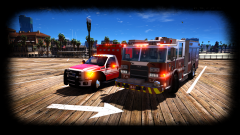 I didn't make it, I am testing it out for my buddy but from what I hear it should be released within the week!
 -
A lot of people use FiveReborn/FiveM. It's perfectly fine to use.
-
Try looking for the 24in, That runs cheaper and should knock off atleast an extra 100$. When I bought mine for a 27" it was 150$ more.
-
https://www.amazon.com/gp/product/B01IOO4SGK/ref=oh_aui_detailpage_o03_s00?ie=UTF8&psc=1 I actually bought this one for 320$ a week or so ago, price went up a ton so guess its in high demand or something. Mine has G-Snyc and 144Mhz refresh and is easily overclocked to 165. I even went used on it and the only little damaged part that saved me 100$ was a small scratch on the corner of the screen which you don't even notice.