TrentMU
Insiders
-
Joined
Everything posted by TrentMU
-
From the album: My GTA V Fleet
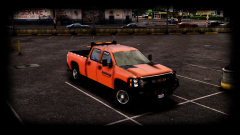
Just a little something I am working on, Still got stuff to add, remove and fix on it but hey, I like how it's starting to look. -
From the album: My GTA V Fleet
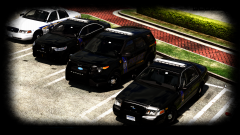
it's pretty good -
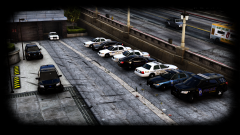
From the album: My GTA V Fleet
hot sauce -
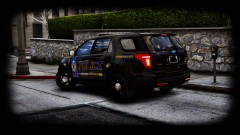 Had to start it back up, So def look for more pics coming soon, I have the 13 FPIU and Patrol CVPI done!
 -
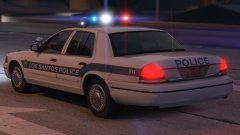 DROT looks so damn sexy
 -
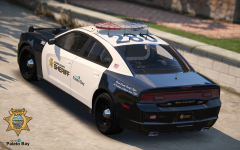 Looks good son.
 -
From the album: My GTA V Fleet
Such a sexy piece of booty Model still a WIP -
-
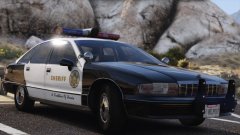 Gonna use the hell out of this
 -
Rockstar put out that they are working with OpenIV for Singleplayer modding only which is what OpenIV is. So today, OpenIV will no longer display the C&D when you launch it, meaning, Rockstar and T2 have realized that OpenIV isn't what they are trying to crack down on as it only mods for Singleplayer. The being arrest and joking around, I made it say that because that's what so many people thought would happen if they used it
-
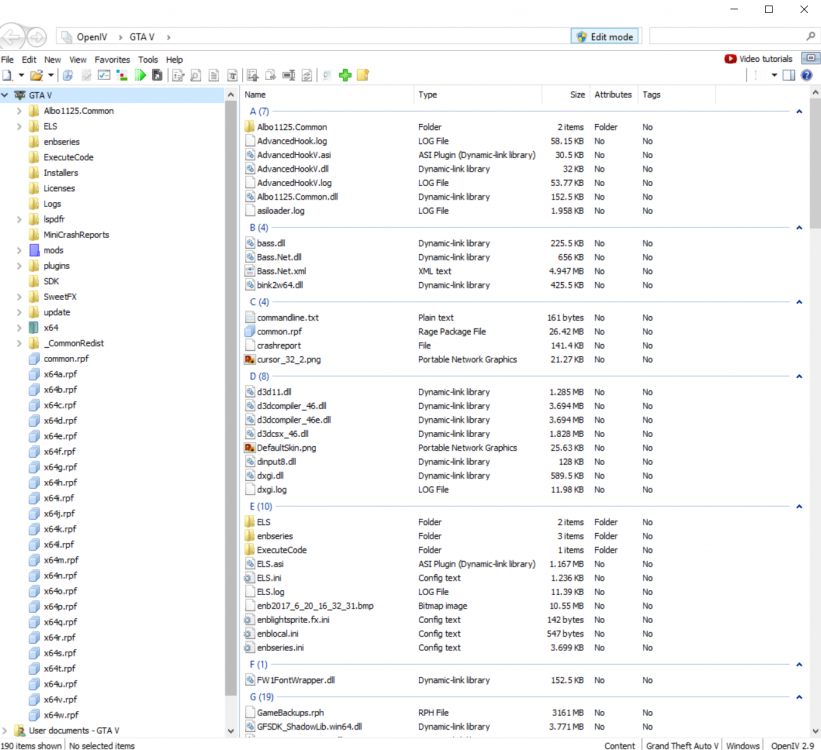
We are no longer gonna be arrested for OpenIV!!!!!!!! Rockstar has saved OpenIV, So now everyone can mod without uninstalling OpenIV on accident! Good job @t0y , Your petition was noticed.

-
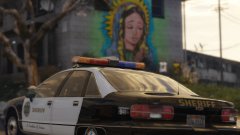 That is so nice
 -
Instructions weren't clear enough, Dick got stuck in the fan again.
-
Guys.....The FBI isn't gonna show up at your door step for modding a VIDEO GAME. People are sounding like everyone's gonna get arrested. They'll be more mod installers and everything released, it's not the end of the world.
-
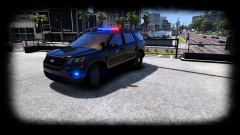 This is a FPIU........
 -
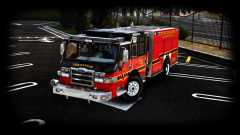
From the album: My GTA V Fleet
Damn, Trent, back at it again with another Velocity pic -
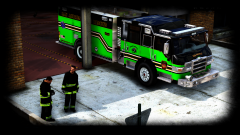 I got it to slide in my DMs because I am his beta tester :D
 -
From the album: My GTA V Fleet
Green Giant Ehh? Weirdly nice looking -
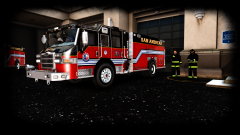
From the album: My GTA V Fleet
iTs A FiRetUk wEe WooOo -
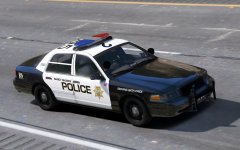 Damn that's pretty nice
 -
-
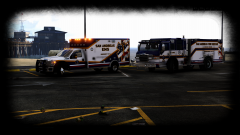
From the album: My GTA V Fleet
it looks like something new is being worked on -
 Imma fight him
 -
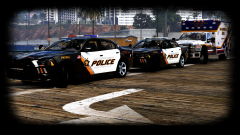
From the album: My GTA V Fleet
Guess I'll include San Andreas EMS also -
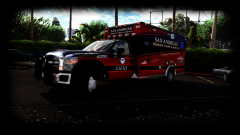
From the album: My GTA V Fleet
See what I see?