


0taku
Friends of LSPDFR
-
Joined
Everything posted by 0taku
-
From the album: 0taku media
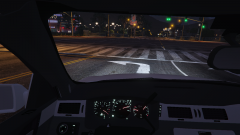
Working on a light up dash (much like my Express) for an Impala. Doing this is easy the hard part is making the dials texture for use at night. I still have to go round and delete some things but I say it just at the right brightness -
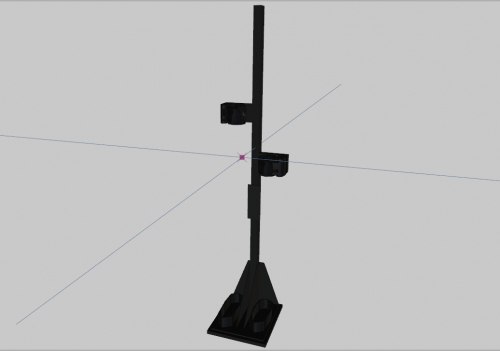 You shouldn't sell your self short, not everything 3d has to made in 3ds Max. This is nice and some great things can be made from just Zmodler
 -
This is something to do with the LODS (level of Detail) and can be fixed one of two ways 1. By the maker of the model 2. Or Editing the distance at which each LOD is loaded for the model under its .meta file (I haven't test this I'm just aussming) Should see a section like this <lodDistances content="float_array"> 10.000000 25.000000 60.000000 120.000000 500.000000 500.000000 </lodDistances>
-
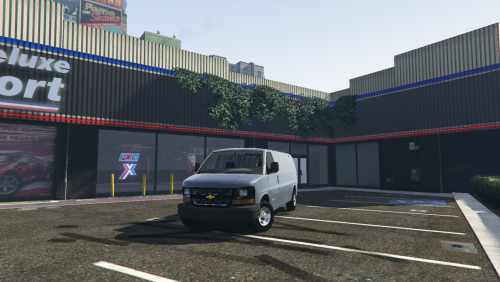 no not currently, I tested it again with both Vanilla and the custom .meta files and it spawned fine. I think it might be one of those cases where one model can work for someone and crap out for another.
- 47 comments
- 4 reviews
-
I believe I have fixed this and I'm updating it right now, Sorry for how long it's taken.
- 47 comments
- 4 reviews
-
From the album: 0taku media
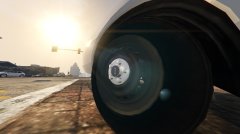
Wheel for the impala I'm working on. Scratch made by me, minus the tire which is a GTA default -
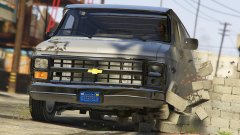 Lundy, are you making a old Chevy Express by chance?
 -
Oh wow has it been a year already, man do I feel old.
-
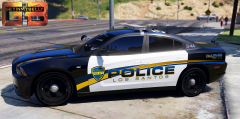 I read it as Tom here (not Torn here) when I saw the name. But I would maybe and All white with black roof numbers?
 -
 Needs a nice big Red/blue colored glass light bar on top of it.
 -
A far as I know Zmodler is the only 3d program to support the GTA file type. So trying to use an alternative wouldn't work well because you would have to use Zmod at some point to be able to export it as the GTA V file type. Edit: I believe the program R* used might also work but I have no idea what this is
-
Download page is working for me, There is also a mirror on GTA-5mods.com https://www.gta5-mods.com/tools/openiv try it
-
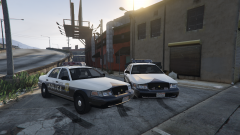
From the album: 0taku media
an really deiced on weather to make it red or make it blue, because the Real life on is only sold in one color aside from a Red/yellow mix model. The Red on is more realistic and works better with the skin, and IMO looks a bit better. The Blue on the other hand is more common to see being used on police cars instead of an all red (color wise, NOT lightbar wise) Here is a .gif for a rough Idea of how it looks sorry for bad Gif, capcher software is crap -
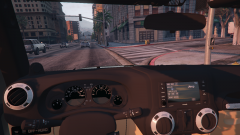
From the album: 0taku media
Back into working on the Wangler and heres the Interior so far. I have re-made to radio and I plan to try and make it so the dash lights up at night (much like what I did with my Express). There are also a few small things I have to fix with the radio, But what do you guys think so far? -
What I mean by mesh is basically the 'shape'
-
Model wise It's has to do with a lot of things like: -how the mesh is shaped (i.e curved/flat/line of circals) -what the Emishive setting for the mesh is -How big the mesh is -The texuer the mesh uses - weather the colour glass or clear glass -How transparent the Glass is -Corona's can also play a factor, however some models don't have them I know this might not really 'help fix' but it can 'help' explain as to why it is happening from my understanding
-
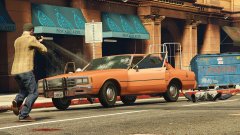 Is that my pushbar? Also very nice shot, R* editor or ingame camera.
 -
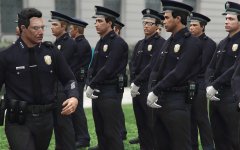 Oh, I see a pair of glasses in there. Are we get some good glasses now instead of the 'sunglasses' glasses?
 -
I believe that same code i.e. ' -scOfflineOnly.' also works those that have the retail copy. just make a commandline.txt file in the main GTA V folder and past it in their.
-
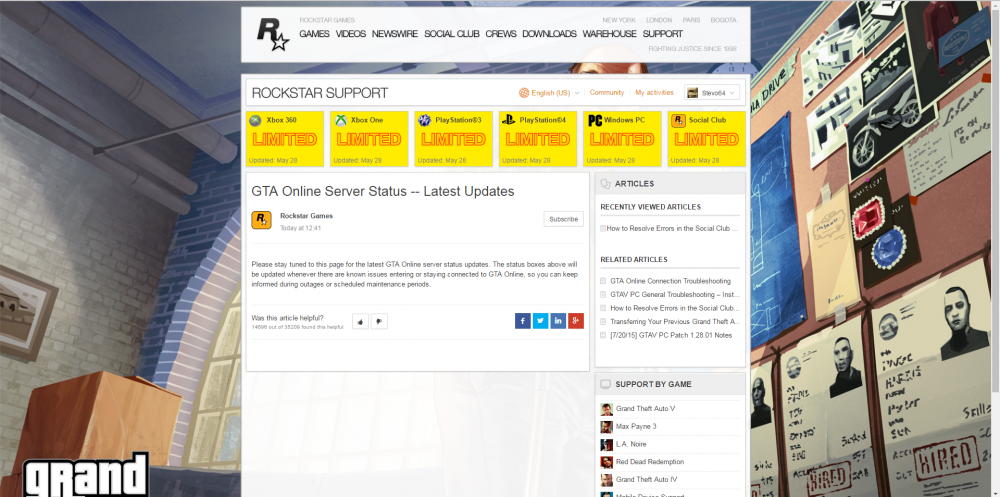
All Their severs are having issues, not just the social club
-
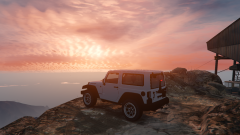 WHITE!
 -
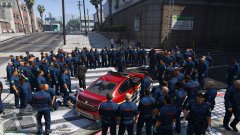 Ooh god, its the newest gang of LS It's the Ambo's (No offence is intended to EMS workers).
 -
If I can get them to work Jeep wheels to work then I'll Change them. But currently I'm use R* wheels for testing
-
Yes, and though use Livery's I'm going to try and make it so you can change it between the Hardtop (that blackish/gray roof) and a color top because they look 99% the same and it will save on polys, and prevent overlap spawning
-
From the album: 0taku media
Feeling something..... -------------------------------------------- I'm working on a jeep to replace the Mesa. Currently it works well. I plan to make have lots of extra's such as spawn-able roof (can be changed between a colortop or a hard top via the skin) open spare wheel (if poly-count is not to high) covered Spare wheel Side Steps And Spawn-able doors (If I can get the to work) --------------------- I have also changed the radio to the 6.5" touch screen one and I plan to change it from a Manual (stick) to a Auto [this will be for Eye,candy only]



