GreenAid
Members
-
Joined
-
Last visited
Everything posted by GreenAid
-
-
-
Consider grabbing a vanilla tyre off of a truck or something, should look better save some work.
-
Select the parts in Polygon mode, then Right click > UV Mapping, and select "force material" choosing the chrome material the grille uses.
-
 Chrome needs some toning down but I guess I look forward to it too
 -
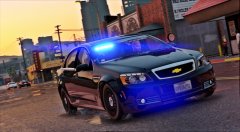 Hmm well... If you wanted you could import a "blank" plate (with no numbers) as plate05 (the number of the exempt plate iirc)in the car.ytd to have the background right. Then I think there's a script that lets you set how you want your plates to look. I found it: https://www.gta5-mods.com/scripts/license-plate-changer
 -
Why would you want a static plate over dynamic ones?
-
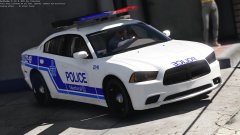 Why does the ReShade text not go away on your end?
 -
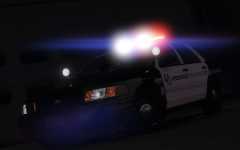 That's good then, the extra effort doesn't go unappreciated :)
 -
Is that a serious question or just random title?
-
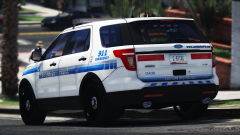 That's nice.
 -
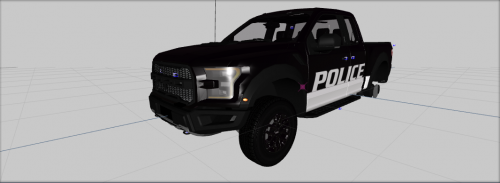 Define "few" cause I see none. It's a DEV model........
 -
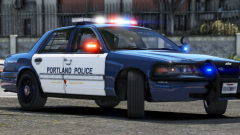 Dat AO is a bit overkill ye?
 -
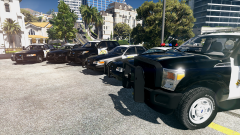 7-Zip > open as archive > browse to the models > extract them > go along by your way :)
 -
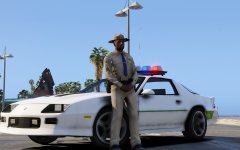 If it's unlocked he's probably fine with it.
 -
1 more suggestion, how about putting the decals into a spoiler so the topic isn't a mile long? xD It makes browsing easier :p
-
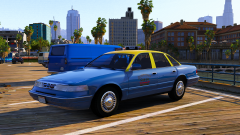 Ok then :)
 -
My 2 cents: yellow less bright, same for blue, to match the the ingame colours (if you can't just do the model with the proper paint, but I guess you only do textures right?)
-
That's some impressive work pal :) Just a little thing I noticed on the last set, from Louisiana: "Dial *SASP should be 7177 rather than 577 since that's the number you'd dial for it? :) Keep up the good work.
-
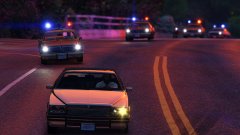 Are those coronas released?? :o Either way that's hot.
 -
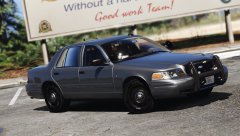 Glad to see people that actually care to improve their model after feedback ;)
 -
-
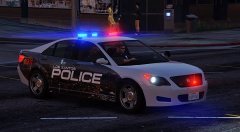 Well damn I'd love if this were up for DL one day :D
 -
Wao I really dig those wheels, you made em?
-
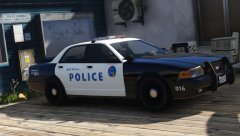 DelL Perro?