


The Loot
Members
-
Joined
-
Last visited
Everything posted by The Loot
-
 Sure, I could check it out. What's the extra "D", by the way?
 -
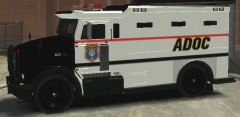
From the album: Newest Fleet
Model: Livery: -
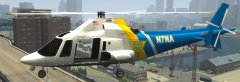
From the album: Newest Fleet
Model: Livery: Modified -
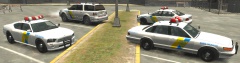
From the album: Newest Fleet
Models: Merit Police Patrol by Lt. Caine; Liveries: -
-
You also have to add "+livery" to the vehicle.ide line for that model, if you didn't.
-
Well, since it appears it could have been a huge error in judgement, who do we punish? The officer(s) who did not make clear they were deploying less-than-lethal or the officers who mistook it for lethal force being appropriate, and trusting the judgment of fellow officers, did the same? Do we ruin careers over something that could be a completely non-malicious error?
-
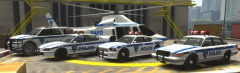
From the album: Newest Fleet
Models: Merit Police Patrol by Lt. Caine; Liveries: -
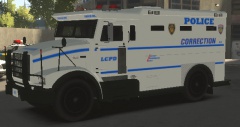
From the album: Newest Fleet
Model: Livery: Stockade ESU combined with -
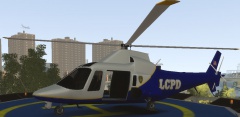
From the album: Newest Fleet
Model: -
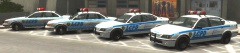
From the album: Newest Fleet
Models: Merit Police Patrol by Lt. Caine Liveries: -
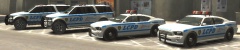
From the album: Newest Fleet
Models: Liveries: -
Script error happened. I accepted a call but got distracted by a reckless driver, and after a short while, the script crashed. 2013-12-20 03:31:44 - Error during Tick in script 'vpCallouts.main': System.NullReferenceException: Object reference not set to an instance of an object. at vpCallouts.main.mainTick(Object sender, EventArgs e) at GTA.Script.TryTick() at GTA.Script.DoTick() at GTA.ScriptThread.OnTick()
-
Satire and parody are protected speech in this country, Miss Lohan. If you'd like to move to a country where that isn't the case, be our guest.
-
-
-
Still counts as an update! We'll take whatever glorious leader gives.
-
Half-life 3 Confirmed
-
You are not wrong, somewhat, on the fact that there is a limit other than the usual eight on it; I am missing the two rear window lights it should have, but I still have the other six. It may also explain why the rear lights on the roof are switched in color compared to the lightbar model when I've seen it fine in screenshots. So, yes. The PoliceB does have some limitations when it comes to lights. Since my extra slots are just NOoSE-only vehicles I have spawn occasionally with TrafficSpawn, I've never paid attention before, so not something I'll rush to find a different way to handle.
-
-
Not true. I use Ekalb's Buffalo Interceptor in that slot and it has six lights. There are differences in the coronas for models, I noticed, so thanks for pointing that out.
-
Good advice, because at least you aren't from Florida.
-
Can someone give an exact timestamp of these "bullet impacts" on the car, because I cannot see them in the video I'm watching. Also, at no time does he "put his hands out of the window" or make any indication that he's surrendering. I don't know what the purpose of arguing these falsehoods is. You know, I think this is the only response I'm going to give to police critics anymore: "The only way to deal with these people is to give them a badge and a gun, and see how long it takes for them to either do the same thing they criticize, or die."
-
Origins of "Santa Claus" and other related figures are all northern European, so he's not wrong about that. That's about the only thing correct about his side of this, of course.
-
You can edit car damage in the handling file.


