



EvilJackCarver
Members
-
Joined
-
Last visited
Everything posted by EvilJackCarver
-
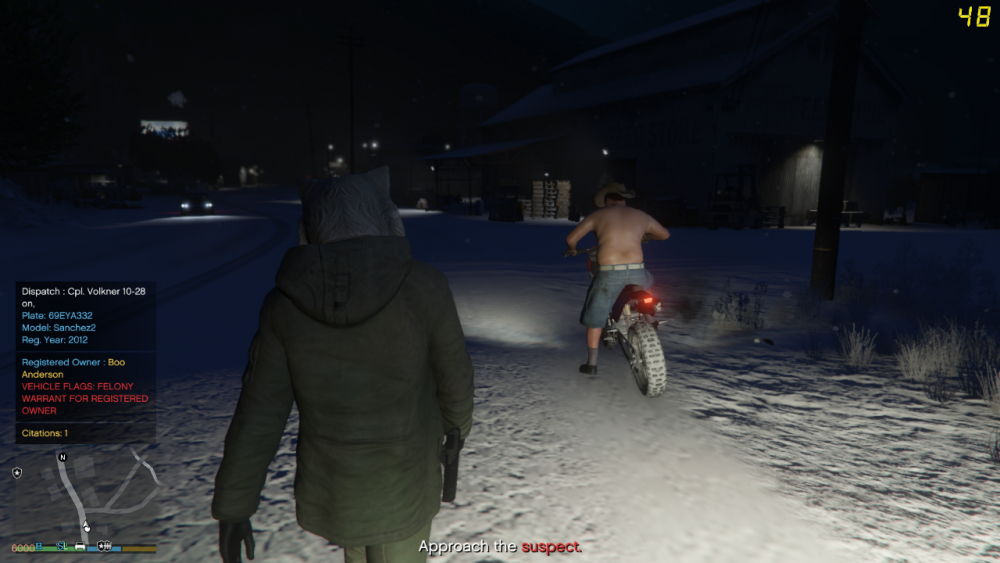
Odd, I recall it adding it to the vehicles as well, using the dirtmapping. I'll see if I can dig up some screenshots backing up that claim though. Edit: Dated 2016-03-13 23:56, note rear tyre of Sanchez:
-
Last I checked, "Enable/Disable Snow" did exactly that.
-
.png.0e645cdfe5445f7d27881771407a2dde.png) Just a heads up, alt-prtsc captures the active window.
Just a heads up, alt-prtsc captures the active window. -
 Ahhhhh, gotcha. Wasn't sure, haha.
 -
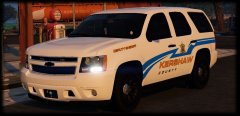
I think you might have the turn indicator and the running light mixed up.
-
Unless those macro keys are bound to a single keystroke (i.e. F8 or Scroll Lock, but not Shift+F8 or Ctrl+Scroll Lock), the chance of it being recognisable as a valid key is slim to none.
-
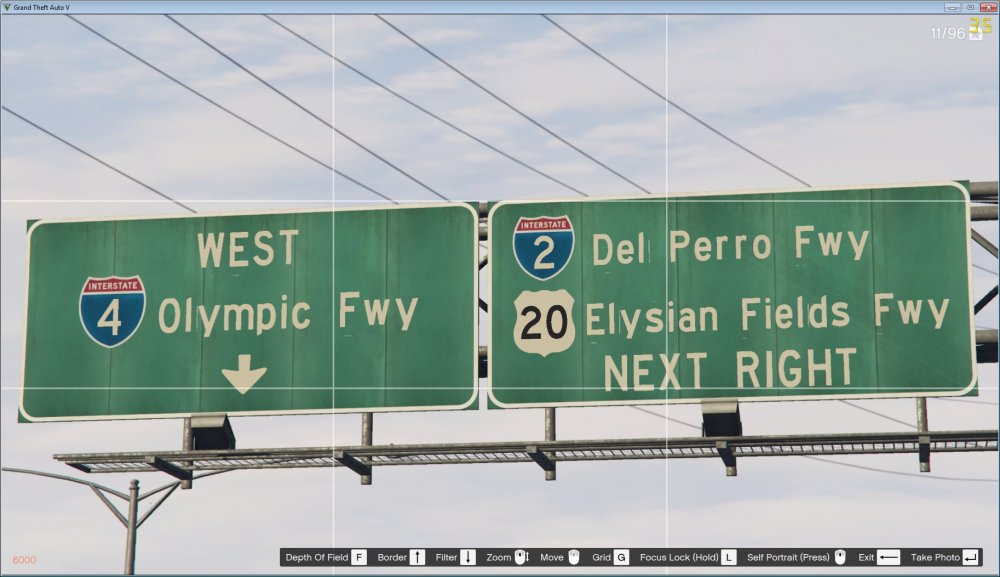
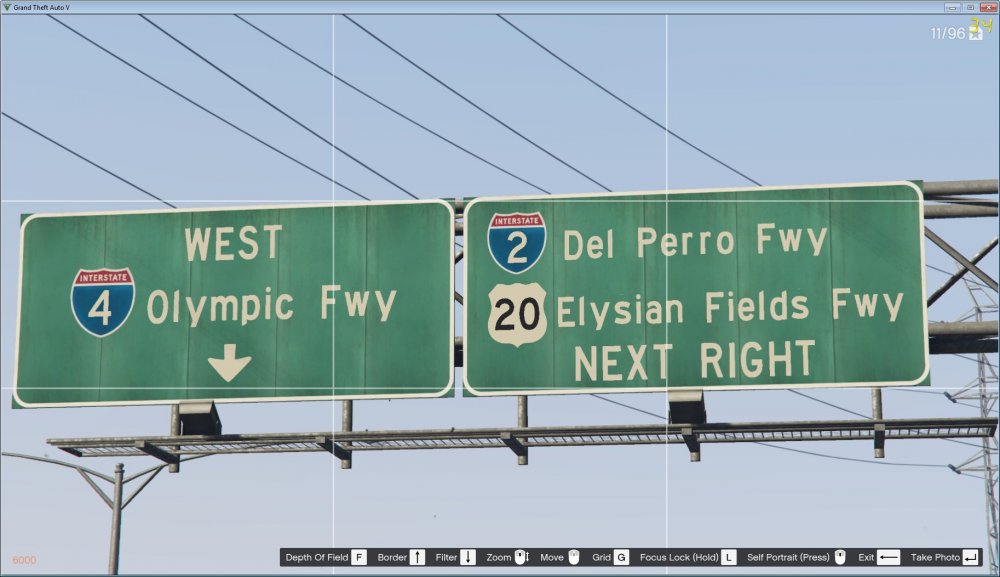
I'll get started shortly, it shouldn't take too long. The file itself probably won't be gradiented. Edit: It's mostly done, just need to re-position a few letters - some of them are clipping the adjacent box. Note the vertical line by the end of the lowercase L - that's the start of the lowercase M. Please also note the descender on the p, q, g and y have been altered to prevent them clipping the box below. Edit 2: I've got it mostly where I want it, I'll have to install it to all the signs downtown and do a proper check on them but I think this is about as fixed as the clipping issue is going to get. I'm gonna take a break for now, and come back to this later.
-
x64i.rpf/levels/gta5/_citye/downtown_01/fwy_01.rpf/fwy_01_signs_01.ytd x64i.rpf/levels/gta5/_citye/downtown_01/fwy_02.rpf/fwy_02_signs.ytd x64i.rpf/levels/gta5/_citye/downtown_01/fwy_03.rpf/fwy_03_signs_01.ytd x64i.rpf/levels/gta5/_citye/downtown_01/fwy_04.rpf/fwy_04_signs.ytd x64n.rpf/levels/gta5/_hills/cityhills_01/ch1_roadsb.rpf/ch1_roadsb_sgn.ytd x64n.rpf/levels/gta5/_hills/cityhills_01/ch1_roadsc.rpf/ch1_roadsc_rd.ytd x64n.rpf/levels/gta5/_hills/cityhills_01/ch1_roadsd.rpf/ch1_roadsd_sgn.ytd x64p.rpf/levels/gta5/_hills/cityhills_03/ch3_rd1.rpf/ch3_rd1_signs.ytd x64q.rpf/levels/gta5/_hills/country_01/cs1_roads.rpf/cs1_roads_signs.ytd x64q.rpf/levels/gta5/_hills/country_01/cs1_roadsa.rpf/cs1_roadsa.ytd x64r.rpf/levels/gta5/_hills/country_02/cs2_roads.rpf/cs2_roads_signs.ytd x64r.rpf/levels/gta5/_hills/country_02/cs2_roadsa.rpf/cs2_roadsa_signs.ytd x64r.rpf/levels/gta5/_hills/country_02/cs2_roadsb.rpf/cs2_roadsb_roadsigns.ytd x64t.rpf/levels/gta5/_hills/country_04/cs4_roads.rpf/cs4_roads_sgn.ytd x64t.rpf/levels/gta5/_hills/country_04/cs4_roadsb.rpf/cs4_roadsb_signs.ytd x64t.rpf/levels/gta5/_hills/country_05/cs5_roads.rpf/cs5_roads_hd.ytd x64u.rpf/levels/gta5/_hills/country_06/cs6_roads.rpf/cs6_roads.ytd Those were all the YTDs that I found a roadsign font texture in.
-
Yeah it's pretty accurate to Highway Gothic - the tops of the lowercase L, T, B, and D are chiselled like that, though the numbers are ever-so-slightly off: The reason I mentioned the font redo project is this: I've already gone through the files and searched for every road sign I could find in all of San Andreas, and I was offering to send you the list.

-
Quick question: Are you going with the Rockstar method of redoing the signs (modelling each letter individually and going with a shared font texture), or are the text overlays separate textures for each sign? Also, if you'd like, I already went through the files when I made the freeway sign font replacement project, I can try and dig up the paths to most - if not all - the freeway signs.
-
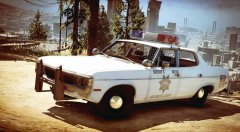 Oh, HELLO, gorgeous!
 -
That a Twinsonic?
-
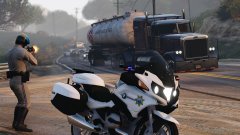 Alright, I'll look for it after work - cheers!
 -
Would oyu happen to have a link to that model?
-
It's an option in the ELS.ini file. (Refer to ELS Manual, page 21.)
-
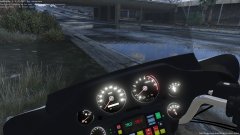 Gorgeous bike, my late grandfather had one. He'd ride it everywhere when the weather permitted.
 -
Electra-Glide?
-
Have you tried reading the documentation?
-
It already exists - it's known as "zmodeler".
-
Didn't you top Sam's old high score?
-
Holy crap, was it really released on the 20th? (Edit: Looking at the forum post, it was indeed posted on 20.June at about 01:30 Z... so HAPPY BIRTHDAY, LSPDFR! /edit) Double holy crap, I now know two people I share a birthday with.
-
In a perfect world, maybe. Alas, this world is far from perfect. Edit: Alright, since this is vague, let me explain what I mean. As someone with no coding experience, the documentation is a lot to take in at once. Really, it's usually easier on the developer's part to put in a readme file with a step-by-step on how to install than it is to throw together the .OIV file.
-
Since that'd technically be sharing vanilla game files, I'm not sure if that'd be allowed. If modstaff say it is, though, I don't mind sharing.
-
Yeah, Christmas trees are pretty nice. It's a shame I personally haven't found many. Also, er... I actually kinda like siderunners... *cough*
-
I am not a developer of ELS nor am I affiliated with the project in any way, so I cannot answer that.



.png.0e645cdfe5445f7d27881771407a2dde.png)


