



EvilJackCarver
Members
-
Joined
-
Last visited
Everything posted by EvilJackCarver
-
 What's the lightbar, if you don't mind me asking?
 -
 D-Rot?
 -
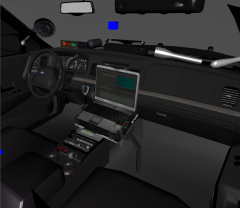 Hi, 3D interior-- Oh god stop dancing I'm sorry what did I do I'm gonna get in so much trouble please stop dancing
 -
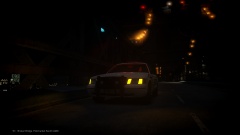 Awful dangerous place to set one up, hey?
 -
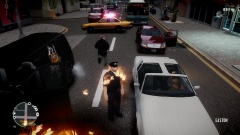 Damnit, Bill! (Context: I was conducting an arrest and this happened (my partner was the one to throw the Molotov. Bill's the nickname I give to the officer that's my partner.)
 -
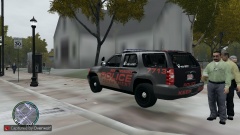 Sorry, mate. She (and I, by extension) are taken.
 -
My gal.
-
Unfortunately I have not received permission to release them, and she hasn't publically released them either.
-
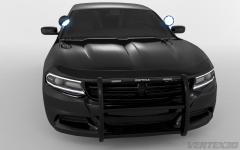 Car: 1/5 Render: 5/5 It's a beautifully done render... I just wish the new Charger wasn't like a Taurus and a Dart had freaky sex.
 -
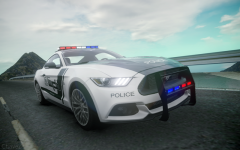 I still can't get over how much that grille looks like it got yoinked off a DB5 and had a Ford logo slapped on.
 -
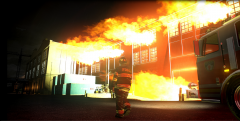 Got a link to the model of the fire engine at timecode 05:01? Edit: Found her.
 -
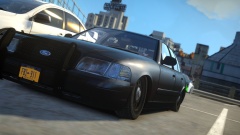 The low-rid-duh is a little higher.
 -
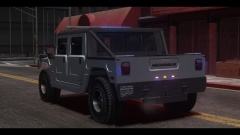 How'd you get through to Cristinel? I sent them an email about 5 or 6 months ago and never got a reply.
 -
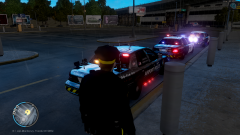 I'm sure if we pester Bugz enough about it, he might fix it. Though I may or may not know a person who may or may not be making a CVPI with a fixed Edge. (I honestly don't know if they're making one, there was talk about it a while ago but I've heard nothing on the subject since a good while ago)
 -
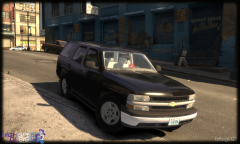 I dunno, the distance between the C and D pillars is awful short for a Suburban.
 -
Ah, right, that one. If only the ambers were mapped correctly on it...
-
Is... Is that a Whelen Edge I spy?
-
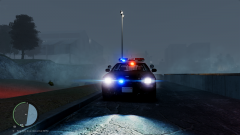 ELS-H or DROT?
 -
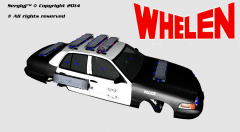 Someone should model that.
 -
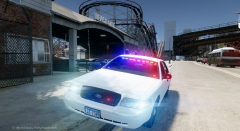 Now all you need is a vanity plate that says NOT ACOP and you'll be set, haha
 -
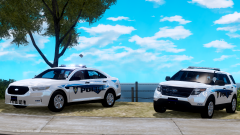 By white stuff I hope you mean the paint of the car, because tears will RUIN a paintjob
 -
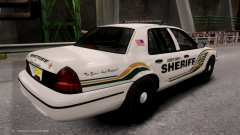 I'm honestly indifferent when it comes to TAs. The reason I'm asking is I've seen it mapped where extra_1 lights up half the lightbar red, extra_2 lights up the other half red, extra_3 lights up the first half blue, extra_4 lights up the other half blue, and to be honest I don't really like that, it drives me nuts.
 -
How're you thinking of mapping her?
-
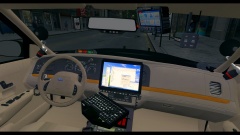 The OnStar FMV mirror differs from that, the one you have on there now is the ones that they install at the factory. I can get you a few photos of what it should look like if you want, I've got one in my car.
 -
![[WIP] - Whelen Edge 9000 Strobe CVPI w/ Equipment](//s3-gallery.int-cdn.lcpdfrusercontent.com/gallery/album_2838/sml_gallery_120090_2838_785466.png) The noises that just left my mouth would not be described as human.
The noises that just left my mouth would not be described as human.

![[WIP] - Whelen Edge 9000 Strobe CVPI w/ Equipment](http://s3-gallery.int-cdn.lcpdfrusercontent.com/gallery/album_2838/sml_gallery_120090_2838_785466.png)