



CODEX12
Members
-
Joined
-
Last visited
Everything posted by CODEX12
-
 :) bugs did you map the els yet for it.
 -
THNKS YOU A GOD. Bxbugs123 i got the model THNKS
-
I CAN BETA FOR YOU.
-
Nice work bugs have you already mapped this into ELS?
-
go with R9 280x my brother as the same card runs nearly on highest settings on gta v smooth apart from MSAA (off) but you still can run it on x8 AVG of 50fps or less but when the game first came out for PC r9 280 used to run maxed out with very nice frames sadly issues come out and makes the game unplayable for alot of gaming video cards so yeah go with R9 280x price seems to be dropped the last time i looked it up lol. still i might be wrong all computers do not run the same depending on the CPU GPU motherboard & ram.
-
I did a order mistake ones, and i for some reason ending up getting the GTX 760 PNY or some crap anyways i tested it with GTA V and for the price rage of it is not good if you looking to buy go for AMD 390 or GTX 980. then again you won't see much improvements on a R9 280x
-
 Is he still alive?
 -
That's what i always do because it seems to be slow loading when running ragehook first enjoy anyways.
-
Load the game first then Alt + Tab and load ragehook
-
 So if siren had to same names in zmodeler3 can you still use them by editing the dat?
 -
ill save for the TI
-
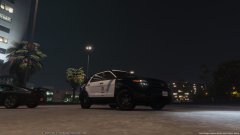 Only kidding buddy yea i mean he would have fixed it by now and all of the other bugs. Alex not sure if you was thinking about it yet but are you leaving it unlocked so people can do edit's i know it sounds like a bad idea because they are people who take models and editing up removing the credits and so on.. however, i would like to see how far this model goes when others are adding more stuff to it skins lighting it would be pretty good.
 -
i didn't make the comment for people to be so serious about it lol.
-
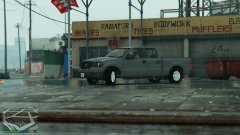 thanks for pointing that out.
 -
I can see that looks amazing.
-
© TriggerHD Modification.
-
You can see that the headlights needs fixing unless it's just my eyes
-
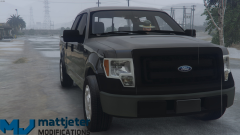 harassment? i have taken 2 screenshots last week of the same model i converted yes F-150 and i didn't get a single harassment message but overall am not being a but hurt am just saying it's better because if you don't people will only post crap saying you stolen this model with incorrect credits. to myself it is fishy including the other models you have posted as well if you not releasing it then i don't see a issue.
 -
Nice job man
-
Check and see if you have Chassis [COL] i had the issue before until i found out my Chassis COL was not working correctly. i take it this only happens when the model takes impact. doors boot & bonnet should be set as Flag E by default. and wheel_lf should be set to AE same with the chassis.
-
Don't be saying sorry man take your time give yourself a break or else it will drive you mad :) amazing job so far
-
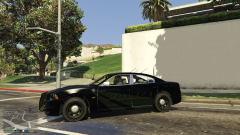 i would change the wheels the stock ones from the game are crap. overall amazing job.
 -
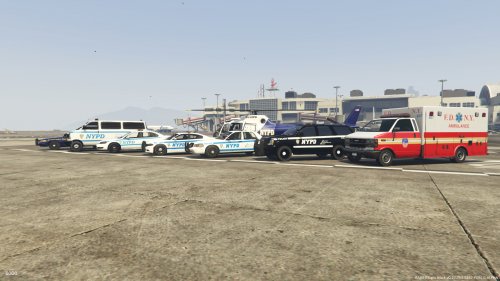 amazing good job.
 -
I don't think LSPDFR will ever support MP unless they is a custom MP program with no player database.
-
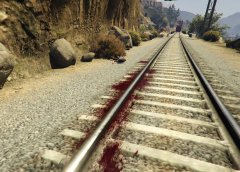 Is she still alive?


