
CODEX12
Members
-
Joined
-
Last visited
Everything posted by CODEX12
-
 can you inbox me that Native Trainer because am not sure which one it is.
 -
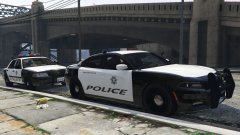 that CVPI looks awsome
 -
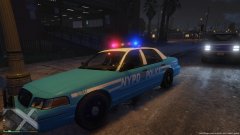 but i do love the old NYPD skin
 -
It will be because tons of other people downloading it at same time.
-
Why you using ragehook if you trying to install the new update?
-
-
Script hook needs to be updated with the new patch give it a few days and it be out.
-
-
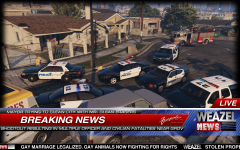 That's a nice set of vehicles did you texture them?
 -
It dose work on multiplayer but i had a issue ones with stopping vehicles over they would not respond. That bug will only happen if you using a cracked copy with a keygen of GTA IV
-
I would go for a better card this will hardly get 40 fps on medium so really you buying a card that's low end.
-
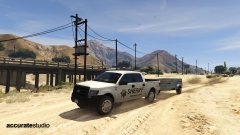 i was messing around it dose look amazing the wheels fit perfectly.
 -
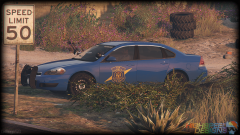 ELS???? were
 -
looks really ugly.
-
-
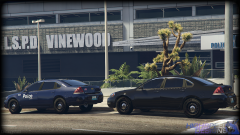 It is for GTA V looks really nice bugs take screenshot from interior please
 -
I was planning on working on one but going to need prems.
-
This looks amazing will you be releasing?
-
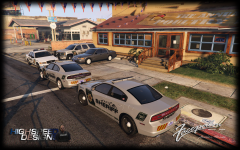 charger looks badass
 -
-
-
I had the same with my 980 ti graphics card ones i installed it i was getting slow HDD etc, and i was using a 500wat power supply back then so upgrading to that EVGA will be a perfect fit for you. good luck also i think that PSU as eco mode
-
PSU for sure get a 750wat or if you plan upgrading more get something around 800wats to 900 if you going to upgrade higher
-
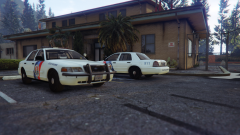 Would have changed the lightbar to a better one sadly the model is locked.
 -
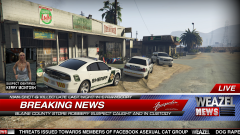 What model is that chager and CVPI?