
CODEX12
Members
-
Joined
-
Last visited
Everything posted by CODEX12
-
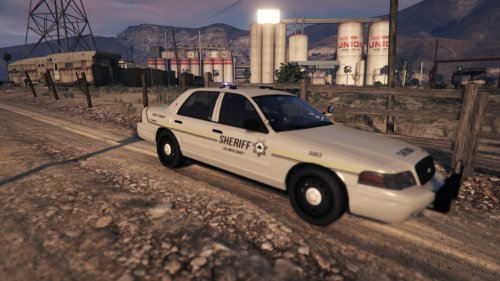 Today i bring you a new Los Santos Sheriff Skin for the CVPI i created this myself taken me abit so i wanted to release this. -You may not upload this skin on anyother site only @ www.lcpdfr.com -You may not edit the skin without my permission. The model will not be included in this download as i do not have permission to reupload. download it from here http://www.lcpdfr.com/files/file/8926-ford-cvpi-sheriff/
 -
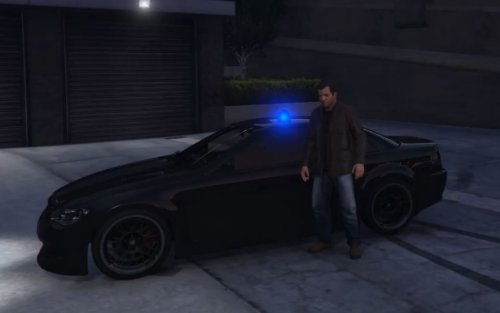 1 star because it's only 1 light dose not include template
 -
it's the halloween update it's taken the pee to update
-
Is they a update released or something i got one just now waiting 32min for it to update the game
-
-
I didn't change anything this happend when my net got cut off and went bugged out and am installing it now to see if it detects it it's saying creating local game cache files... Discovering existhing files for GTA V
-
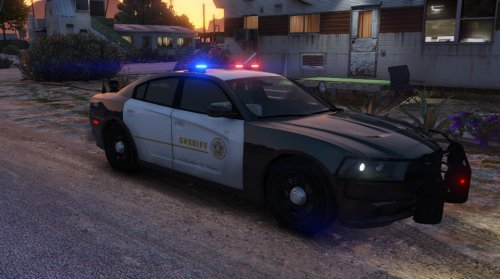 nice you should release a dev model for people. also add the arjent don't understand why you using a code3 def on a LSSD car
- 15 comments
- 4 reviews
-
I have a steam copy of Grand theft auto V and the other day it was working perfectly fine until i got this bug i have the game installed but whenever i open steam it saying i need to install for some reason here are the screenshots below. Looking at my steam were the games are you can see that it's asking me to install when i already have it installed. Game location were it is installed. If anyone has had this issue before please comment because i don't no what's going off here yet i can just reinstall the game itself but the net is way to slow.
-
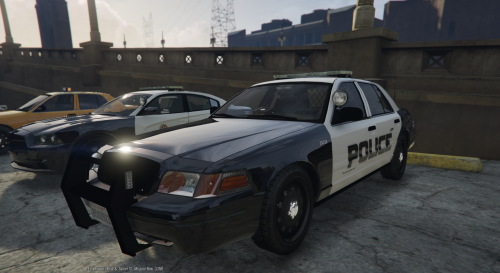 all you done was put a lightbar on and done a simple as skin and you didn't even convert this model at all it's from the unmarked lapd. ripped parts and incorrect credits.
- 29 comments
- 12 reviews
-
I would just get a I7 is you ever to plan on upgrading to a high end. or you can always go with I5's processor but then you going to need a new mainboard.
-
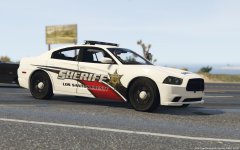 were did you get the model from? EDIT: never mind it was the one released the skin looks good
 -
-
I had the same issue with the same processor until i sent it back & got myself a intel I7 but you can get a I5 which will run perfectly fine for you.
-
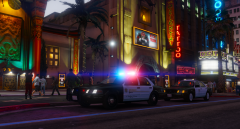 yep :)
 -
Because it needs more lighting.
-
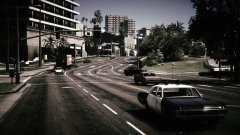 You and the old models. good sceenshot
 -
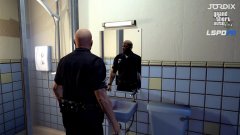 What ya looking at
 -
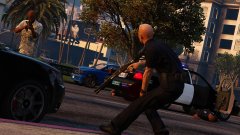 Protect & DIE
 -
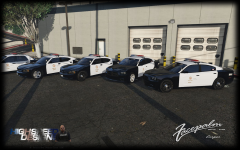 Very indeed good work i see you guys put a shit ton of effects on them models i never liked the black color in gta v but for some reason this photo looks nice.
 -
or you can simply lower in game settings. i don't see the point of this.
-
.png.aa22228a3f4ef95895acb04c76550a04.png) nice job man
nice job man -
-
-
 Nice work as always mate.
 -
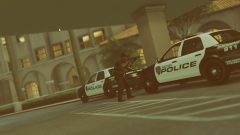 Dope!
Dope!



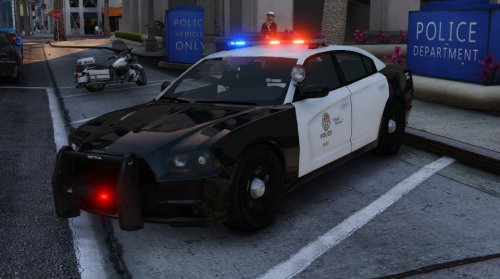
.png.aa22228a3f4ef95895acb04c76550a04.png)