


Operation - Ashahara
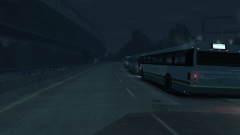
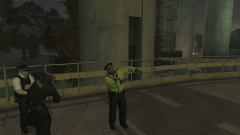
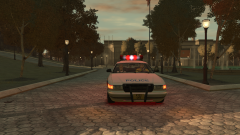
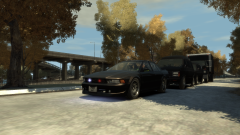
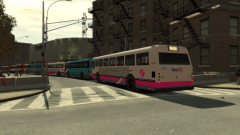
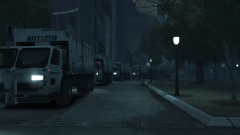
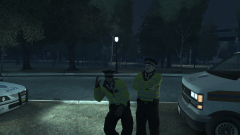
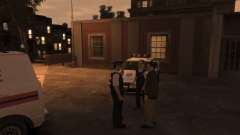
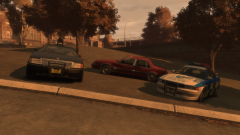
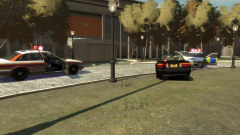
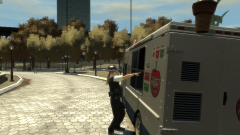
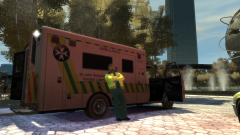
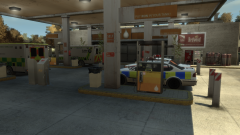
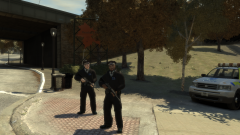
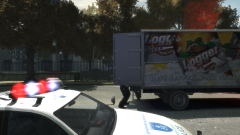
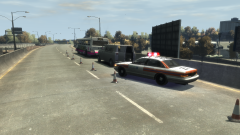
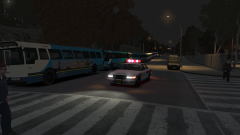
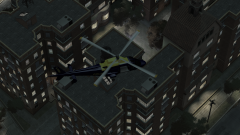
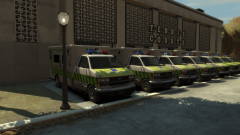
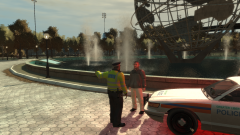
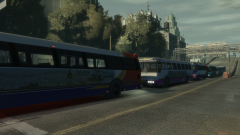
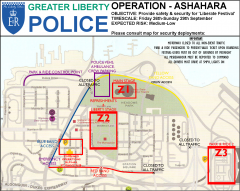
On the last weekend of September 2008, Greater Liberty was treated to a once-in-a-lifetime experience - 'Liberate Festival', a major music festival to be held in Meadows Park, featuring headlining acts such as Coldplay, Kings of Leon, Rhianna, among others.
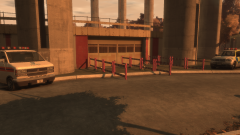
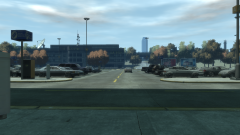
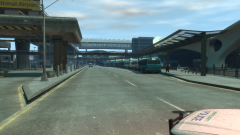
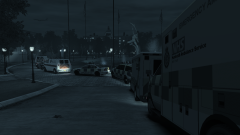
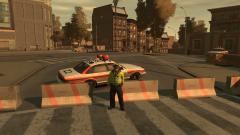
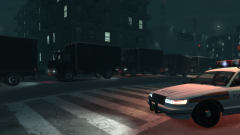
This required a major security and safety operation to ensure the event ran smoothly, in light of the somewhat-present terror threat. And so, Operation Ashahara was born, planned and organised throughout the summer of 2008. Involving the Greater Liberty Police, the Humboldt Ambulance Service, the Greater Liberty Fire Service, and St. John's Ambulance, this proved to be the biggest emergency service operation the city had faced since the 90s came to a close.
(Now the small print. You're going to have to imagine some things, such as crowds and stages and special effects and all, because, well, GTA IV isn't really built for huge scenarios such as this. There may be image edits within the boundaries of the site guidelines to further attempt to create a feeling of realism. And for the mods, the map is what I will hope to emulate. Please excuse it, if you may)

30 images
-
By Hullian111
-
By Hullian111
-
By Hullian111
-
By Hullian111
-
By Hullian111
-
By Hullian111
-
By Hullian111
-
By Hullian111
-
By Hullian111
-
By Hullian111
-
By Hullian111
-
By Hullian111
-
By Hullian111
-
By Hullian111 · 2 comments
-
By Hullian111
-
By Hullian111 · 1 comment
-
By Hullian111 · 1 comment
-
By Hullian111
-
By Hullian111
-
By Hullian111
-
By Hullian111
-
By Hullian111
-
By Hullian111
-
By Hullian111
-
By Hullian111
-
By Hullian111
-
By Hullian111
-
By Hullian111
-
By Hullian111
-
By Hullian111

Recently Browsing 0
- No registered users viewing this page.
0 Album Comments
There are no comments to display.
Join the conversation
You can post now and register later. If you have an account, sign in now to post with your account.