



Shut It Down!

By Hullian111
- 497 views
- View Hullian111's images
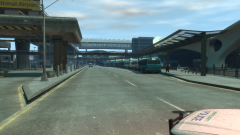
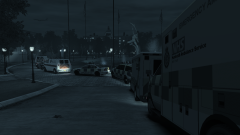
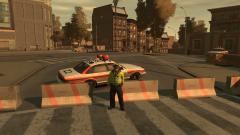
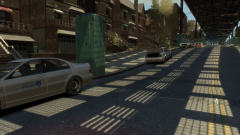
And once everyone was accounted for, the roads that did not fall under access points were closed off. It all began to take shape now - security points were beginning to pop up, checkpoints were being sorted out, and barriers were being erected. The Meadows Park area had effectively shut down.
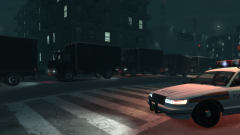
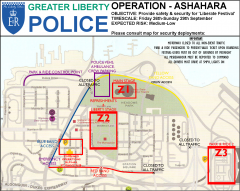
By now, the GLP were marking out their own cruisers to signify where they would be assigned. The three zones were put on as vinyls onto each car that was going to go work in the festival grounds, and each vehicle had their own little jurisdiction - Z1 took the north side, Z2 took the south side, while Z3 took the airport.
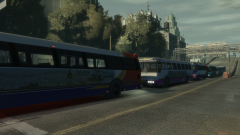
Soon, the buses would be arriving. And soon, the people would be, too.
(BTW, this is the first time I have used object spawning with the Simple Native Trainer. Tips on how to easily spawn and move objects would be greatly appreciated)
Recommended Comments
Join the conversation
You can post now and register later. If you have an account, sign in now to post with your account.