

Skip to content
View in the app

A better way to browse. Learn more.

LCPDFR.com

A full-screen app on your home screen with push notifications, badges and more.

To install this app on iOS and iPadOS
  1. Tap the Share icon in Safari
  2. Scroll the menu and tap Add to Home Screen.
  3. Tap Add in the top-right corner.
To install this app on Android
  1. Tap the 3-dot menu (⋮) in the top-right corner of the browser.
  2. Tap Add to Home screen or Install app.
  3. Confirm by tapping Install.

Preparing for the Headliners

(yes, it's been intermittent, I can't do this all in one day)

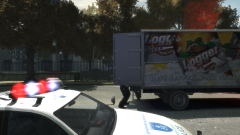
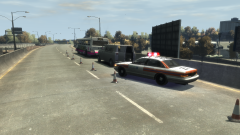
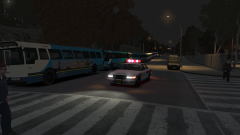
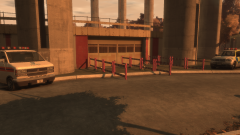
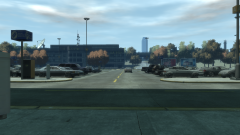
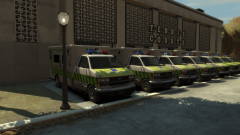
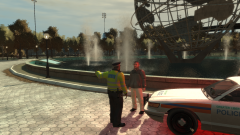
Its Friday evening, and within a few hours, the first headliners will come on the main stage of the Liberate Festival - the surprise-announcement of 30 Seconds to Mars. The final checks were taking place to ensure flow into the stands would be smooth, and to ensure that nothing suspicious was left behind half an hour before the crowds flooded in for nearly an hour's worth of music.

Copyright

© Hullian111
  • From the album:

    Operation - Ashahara

    · 30 images

    Account

    Navigation

    Search

    Search

    Configure browser push notifications

    Chrome (Android)
    1. Tap the lock icon next to the address bar.
    2. Tap Permissions → Notifications.
    3. Adjust your preference.
    Chrome (Desktop)
    1. Click the padlock icon in the address bar.
    2. Select Site settings.
    3. Find Notifications and adjust your preference.