



By Hullian111
- 383 views
- View Hullian111's images
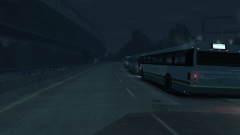
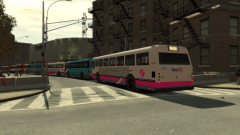
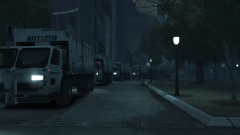
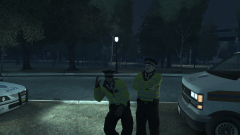
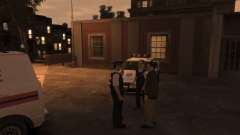
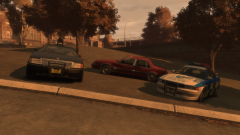
And after three nights of revelry, security headaches, and some rather-good music, the buses, some due to return to their depots after they dropped off, drove out to their pick-up points for the last time, filled to the brim with tired, but excited festivalgoers finally on their way home. It had been a long three days for the Liberty City Council and the emergency services, but in all, it had been a great success. And after three days, it was time to pack up, go home, and return to normalcy.
And now to close out this gallery series. In the end, it proved to be unique, but also rather taxing and tricky to think about in terms of ideas, and eventually, I found it not to be as enjoyable as I thought it was going to be. Normal services will resume in this gallery:
Recommended Comments
Join the conversation
You can post now and register later. If you have an account, sign in now to post with your account.